


How to Listen to Books at Bedtime
How to listen to books at bedtime: set a sleep timer, keep the screen off, pick a calm book and a soft voice, and never lose your place when you drift off.
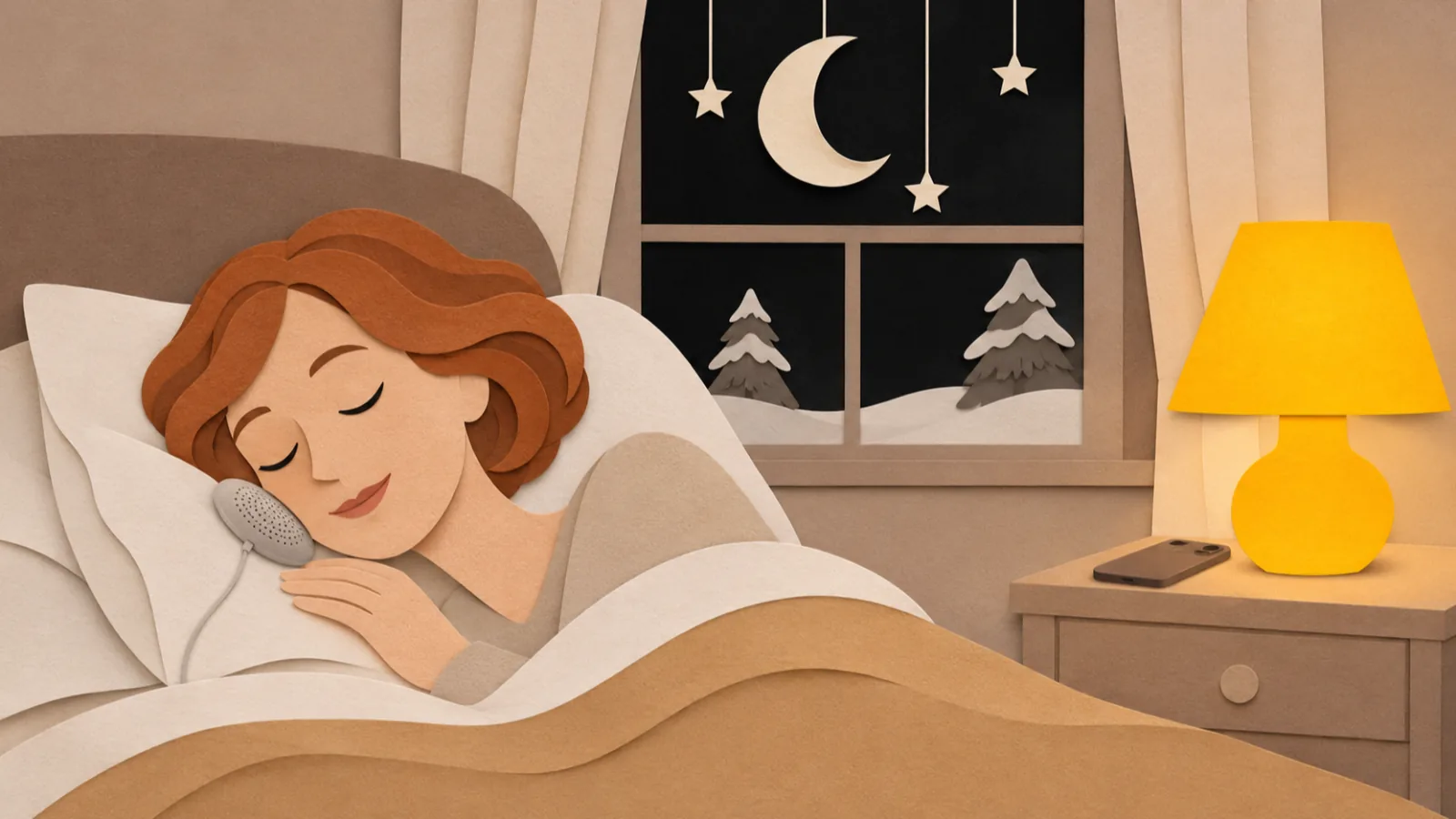
To listen to books at bedtime, start the book before lights out, set a sleep timer (on iPhone, Clock > Timer > When Timer Ends > Stop Playing), lock the screen and put the phone face down. Choose a calm or familiar book, a slower speed and low volume, so the book winds you down instead of keeping you up.
Set a sleep timer every night. iPhone's Clock app can stop any audio app; audiobook apps such as Libby and Audible have their own timers.
Keep the screen off. Start the book, lock the phone and put it face down, so you get the story without the bright screen.
Pick calm, familiar or gently paced books. A thriller with a cliffhanger every chapter works against sleep.
Turn the volume down and the speed slightly lower than daytime listening, and use a comfortable pillow speaker or sleep headphones.
If you regularly can't sleep, talk to a healthcare provider. Bedtime listening is a wind-down habit, not a fix for a sleep problem.
Here's how to listen to books at bedtime so the book winds you down instead of keeping you up: start it before lights out, set a sleep timer, lock the screen and put the phone face down. Then choose a calm book, a slightly slower speed and a low volume. The steps below cover iPhone and Android, where to get bedtime books, and fixes for losing your place.
How to listen to books at bedtime on iPhone
The iPhone's Clock app can stop any audio app when a timer runs out, so it works with every audiobook and read-aloud app.
- Open your book in your audiobook or reading app and start playing it.
- Open the Clock app and tap Timer.
- Set the length, such as 30 minutes.
- Tap When Timer Ends, scroll to the bottom and choose Stop Playing, then tap Set. Apple's guide covers the same steps.
- Tap Start.
- Turn on your Sleep Focus (in Control Center or Settings > Focus) so notifications don't light up the screen.
- Lower the volume, lock the phone and put it face down.
When the timer ends, playback stops. Most apps save your place at that moment.
How to listen to books at bedtime on Android
Android has no standard Clock setting that stops other apps' audio the way iPhone does, so use your book app's own timer.
- Start your book in your audiobook or reading app.
- Open the app's sleep timer, usually a moon or clock icon on the player screen, and choose a length or End of chapter.
- Turn on Bedtime mode or Do Not Disturb. On many phones, Bedtime mode is in Settings > Digital Wellbeing & parental controls and can silence notifications and dim the screen to grayscale.
- Lower the volume, lock the phone and put it face down.
If your app has no timer, a sleep-timer app from Google Play can pause media from other apps.
How to use an audiobook app's sleep timer
Most audiobook apps have a timer on the player screen:
- Libby (free with a library card): tap the sleep timer icon at the top right of the audiobook player and pick a preset, or drag the slider for 5 to 120 minutes, per Libby's help page. Libby remembers your last timer. We cover Libby's audiobooks and eBooks in how to listen to Libby eBooks aloud.
- Audible: tap Sleep (iPhone) or Sleep Timer (Android) on the player and choose a length or End of chapter.
An end-of-chapter timer stops at a natural break, which makes finding your place easier.
How to listen to books at bedtime with Speechly
Audiobooks aren't the only option. Speechly is a text-to-speech reader for iPhone and iPad, Android, Mac and Windows that reads eBooks and documents aloud with natural AI voices, and it includes a catalog of 75,000+ free public-domain books.
- Download Speechly free. On iPhone, iPad and Android you can start without an account.
- Pick a book from the free catalog of classics, or import an EPUB, PDF or Word file you own.
- Choose one of 25+ natural AI voices. Preview a few and pick a soft, even one for night.
- Set the speed a little slower than you'd use in the day. Speed goes from 0.5× to 2×.
- Optional: add focus sounds, calming background sounds that play under the reading.
- Set a sleep timer in the iPhone Clock app (steps above), or use a sleep-timer app on Android.
- Press play, lock your phone and put it face down. Speechly keeps reading with the screen off.
Speechly saves your place automatically and syncs it across devices when you sign in, so you can pick a book on your Mac in the evening and listen to it on your phone in bed. The free plan includes two files with premium voices; Premium is $14.99/month or $139/year for unlimited listening.
What makes a good bedtime book?
The best bedtime book is interesting enough to stop your mind from racing, and calm enough to let you stop listening.
| Good at bedtime | Why | Save for daytime |
|---|---|---|
| A book you've read before | You don't need to stay awake to find out what happens | A new thriller |
| Gentle classics and cozy series | Even pace, low stakes | Horror and true crime |
| Nature writing and travel | Calm imagery, little plot to lose | Dense nonfiction you need to remember |
| Short stories and essays | Natural stopping points | Books with a cliffhanger every chapter |
For ideas, start with our list of 100 classic books you can listen to for free. Pick gentle ones such as Anne of Green Gables or The Wind in the Willows rather than Dracula.
Troubleshooting
- You fall asleep and lose your place. Use a shorter timer or an end-of-chapter timer. In the morning, skip back to the last part you remember; a 20-minute timer means at most 20 minutes to rewind.
- The timer didn't stop the book. On iPhone, check that When Timer Ends is set to Stop Playing; the setting can switch back to a ringtone. Test it with a one-minute timer.
- You stay awake to hear what happens. Switch to a book you know, or to short stories. Lower the speed.
- Earbuds hurt when you lie on your side. Try a pillow speaker, flat sleep headphones or a soft headband with built-in speakers, or a phone speaker at low volume.
- The screen keeps lighting up. Turn on Sleep Focus or Do Not Disturb, and put the phone face down or out of reach.
- Your partner can hear it. Use sleep headphones, or lower the volume and point the speaker away.
Tips for better bedtime listening
- Keep the screen dark. The CDC's sleep tips include turning off electronic devices at least 30 minutes before bed. Choose your book and set the timer earlier, then let the phone sit dark while you listen. Bright screens are the bigger problem: in a study at Brigham and Women's Hospital, people who read on an iPad before bed took nearly 10 minutes longer to fall asleep than when they read a printed book.
- Keep the volume low. The World Health Organization's safe listening advice is no more than 60% of maximum volume; at bedtime you'll want far less.
- Same time, same routine. The CDC also recommends going to bed and getting up at the same time every day. A book at the same time each night becomes a signal to wind down.
- Prefer noise to stories some nights? Steady sound is another option; see white, brown and pink noise for how they differ.
- Know when to get help. If you regularly have trouble falling or staying asleep, talk to your healthcare provider. A bedtime book is a pleasant habit, not a fix for a sleep problem.
Choose tonight's book, set a 30-minute timer, and let the screen stay dark. To hear free classics in a natural voice, download Speechly free and start with one you already love.
Frequently asked questions
Is it OK to fall asleep listening to an audiobook?
For most people, yes, especially with a sleep timer so audio doesn't play all night. Keep the volume low and the phone face down. If you find yourself lying awake to hear what happens next, choose a calmer book.
How long should a sleep timer be?
Start with 20 to 30 minutes. If you're often still awake when it stops, try 45; if you always fall asleep early, shorten it so you lose less of the book.
How do I find my place after falling asleep to a book?
Note the time you remember last and skip back to the start of that chapter, or use the app's bookmarks. A short timer means less to rewind. Apps that save your place stop where the timer ends, so you only need to go back a few minutes.
What are good books to fall asleep to?
Gentle or familiar ones: a classic you've read before, nature writing, slow-paced nonfiction, short stories or a cozy series. Save page-turners and horror for daytime.
Should I use headphones or a speaker at bedtime?
A small speaker or pillow speaker at low volume is the most comfortable for many people. If you share a bed, flat sleep headphones or a headband keep the sound to yourself; check that they're comfortable for side sleeping.
Does listening to a book help you sleep better than reading on a screen?
It avoids the bright screen. In one study, adults who read on an iPad before bed took nearly 10 minutes longer to fall asleep than when they read a printed book. With audio, the screen stays dark.
Listen with Speechly
Natural AI voices on iPhone, iPad, Android, Mac and Windows, with word highlighting and your place saved on every device. Free to download.
Prices and features of other products were checked on November 18, 2026 and can change. Speechly is not affiliated with the other companies named here.
100 Classic Books You Can Listen to for Free
100 classic books you can listen to for free, from Pride and Prejudice to The Great Gatsby, each with a direct audiobook link and its exact run time.

Rest Your Eyes: Listening to Cut Screen Time
Rest your eyes without reading less: find where your screen time goes, move articles, email and books to audio, and follow a simple one-week plan.

How to Listen to Libby eBooks Aloud
How to listen to Libby ebooks aloud: read-along titles, the Read From Here screen reader mode, Kindle Assistive Reader and audiobooks, step by step.