


Text to Speech for Graduate Students and PhDs
Text to speech for graduate students and PhDs: hear papers and comps lists on the go, proofread your thesis by ear, and start free with Zotero.

Text to speech for graduate students and PhDs is most useful three ways: listening to papers and comprehensive-exam readings away from your desk, proofreading your thesis or dissertation by ear, and hearing your own drafts to test the argument. Start free with Zotero's Read Aloud and Word's Read Aloud, and check equations, tables and citations on screen.
Use listening for a first pass through papers and long reading lists, then read the important ones closely on screen or paper.
Hearing a thesis or dissertation chapter read aloud catches missing words, repetition and sentences that lost their thread.
HTML versions of papers, such as arXiv HTML and PubMed Central, read far more cleanly than two-column PDFs.
Zotero's Read Aloud and Word's Read Aloud are free starting points; every phone and laptop also has built-in voices.
Keep unpublished data, manuscripts under review and student work out of apps your institution hasn't approved.
Text to speech for graduate students and PhDs helps with the two heaviest parts of graduate school: the reading and the writing. Listen to papers and comprehensive-exam readings on walks, commutes and in the lab between experiments, then read the ones that matter most closely. Turn the same tool on your own thesis or dissertation, and you'll hear the missing words, repeated phrases and tangled sentences your eyes skip.
This guide walks through each stage of a graduate degree, which versions of papers read best, how to proofread a long document by ear, the free tools you already have, and what to keep out of reading apps. If you've finished your degree and work in research, see our guide to text to speech for researchers and academics.
What can text to speech do for graduate students and PhDs?
It reads any digital text aloud. That's most useful for long prose you need to understand and for your own writing.
| Task | How text to speech helps | What still needs your eyes |
|---|---|---|
| Seminar readings | Gets you through long weekly readings away from the desk | Passages you'll quote or discuss in detail |
| Literature review | A first pass to sort papers into "read closely" and "cite for context" | Methods, results tables and figures |
| Comprehensive or qualifying exams | Covers long reading lists in time you'd otherwise lose | Notes and summaries from memory |
| Thesis and dissertation drafts | Catches dropped words, repetition and broken sentences | Citations, equations, figure and table numbers |
| Conference talks | Hearing your script shows where sentences run too long | Slides and timing |
| Reading in a second language | Links spelling and pronunciation of field-specific terms | Precise meaning of difficult passages |
Text to speech at each stage of a graduate degree
Coursework and seminars
Listen to the week's readings at 1× to 1.25× as a first pass, following the text when you can. Then reread the sections you'll bring up in seminar. Our guide to reading research papers efficiently explains a three-pass method that fits well with listening for pass one.
Comprehensive and qualifying exams
Reading lists for comps can run to dozens of books and many more articles. Listening makes the volume manageable, but you'll be asked to discuss, compare and critique, not just recall. After each item, write a five-sentence summary from memory: the question, the argument, the evidence, how it connects to two other works, and your critique.
Literature review
Use listening to triage. Hear the abstract, introduction and discussion of each candidate paper, and sort it into one of three piles: read closely, cite for context, or drop. Read methods and results of the "closely" pile on screen, where you can study tables and figures.
Writing the thesis or dissertation
Listen to each chapter draft when you finish a revision, and listen to the whole document before you send it to your committee. Hearing your argument out loud also shows whether a chapter's structure actually holds together.
Defense and job talks
Paste your talk script into a reader and listen at 1×. Sentences that sound too long to say usually are.
Which version of a paper reads best aloud?
HTML full text, almost always. Journal PDFs are laid out for print, with two columns, running headers, footnotes and citation numbers, and many read-aloud tools read all of it.
- arXiv HTML. arXiv offers HTML versions of many papers and says they are "much more accessible to screen readers and text-to-speech software." The link sits below the PDF download link on the abstract page, per arXiv's accessibility notes.
- PubMed Central. Biomedical papers in PMC have free HTML full text.
- Publisher HTML. Sign in through your library and open the article page rather than the PDF.
- Your own LaTeX. Listen to the compiled PDF, never the .tex source, or the voice will read commands and braces.
To skip bibliographies and appendices, see our guide to listening to research papers and skipping the references.
How to proofread a thesis or dissertation by listening
A listening pass catches errors that silent proofreading misses, because your eyes fill in what you meant to write while your ears hear what's actually there.
- Finish substantive edits first. Proofreading by ear is the last step before submission, not a drafting tool.
- Work one chapter per session. A full dissertation is too long for one sitting.
- Listen at 1× while following the text on screen.
- Stop at every stumble, fix it, and replay the sentence.
- Do a separate eye pass for citations, cross-references, figure and table numbers, equations and anything in your reference manager's output.
- Listen to the front matter too. Abstracts and acknowledgments get the least editing and the most readers.
Microsoft Word's Review > Read Aloud handles this for free. Our guide to proofreading by listening covers more techniques.
Free text to speech tools for graduate students
| Tool | How to start it | Best for |
|---|---|---|
| Zotero | Open an item in the reader and click the headphones button | Papers already in your library |
| Microsoft Word | Review > Read Aloud | Your drafts |
| Google Docs | Tools > Audio > Listen to this tab (eligible plans only) | Shared drafts |
| Any app on a Mac | Turn on Speak selection in System Settings > Accessibility > Read & Speak, then select text and press Option-Esc | Anything you can select |
| iPhone and iPad | Turn on Speak Screen in Settings > Accessibility > Read & Speak, then swipe down from the top with two fingers | Papers on the go |
| Android | Turn on Settings > Accessibility > Select to Speak | Papers on the go |
Zotero added Read Aloud in Zotero 9 in April 2026. Zotero 10, released in August 2026, skips in-text citations, headers, footers, tables, figures and equations, reads paragraphs straight through across columns and pages, and highlights each sentence by default. Zotero's Standard voices are free for 2 hours a month with a free account, and offline it falls back to your system voices. Word's details are in Microsoft's Read Aloud guide.
What to keep out of reading apps
Graduate students handle material that isn't theirs to share. Before you upload anything to a cloud reading tool, check:
- Unpublished data and lab documents. Your lab, funder or industry partner may restrict where these go.
- Manuscripts you're reviewing. Peer review is confidential. Follow the journal's or funder's policy on outside tools.
- Student work, if you teach. In the US, FERPA protects students' education records, and your university will have rules on which tools can handle graded work.
- Interview transcripts and human-subjects data. Your IRB protocol governs where these are stored.
Published papers, your own drafts and public sources are fine. When in doubt, ask your advisor or your university's IT or research compliance office.
Text to speech as an accommodation
Graduate students with dyslexia, ADHD, low vision, chronic illness or other disabilities can request accommodations through their university's disability services office. That can cover coursework, qualifying exams and sometimes teaching duties. Our page on reading with ADHD covers practical tools to discuss alongside professional support.
How graduate students and PhDs can use Speechly
Speechly is a text-to-speech app for students on iPhone, iPad, Android, Mac and Windows. It reads PDFs, Word documents, EPUB books, web pages and photos of printed pages aloud with 25+ natural AI voices and word-by-word highlighting.
- Download Speechly free. The free plan includes two text-to-speech files with premium voices; no card required.
- Open a paper as a PDF, import a chapter draft in Word, paste a link to an arXiv HTML page, or photograph a page from a library book.
- Press play and follow the highlighted words. Tap any sentence to start there.
- Set the speed from 0.5× to 2×.
- On a Mac, select text in any app, such as your draft or a paper in your reference manager, and press ⌘E. On Windows, press Alt+R.
On iPhone and iPad, Speechly can skip repeating headers and footers in PDFs. It saves your place across devices, keeps reading with the screen locked, and estimates how long each document will take to listen to. Voices cover eight languages, including English, Spanish, French, Japanese, Mandarin Chinese and Hindi. Premium is $14.99/month or $139/year for unlimited listening on every device. It has no offline listening or browser extension.
The bottom line
Use text to speech for a first pass through papers and reading lists, a listening proofread of every chapter, and a check of how your talks sound. Read equations, tables, figures and citations by eye, start from HTML when you can, and keep unpublished and confidential material out of unapproved apps. To hear your papers and drafts with word highlighting on every device, download Speechly free and try it on your next chapter.
Frequently asked questions
Can text to speech read equations and LaTeX?
Not well. Listen to the compiled PDF or the HTML version of a paper, not the .tex source, and read equations, tables and figures on screen. Most voices skip or garble mathematical notation.
How do I proofread a dissertation with text to speech?
Work chapter by chapter after your last substantive edit. Listen at 1× while following the text, stop and fix every stumble, then check citations, figures and numbers in a separate pass by eye.
Is listening to papers as good as reading them?
For getting the argument of a paper, listening works well for many people, especially while following the text. For papers you'll build on, critique or cite closely, follow up with a careful read on screen or paper.
Can I use text to speech for a comprehensive exam reading list?
Yes. It's a practical way to get through long lists of books and articles. Write a short summary from memory after each one, since you'll need to discuss them, not just recognize them.
Can graduate students get text to speech as an accommodation?
Yes. Graduate students with documented disabilities can request accommodations through their university's disability services office, including for coursework, qualifying exams and teaching duties.
Does text to speech help international graduate students?
Many find that reading along with a voice helps with pronunciation of field-specific terms and with long texts in a second language. Slow the voice down for dense material.
Listen with Speechly
Natural AI voices on iPhone, iPad, Android, Mac and Windows, with word highlighting and your place saved on every device. Free to download.
Prices and features of other products were checked on November 18, 2026 and can change. Speechly is not affiliated with the other companies named here.

Text to Speech for Researchers and Academics
Text to speech for researchers and academics: 7 free tools including Zotero Read Aloud, which paper versions read best, and peer-review rules.
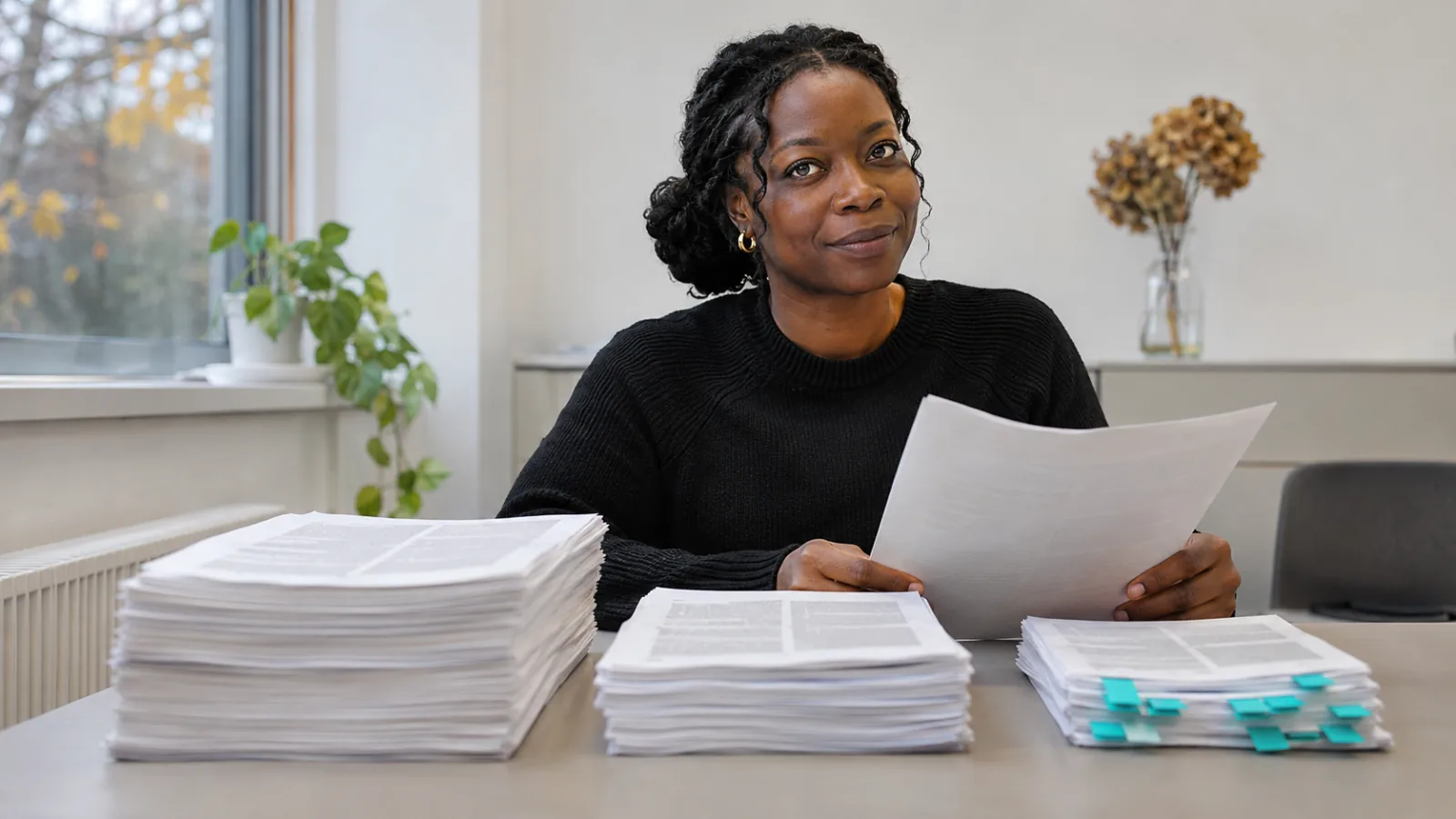
How to Read Research Papers Efficiently
How to read research papers efficiently: the three-pass method with time limits, which sections to read first, and a faster literature review workflow.
How to Listen to Research Papers (and Skip the References)
How to listen to research papers and skip the references: 5 ways to cut the bibliography, plus how to stop citations like [12] being read aloud.