


Text to Speech for Medical Students
Text to speech for medical students: what to listen to in each year, how to handle drug names, free tools on every device, and a weekly listening plan.
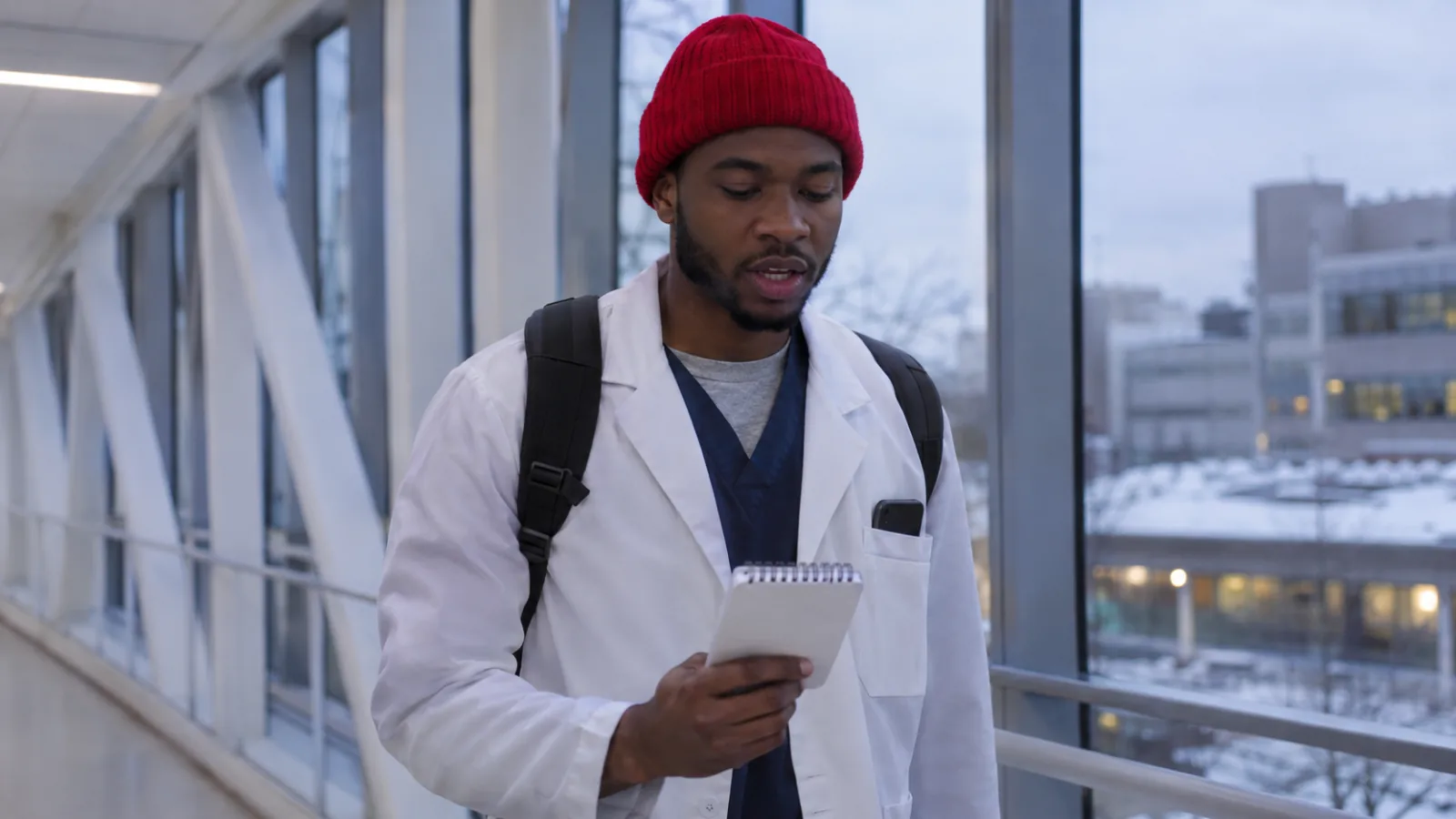
Text to speech for medical students works best for prose: lecture notes, textbook chapters, review articles, guidelines and question-bank explanations, heard while you commute or exercise. Read drug names, doses, tables, diagrams and images with your eyes. Start free with your phone's or laptop's built-in read-aloud, and keep patient information out of personal apps.
Listen to explanations and reasoning; read numbers, doses, tables, images and anything you need to recognize visually.
Use it differently each phase: lecture notes in preclinical years, missed-question explanations during board prep, guidelines and review articles on clerkships.
Every phone and laptop has free read-aloud, and Anki can speak your flashcards with a {{tts}} tag.
Synthetic voices can mispronounce drug names and eponyms, so check new terms on screen the first time.
Never put patient information from clerkships into an app your school or hospital hasn't approved.
Text to speech for medical students turns the prose part of medical school into something you can hear: lecture notes, textbook chapters, review articles, guidelines and question-bank explanations. That reclaims commutes, gym sessions and walks between hospital buildings. It doesn't replace question banks, images or active recall, and drug names and doses still need your eyes.
This guide covers what to listen to in each year, how to deal with medical terms, the free tools you already have, a weekly routine, and where patient privacy draws the line. For a wider look at study apps, see our list of the best apps for medical students.
What can text to speech do for medical students?
It reads any digital text aloud, which helps most with long, explanation-heavy material you'd otherwise skim or skip.
| Material | Listen? | How |
|---|---|---|
| Your own lecture notes | Yes | Best first-pass review; you already know the structure |
| Textbook and review-book chapters | Yes, read along | Follow the highlighted words; stop at figures |
| Question-bank explanations | Yes | Listen again to the ones you got wrong |
| Review articles and clinical guidelines | Yes | HTML full text reads better than two-column PDFs |
| Lecture slides | Sometimes | Only slides with full sentences; otherwise use the recording |
| Pharmacology charts, lab values, dosing tables | No | Read and drill with flashcards |
| Histology, radiology, ECGs, pathology images | No | Visual skills need your eyes |
The point isn't to listen instead of studying. It's to fit one more pass through the material into time that would otherwise be empty, and to make long reading easier to start when you're tired.
Text to speech for medical students, year by year
What you listen to should change as medical school does.
Preclinical years
Listen to your own notes and the assigned reading before lecture, then again in the week after. Hearing a topic before the lecture gives you the outline, so the lecture fills in detail instead of introducing everything at once. Read along for anything new, and keep anatomy atlases, histology and biochemistry pathways visual.
Dedicated board prep
Question banks are the core of Step 1 and Step 2 prep. Use listening around them: after a block, copy the explanations of questions you missed into a document and listen to them on your next walk or commute. A second pass through your weak areas costs no desk time.
Clerkships
Clinical years leave little desk time. Listen to the guideline or review article for the patient problem you saw that day, on the way home. Our guide for doctors keeping up with journal articles covers which parts of a paper to hear and which to read.
Before medical school
Reading-comprehension practice for the MCAT works by ear too. Our guide to audio for MCAT CARS practice shows how.
How to make medical terms sound right
A synthetic voice reads what's on the page, but it doesn't know how a new drug name or eponym should sound. Common anatomy and disease names are usually fine. Drug names, abbreviations ("MI", "q.i.d."), units and Latin terms vary from voice to voice.
- Watch the highlighted word the first time you hear a new term, so you link the spelling and the sound.
- Slow down to 0.75× or 1× for sections dense with new vocabulary.
- Try two or three voices. Some handle medical vocabulary better than others.
- Confirm doubtful pronunciations with a lecturer, resident or a trusted pronunciation resource. Don't learn a wrong one by repetition.
- Never rely on audio for look-alike drug names. Pairs like hydralazine and hydroxyzine are on the FDA's name differentiation list because they're easy to confuse; read them.
Free text to speech tools medical students already have
Start with what's built in. These cost nothing and work with most notes, PDFs and web pages.
| Where | How to start it | Good for |
|---|---|---|
| iPhone and iPad | Turn on Speak Screen in Settings > Accessibility > Read & Speak, then swipe down from the top with two fingers | Notes and articles on the go |
| Android | Turn on Settings > Accessibility > Select to Speak, then tap the shortcut | Notes and articles on the go |
| Any app on a Mac | Turn on Speak selection in System Settings > Accessibility > Read & Speak, then select text and press Option-Esc | Lecture notes, web pages |
| Microsoft Word | Review > Read Aloud | Your own notes and summaries |
| Microsoft Edge | Open the page or PDF and press Ctrl+Shift+U | Review articles, guidelines, PDFs |
| Anki | Add a tag such as {{tts en_US:Back}} to a card template |
Hearing your flashcards |
Anki's text-to-speech uses your device's built-in voices on Windows, macOS and iOS. It needs Anki 2.1.20, AnkiMobile 2.0.56 or AnkiDroid 2.17 or later, per the Anki manual. Speaking the answer side of a card lets you review a deck while walking.
For research and review articles, open the HTML full text on PubMed Central when it's available. It reads more cleanly than a two-column PDF, with fewer interruptions from headers and figure captions.
A weekly listening routine for medical school
- Sunday: put the week's lecture notes, readings and one or two review articles into one folder or reading app.
- Before each lecture: listen to the notes or reading at 1× on the way in, following the text when you can.
- After each question block: paste explanations for your missed questions into a document.
- Commutes and workouts: listen to those explanations at 1.25× to 1.5×.
- End of each day: close everything and write the three most important points from memory.
- Before exams: relisten only to the topics you're still missing on questions.
On listening speed, a 2022 UCLA study of recorded lectures found little loss in comprehension up to 2×, and a drop at 2.5×. Our guide to the best listening speed for learning covers how to pick yours.
Text to speech as an accommodation
Medical students with dyslexia, ADHD, low vision or other disabilities may use text to speech as an accommodation in coursework and exams. Start with your school's disability services office, which handles requests for course exams and can advise on boards.
For the USMLE, accommodation requests now go through NBME's MyUSMLE portal, according to the USMLE program. Decisions take about 60 business days, so apply well before you plan to test. If focus is the main barrier, our page on reading with ADHD covers practical tools to discuss alongside professional support.
Keep patient information out of reading apps
On clerkships, never paste notes, handoff sheets, screenshots of the EHR or anything with a patient identifier into a reading app your school or hospital hasn't approved. Under HIPAA, an outside service that handles protected health information generally needs a business associate agreement first, as HHS explains. A personal reading app won't have one.
Guidelines, textbooks, review articles and your own de-identified study notes are fine. When in doubt, ask your clerkship director or the hospital's privacy office.
How medical students can use Speechly
Speechly is a text-to-speech app for students on iPhone, iPad, Android, Mac and Windows. It reads PDFs, Word documents, EPUB books, web pages and photos of printed handouts aloud with 25+ natural AI voices and word-by-word highlighting.
- Download Speechly free. The free plan includes two text-to-speech files with premium voices; no card required.
- Open a lecture PDF or Word file, paste a link to a review article, or photograph a printed handout.
- Press play and follow the highlighted words. Tap any sentence to start there, which helps when you want to hear one section again.
- Set the speed from 0.5× to 2×.
- On a Mac, select text in any app, such as a question-bank explanation, and press ⌘E. On Windows, press Alt+R.
On iPhone and iPad, Speechly can skip repeating headers and footers in PDFs so they aren't read on every page. It saves your place across devices and keeps reading with the screen locked. Premium is $14.99/month or $139/year for unlimited listening. It has no offline listening or browser extension.
The bottom line
Use text to speech for the explanations and reasoning in medical school, and your eyes for numbers, images and drug names. Start with the free read-aloud on your devices, change what you listen to as you move from lectures to boards to clerkships, and keep patient data out. To hear your lecture PDFs with word highlighting on every device, download Speechly free and try it on this week's notes.
Frequently asked questions
Can text to speech pronounce medical terms correctly?
Mostly, for common anatomy and disease names, but drug names, eponyms and abbreviations are hit and miss. Slow the voice down for new terms, watch the highlighted word, and confirm pronunciation with a lecturer or a trusted audio dictionary.
Is it OK to study for Step 1 by listening?
As a supplement, yes. Listening helps you get through explanations and review material more often, but board exams test you with questions and images, so most of your time should still go to question banks and active recall.
Can I listen to my lecture slides?
Yes, if they have real text. Export slides to PDF and open them in a read-aloud app. Slides that are mostly images or bullet fragments read poorly, so pair them with the lecture recording or your own notes.
Can I get text to speech as an accommodation in medical school?
If you have a documented disability such as dyslexia, ADHD or low vision, ask your school's disability services office about reading accommodations. USMLE accommodation requests go through NBME's MyUSMLE portal and take about 60 business days.
What speed should I listen at?
Start new material at 1× while following the text, and go up to 1.5× or 2× for review. If you can't summarize a section after hearing it, slow down.
Can text to speech read First Aid or my question bank?
Built-in read-aloud reads whatever text is on your screen, including many question-bank explanations. Protected eBooks and some apps block other readers, so check what your resources allow.
Listen with Speechly
Natural AI voices on iPhone, iPad, Android, Mac and Windows, with word highlighting and your place saved on every device. Free to download.
Prices and features of other products were checked on November 18, 2026 and can change. Speechly is not affiliated with the other companies named here.
Best Apps for Medical Students (2026)
The best apps for medical students in 2026, from Anki and UWorld to 3D anatomy and rotation tools, with what each does best and prices checked.

How to Use Audio for MCAT CARS Practice
How to use audio for MCAT CARS practice: what to listen to, a 6-step routine for main idea and author tone, and how to carry it into timed AAMC passages.
Text to Speech for Doctors: Keeping Up with Journal Articles
Text to speech for doctors, made practical: free read-aloud tools on every device, which parts of a paper to hear vs. read, and a weekly listening routine.