


TXT vs PDF vs EPUB: Which Format Is Best for Listening?
TXT vs PDF vs EPUB for text to speech: how each format stores text, which reads aloud most cleanly, and which one to pick for books, papers and notes.
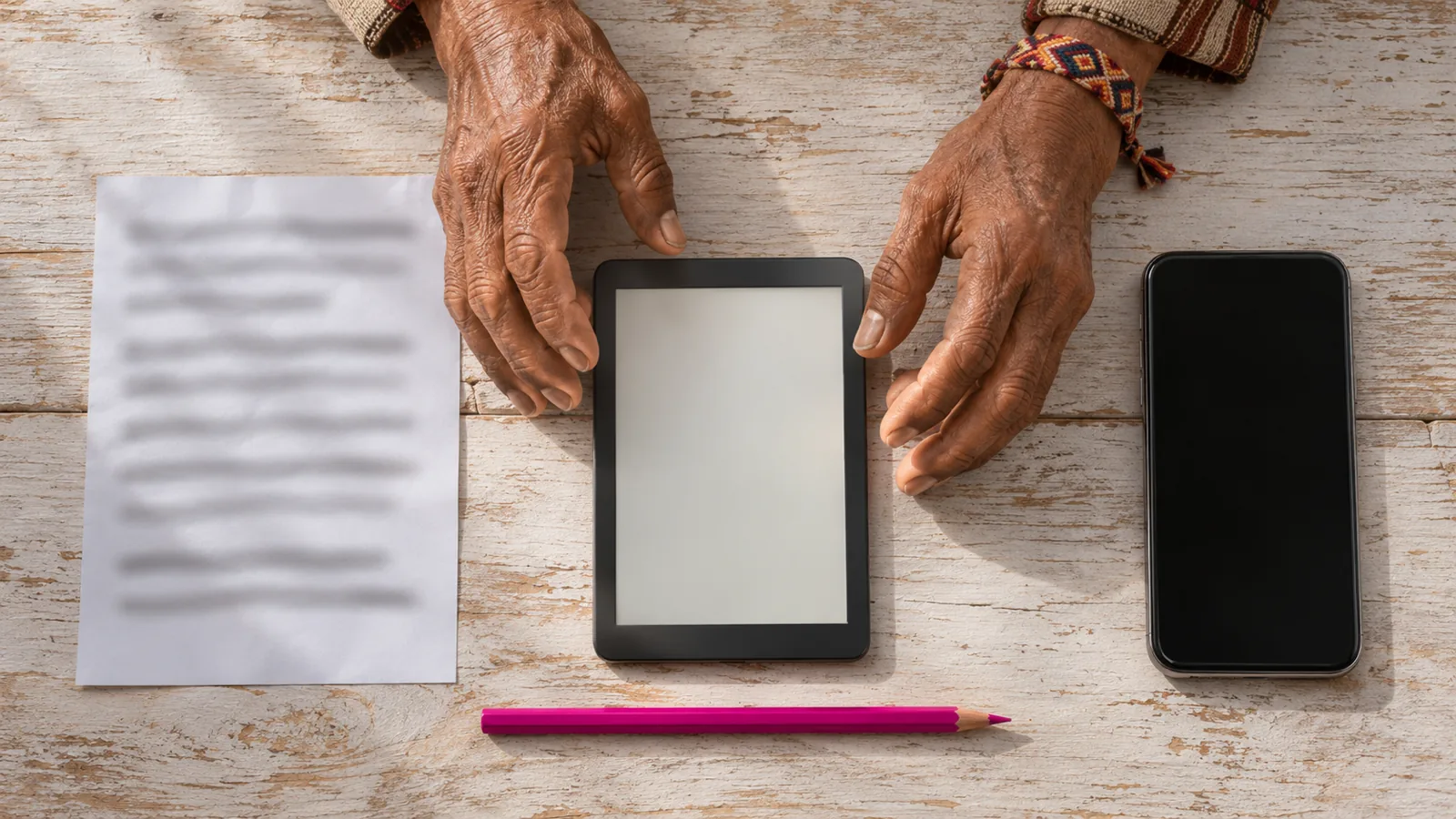
In the TXT vs PDF vs EPUB choice, EPUB is usually best for listening: it keeps chapters and a clean reading order with no page headers. TXT reads cleanly but has no structure. PDF is the least reliable, because it stores how a page looks rather than the order to read it.
EPUB is the best all-round format for listening: it reflows, keeps chapters and headings, and has no page headers, footers or columns.
TXT gives the voice exactly the words you see, but it has no chapters or headings and can have hard line breaks and encoding problems.
PDF fixes the look of every page, so read-aloud tools have to guess reading order. Simple, text-based or tagged PDFs read fine; multi-column and scanned ones often don't.
Converting a PDF to EPUB or TXT rarely fixes it by itself. calibre's own manual calls PDF one of the worst formats to convert from.
If you can choose, pick EPUB for books, HTML or EPUB for articles and papers, and TXT for notes.
In the TXT vs PDF vs EPUB choice, EPUB is usually the best format for listening. It stores text in reading order, marks chapters and headings, and has no page headers, footers or columns for the voice to stumble over.
TXT comes second: the voice reads exactly the words you see, but you lose chapters and headings. PDF is the most hit-and-miss. It's designed to look the same everywhere, not to be read in order, so a simple report reads fine while a two-column paper or a scan can turn into a mess. Here's why, with sources checked on November 18, 2026.
TXT vs PDF vs EPUB at a glance
| TXT | EPUB | ||
|---|---|---|---|
| What it stores | Characters only | The look of each page | Text, structure and styles |
| Reading order | Top to bottom | Guessed, unless tagged | Built in |
| Chapters and headings | None | Sometimes, as bookmarks or tags | Yes, with a table of contents |
| Page headers and footers | None | Often read on every page | None |
| Columns and sidebars | None | Common cause of jumbled reading | Rare (fixed-layout books only) |
| Footnotes | Plain text wherever they were typed | Read where they sit on the page | Can be marked so apps skip them |
| Scanned pages | Not possible | Common; needs OCR | Rare |
| Locked (DRM) | Never | Sometimes | Common for store and library books |
| Best for listening to | Notes, drafts, simple books | Documents with no other version | Books and long reads |
How each format works, and what that means for listening
A read-aloud tool can only say what the file gives it. The three formats give it very different things.
TXT: just the characters
A .txt file is a string of characters and line breaks. There's no bold, no headings, no page numbers, and no hidden layout. What you see in the editor is what the voice reads.
That makes TXT clean, with three catches:
- No structure. A 300-page novel is one long stream. You can't jump to chapter 12 unless the app finds it for you.
- Hard line breaks. Many TXT files end every line with a break. Project Gutenberg's guidance, for example, wraps lines at around 70 characters. Some readers pause at each one.
- Encoding. If the file is opened with the wrong text encoding, curly quotes and accented letters turn into junk like ’.
Our guide to listening to plain text files covers the fixes.
PDF: a picture of a page, with text attached
A PDF is built to look identical on every screen and printer. Inside, it's mostly drawing instructions: these letters, in this font, at these coordinates. Microsoft's Word team notes that most PDFs don't include information about structural content elements such as paragraphs, tables or columns.
So a read-aloud tool rebuilds the order from positions. On a single-column page, that works. On a page with two columns, a sidebar, a running header and footnotes, it often doesn't, and you hear sentences jump between blocks or "Annual Report 2026, page 14" in the middle of a paragraph.
Tagged PDFs are the exception. Tags are a hidden outline of headings, paragraphs and reading order, and the W3C notes that reading order is determined primarily by the tag order when they're present. Well-tagged PDFs can read almost as cleanly as an EPUB. Scanned PDFs are the opposite: they're page photos with no text at all until you run OCR.
For a symptom-by-symptom guide, see why some PDFs read strangely.
EPUB: a small website in a zip file
An EPUB is a package of web pages. The current standard, EPUB 3.3, is a W3C Recommendation; its content documents are XHTML or SVG, and every EPUB 3 includes a navigation document with the table of contents.
For listening, that means:
- Reading order is part of the file. The book's text is stored in the order you read it.
- It reflows. EPUBs fit any screen, so there are no fixed pages, columns or running headers to read aloud.
- Chapters are marked. Apps can show a table of contents and let you jump straight to a chapter.
- Notes can be labeled. The W3C's EPUB vocabulary has terms for footnotes and note references, so apps can pop notes up or skip them instead of reading them mid-sentence.
Two catches: fixed-layout EPUBs (comics, picture books, some textbooks) behave more like PDFs, and EPUBs bought from a store or borrowed from a library are usually DRM-protected, so only the store's or library's app can open them.
Which format is best for listening? It depends on what you're reading
| What you're listening to | Best format | Why |
|---|---|---|
| A novel or nonfiction book | EPUB | Chapters, clean order, saved place |
| A free classic | EPUB, then TXT | Project Gutenberg offers both |
| A research paper | HTML or EPUB, then PDF | Two-column PDFs jumble; arXiv often has an HTML version |
| A contract or report | The original Word file, then PDF | Keeps headings and paragraphs |
| A textbook | EPUB if available | Notes and figures are marked; PDF textbooks are often multi-column |
| Your own notes or a draft | TXT or Word | Nothing to get in the way |
| A scanned handout | Photo or OCR'd PDF | There's no text until it's recognized |
The rule of thumb: pick the version that was closest to the author's original file. A Word document or web page keeps structure that exporting to PDF throws away.
Should you convert between formats before listening?
Usually not, unless the conversion fixes a specific problem.
- PDF to EPUB or TXT. The free ebook manager calibre can do it, but its manual calls PDF one of the worst formats to convert from. Headers, footers and page numbers come along, and calibre warns they can throw off its paragraph unwrapping, so you often have to clean up the text afterward.
- EPUB to TXT. You get clean text but lose chapters and navigation. Only worth it if your reader can't open EPUB.
- TXT to EPUB. Useful for a long book: calibre can detect paragraphs and chapters, and you gain a table of contents.
- PDF to Word. Opening a PDF in Word turns it into an editable document, which Microsoft says works best for mostly-text files. It's a good first step before cleaning up a document for listening.
Which free apps read each format aloud?
| Device | TXT | EPUB | |
|---|---|---|---|
| Mac | TextEdit: Edit > Speech > Start Speaking | Preview: Edit > Speech > Start Speaking | Books: Edit > Speech > Start Speaking |
| Windows | Word Read Aloud or Narrator | Microsoft Edge Read aloud | Thorium Reader or calibre |
| iPhone, iPad | Files preview + Speak Screen | Books or Files + Speak Screen | Books + Speak Screen |
| Android | Text viewer + Select to Speak | PDF viewer + Select to Speak | Google Play Books Read aloud |
Microsoft added PDF support to Edge's Read aloud in 2020. Step-by-step EPUB instructions for each device are in how to listen to an EPUB book.
How Speechly handles TXT, PDF and EPUB
Speechly is a text-to-speech reader that opens all three formats, plus Word documents and web pages, and reads them with 25+ natural AI voices on iPhone, iPad, Android and Mac. On Windows, select text in any app and press Alt+R; on a Mac, ⌘E does the same.
- EPUB: add the book and press play. Each word is highlighted as it's read, your place is saved, and Speechly estimates how long the book will take.
- TXT: import the file or paste the text. Useful for notes, drafts and Project Gutenberg downloads.
- PDF: on iPhone and iPad, Speechly can skip repeating headers and footers, so you don't hear the page title on every page. If a scanned page has no text, take a photo of the printed page in Speechly instead. More on the Speechly PDF reader.
Speed runs from 0.5× to 2×, and your place syncs across devices when you sign in with the same account. The free plan includes two files with premium voices, no card required; Premium is $14.99/month or $139/year for unlimited listening.
Frequently asked questions
Is EPUB or PDF better for text to speech?
EPUB, in most cases. It stores text in reading order with chapters marked, so there are no page headers, columns or line breaks to trip the voice. A PDF only reads as well as it was made.
Is it better to listen to a book as TXT or EPUB?
EPUB. The words are the same, but EPUB keeps chapters, headings and a table of contents, so you can jump around and pick up where you left off more easily.
Should I convert my PDF to EPUB before listening?
Only if it's a simple, mostly text PDF. Conversion carries over headers, page numbers and broken lines, so you may need to clean the result before it reads better than the original.
Can text to speech read DRM-protected EPUBs?
Only in an app that supports that DRM, usually the store's or library's own reading app. Most third-party readers can't open locked EPUBs.
Which format do free classic books come in?
Project Gutenberg offers most books as EPUB, Kindle, HTML and plain text. For listening, the EPUB is usually the best of these.
Listen with Speechly
Natural AI voices on iPhone, iPad, Android, Mac and Windows, with word highlighting and your place saved on every device. Free to download.
Prices and features of other products were checked on November 18, 2026 and can change. Speechly is not affiliated with the other companies named here.
How to Listen to Plain Text Files
How to listen to plain text files on iPhone, Android, Mac and Windows: free built-in steps for TXT files, plus fixes for garbled text and choppy reading.

How to Listen to an EPUB Book
How to listen to an EPUB book free on iPhone, Android, Mac and Windows: exact read-aloud steps, natural AI voices and fixes for EPUBs that won't play.

Why Some PDFs Read Strangely (and How to Fix It)
Why some PDFs read strangely and how to fix it: what causes gibberish, jumbled columns and repeated page numbers, plus a 2-minute test and a fix for each.