


Does Kindle Have Text to Speech? What Works Today
Does Kindle have text to speech? What works today: free Assistive Reader in Kindle apps and newer Kindles, which books qualify, and fixes if it's missing.
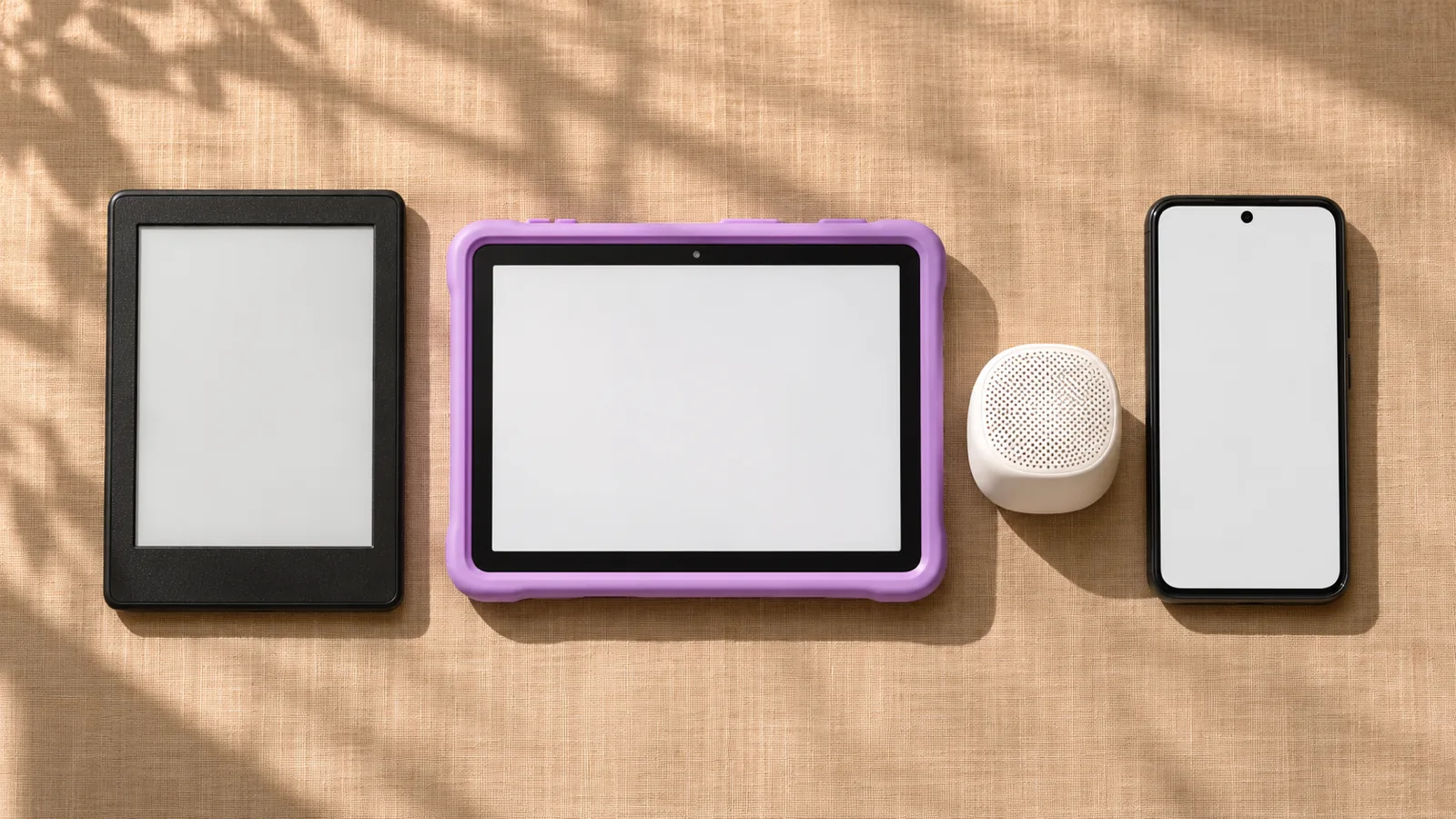
Yes. Kindle has free, built-in text to speech called Assistive Reader. It reads eligible Kindle books aloud with word highlighting in the Kindle app on iPhone, iPad, Android, Mac, Windows and Fire tablets, and on Kindle e-readers from the 11th generation through Bluetooth audio. It only reads books with Enhanced Typesetting, not your own PDFs or documents.
Assistive Reader is Kindle's built-in text to speech. Open a book, tap the top center of the screen, then Aa > More > Assistive Reader. It's free and needs no Audible or Kindle+ subscription.
It works in the Kindle apps and on Kindle e-readers from the 11th generation (2021 Paperwhite onward), Kindle Scribe and Kindle Colorsoft. Kindle for Web has no read-aloud.
Kindle e-readers have no speaker, so the voice plays through Bluetooth headphones or a speaker.
Only Kindle books with Enhanced Typesetting qualify. Sideloaded eBooks and Send to Kindle documents aren't on Amazon's eligible list.
Older Bluetooth Kindles, such as the Kindle Oasis, can still read books aloud with the VoiceView screen reader.
Does Kindle have text to speech? What works today is Assistive Reader, a free feature that reads Kindle books aloud and highlights each word. It's in the Kindle apps and on Kindle e-readers from the 11th generation onward.
That's a big change from a few years ago, when most guides correctly said Kindle e-readers couldn't talk at all. Below: where it works, which books it reads, why it might be missing, and what to use instead. Everything was checked against Amazon, Apple and Google sources on November 18, 2026.
Does Kindle have text to speech? What works today on each device
Yes, in every current Kindle app and on newer e-readers. The gaps are Kindle for Web, the legacy Kindle for PC app and e-readers older than the 11th generation.
| Where you read | Built-in text to speech | What you need |
|---|---|---|
| Kindle app: iPhone, iPad, Android, Mac | Assistive Reader | Latest app, eligible book |
| Kindle for Windows (new app) | Assistive Reader, or a screen reader | New app, not legacy Kindle for PC |
| Fire tablets | Assistive Reader, VoiceView | Eligible book |
| Kindle and Paperwhite (11th gen+), Scribe, Colorsoft | Assistive Reader | Bluetooth audio, latest software |
| Older Bluetooth Kindles, such as the Oasis | VoiceView screen reader | Bluetooth audio |
| Kindle for Web (browser) | None | Use a Kindle app |
| Echo and other Alexa devices | Alexa reads eligible books | Not on Alexa+ |
Sources: Amazon's help pages for Assistive Reader in Kindle apps, Assistive Reader on Kindle e-readers, Kindle for Windows and books Alexa can read.
What is Kindle Assistive Reader and how does it work?
Assistive Reader is Kindle's text-to-speech player. Amazon describes it as text-to-speech audio with synchronized highlighting. It was built as an accessibility feature, but anyone can use it.
The steps are the same in the app and on an e-reader:
- Open a Kindle book.
- Tap the top center of the screen, then tap Aa.
- Tap More and switch on Assistive Reader.
- Press Play in the player at the bottom of the screen.
To start from a specific spot in the app, long-press a word and tap Play. Full device-by-device steps, including Bluetooth pairing, are in our guide to making Kindle read aloud on the app, Fire and e-reader.
Where the voice comes from
- In the Kindle app, Assistive Reader uses your device's own text-to-speech engine. You change the voice in your phone, tablet or computer's speech settings, and the book must be in a language that engine speaks.
- On a Kindle e-reader, there's one built-in voice, and it reads books in English, Spanish, French, German and Italian.
- E-readers need Bluetooth. Kindles have no speaker or headphone jack, so pair headphones or a speaker before you press play.
Which Kindle books can be read aloud?
Only Kindle books with Enhanced Typesetting. This rule trips up most people, and it applies on every device.
To check before you buy, open the book's Kindle Store page and look for Enhanced Typesetting: Enabled in the product details. Most modern novels and nonfiction have it.
Amazon lists these sources as eligible:
- Books bought from the Kindle Store
- Books borrowed through Kindle+ (the new name for Kindle Unlimited), Prime Reading or another official Kindle partner
- Books shared with you through Family Library
What usually doesn't work:
- Sideloaded eBooks you copied to your Kindle yourself
- Send to Kindle documents, including PDFs and Word files you emailed to your Kindle
- Comics, manga and fixed-layout textbooks, which are mostly page images rather than reflowable text
For personal files, see how to listen to documents you sent to Kindle.
Why can't I find text to speech on my Kindle?
Usually it's your model, your software or the book. Check these in order:
- Your Kindle is older than the 11th generation. The 2018 Paperwhite, 2019 Kindle and every Oasis can't run Assistive Reader. Use VoiceView instead (see below).
- Your software is out of date. Update your Kindle, then reopen the book. You can see the installed version under All Settings > Device Options > Device Info.
- The book lacks Enhanced Typesetting, or it's in a language the voice can't read. Try a different book to rule this out.
- You're on legacy Kindle for PC or Kindle for Web. Amazon ended support for the legacy Windows app on June 30, 2026, and the browser reader has no read-aloud. Install the new Kindle for Windows app.
Did Kindle e-readers always have text to speech?
No, and that's why so much advice online contradicts itself. Kindle's text to speech has come and gone.
| Period | What Kindle e-readers could do |
|---|---|
| Kindle 2 (2009) to Kindle Touch (2011) | An "experimental" text-to-speech feature, through a built-in speaker or headphone jack |
| 2012 to 2016 | No audio on most e-readers |
| 2016 | VoiceView, a screen reader for blind and low-vision readers, launched on the Paperwhite through a USB audio adapter |
| 2017 onward | VoiceView over Bluetooth on newer models, starting with the Oasis |
| July 2025 | Assistive Reader appeared in software 5.18.4, with early bugs |
| Late 2025 onward | Assistive Reader in software 5.18.5 for 11th and 12th generation Kindles, Kindle Scribe and Kindle Colorsoft |
The phone and tablet apps got it first: The eBook Reader reported Assistive Reader in the iOS and Android apps in mid-2024. So a 2023 article saying "Kindles can't read aloud" was right then and is out of date now.
VoiceView vs Assistive Reader
- Assistive Reader is a play button for listening to a book while you follow the highlighted words.
- VoiceView is a full screen reader. It speaks menus, buttons and settings as well as books, and it changes how gestures work. It's built for blind and low-vision readers, and it's the only option on Bluetooth Kindles older than the 11th generation.
Does Kindle for PC, the web or Alexa have text to speech?
- Kindle for Windows. Amazon's main Assistive Reader page lists iPhone, iPad, Android, Mac and Fire tablets, but its Kindle for Windows help says to turn on Assistive Reader from the Aa menu in the new app. If the option is missing, Amazon says the app works with the Narrator, NVDA and JAWS screen readers.
- Kindle for Web. The browser reader has no read-aloud. Use a Kindle app.
- Alexa. Echo speakers and other Alexa devices can read eligible Kindle books aloud, with voice controls for pausing and skipping. The same Enhanced Typesetting rule applies, and Amazon says it isn't available on Alexa+.
How do I listen when Assistive Reader won't read a book?
Use your device's own screen reading. It's clunkier than Assistive Reader, but it reads most text-based Kindle books.
- iPhone and iPad: Go to Settings > Accessibility > Read & Speak and turn on Speak Screen. In the book, swipe down with two fingers from the top of the screen (Apple). Our Speak Screen guide covers the controls.
- Android: Go to Settings > Accessibility > Select to Speak and turn on Select to Speak shortcut. In the book, swipe up with two fingers (or tap the Accessibility button), then tap Play (Google). More in our Select to Speak guide.
- Fire tablets: Fire OS has its own speech settings and VoiceView. See how to use text to speech on a Kindle Fire tablet.
If you'd rather hear a human, Kindle+ ($11.99 a month in the US) says thousands of its eBooks include companion audiobooks. We compare the two in Kindle text to speech vs Audible.
Is Kindle's text to speech good enough?
For short sessions and follow-along reading, yes. For a 12-hour novel, many people will want a better voice.
What it does well:
- It's free and already on your device.
- Word highlighting helps you keep your place on the line.
- It reads books that will never get an audiobook.
Where it falls short:
- The voice. E-readers have one voice. Testing the first version on a 12th-generation Paperwhite, The eBook Reader called it "very sterile and robotic" and heard bursts of static.
- Book coverage. No Enhanced Typesetting, no audio.
- Your own reading. It won't touch your PDFs, work documents, articles or eBooks from other stores.
Listening to everything Kindle won't read
Kindle's text to speech is built for Kindle books. For everything else, a dedicated text-to-speech app fills the gap.
Speechly is a text-to-speech reader app for iPhone, iPad, Android, Mac and Windows with 25+ natural AI voices. It does not read DRM-protected Kindle books, but it reads what Assistive Reader skips:
- PDFs, Word documents, DRM-free EPUB eBooks and TXT files
- Web pages, by pasting a link
- Printed pages: photograph a book page, handout or letter and listen to it
- 75,000+ free public-domain books in its built-in catalog
Words are highlighted as they're read, speed goes from 0.5× to 2×, and it keeps reading with your phone locked. On the Mac app, select text anywhere and press ⌘E; on Windows, press Alt+R. The free plan includes two files with premium voices, and Premium is $14.99/month or $139/year for unlimited listening on every device.
Frequently asked questions
Does the Kindle Paperwhite have text to speech?
Yes, if it's an 11th-generation Paperwhite (2021) or newer. Pair Bluetooth headphones or a speaker, open a book, and turn on Assistive Reader from Aa > More. Older Paperwhites with Bluetooth can use the VoiceView screen reader instead.
Is Kindle text to speech free?
Yes. Assistive Reader costs nothing beyond the book itself. You don't need Audible, Kindle+ or Prime to use it.
Can Kindle read PDFs aloud?
Not with Assistive Reader. PDFs and other files you send to Kindle aren't eligible, so use your phone's screen reading or a text-to-speech app that opens PDFs.
Can I change the Kindle reading voice?
In the Kindle app, Assistive Reader uses your phone, tablet or computer's own text-to-speech engine, so you change the voice in the device's speech settings. Kindle e-readers have one built-in voice.
Does Kindle text to speech work with Kindle Unlimited books?
Yes, as long as the book has Enhanced Typesetting. Kindle Unlimited is now called Kindle+, and Amazon lists books borrowed through it, Prime Reading and Family Library as eligible.
Can Kindle read library books aloud?
Sometimes. Amazon doesn't say whether public library loans count as an eligible source, so if Assistive Reader appears in the borrowed book, it works; if not, use your device's screen reading.
Can Alexa read my Kindle books?
Yes. Echo speakers and other Alexa devices can read eligible Kindle books from your library aloud. Amazon says this isn't available on Alexa+.
Listen with Speechly
Natural AI voices on iPhone, iPad, Android, Mac and Windows, with word highlighting and your place saved on every device. Free to download.
Prices and features of other products were checked on November 18, 2026 and can change. Speechly is not affiliated with the other companies named here.

How to Make Kindle Read Aloud (App, Fire and E-Reader)
How to make Kindle read aloud: app, Fire and e-reader steps for free Assistive Reader, which books work, and fixes when the option is missing.
Kindle Text-to-Speech vs Audible: Free Voice or Real Narrator?
Kindle text to speech vs Audible, checked November 2026: which books each reads, robot voice vs narrator, what Audible costs and cheap ways to get both.

How to Use Text to Speech on a Kindle Fire Tablet
How to use text to speech on a Kindle Fire tablet: steps for Assistive Reader, Speak Selection and VoiceView, plus changing the voice and fixing silence.