


How to Listen to Handwritten and Printed Notes
How to listen to handwritten and printed notes: photograph the page, turn it into text with Live Text or Google Lens, check it, then hear it read aloud.
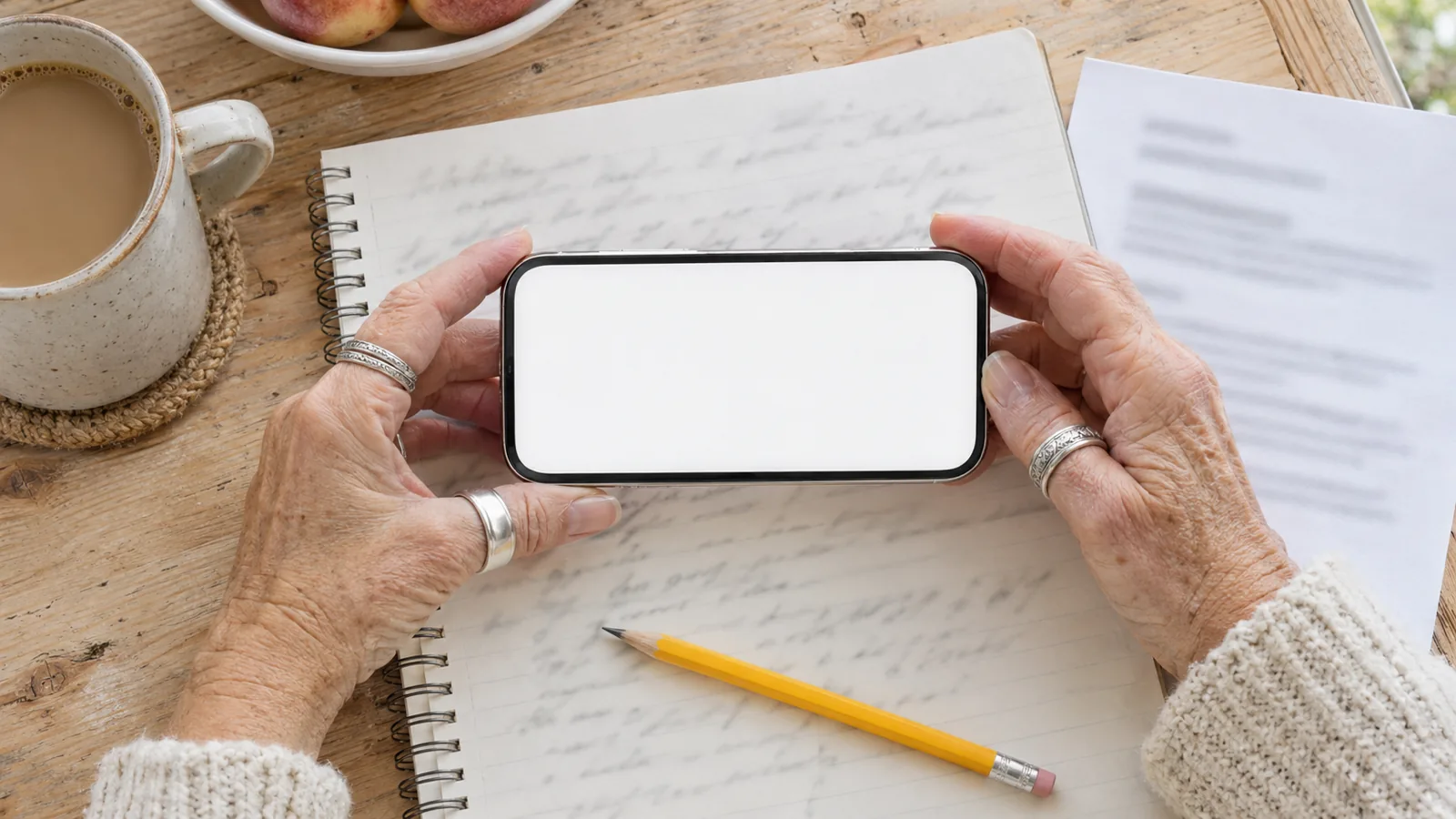
To listen to handwritten and printed notes, take a clear photo of each page, let text recognition turn it into words, then play them. Printed notes work almost every time with Google Lens's Listen button or iPhone Live Text and Speak. Handwriting works only when it's neat, so check the recognized text before you listen.
Printed notes, handouts and typed printouts convert to speech reliably; handwriting is hit or miss and depends on how neatly you write.
Android: Google Lens > Select text > Listen reads a photo of your notes. iPhone: select Live Text in Photos and tap Speak once Speak Selection is on.
For handwriting, copy the recognized text into a note, fix the mistakes, then listen to the corrected version.
Good light, a flat page, dark ink and one page per photo do more for accuracy than any app setting.
Speechly reads photos of printed pages directly; for handwriting, paste in the text you've checked.
Here's how to listen to handwritten and printed notes: photograph the page, let your phone's text recognition turn the picture into words, then have them read aloud. Printed notes and handouts convert almost perfectly. Handwriting is less reliable, so with handwritten pages you copy the text out, fix any mistakes, and listen to the corrected version.
Everything below uses free tools already on your phone or computer. For printed pages there's also a faster route: take the photo in Speechly and listen right away.
Printed vs handwritten notes: what to expect
Text recognition (OCR) is trained mostly on print, which is why the two kinds of notes need slightly different steps.
| Your notes | How well they convert | Best free method | Check the text first? |
|---|---|---|---|
| Printed handouts, worksheets, typed printouts | Very well | Google Lens Listen, Live Text + Speak | Only names and numbers |
| Neat handwriting in print letters | Usually well | Google Lens, Live Text | Yes, skim it |
| Joined-up or rushed handwriting | Poorly | Seeing AI Handwriting, then edit | Yes, line by line |
| Handwriting on an iPad | Very well | Scribble in Notes | Rarely |
How to listen to printed notes on your phone
On Android: Google Lens
Google Lens has a Listen button, so printed pages go from paper to audio in a few taps (Google's Lens help):
- Open the Google app and tap the Google Lens icon in the search bar.
- Point the camera at the page and tap the shutter, or pick a photo you already took.
- Tap the text, or drag the corners of the box over the part you want, then tap Select text.
- Tap Listen. Tap Stop to end.
On iPhone: Live Text and Speak Selection
- Turn on Speak Selection in Settings > Accessibility > Read & Speak (Spoken Content on iOS 18 and earlier).
- Take a photo of the page, then open it in Photos.
- Tap the Live Text button in the lower-right corner, then Select All. Or touch and hold a word and drag the grab points.
- Tap Speak.
Live Text needs an iPhone XS, iPhone XR or later, per Apple's Live Text guide. For more ways to hear photos and screenshots, see how to read text from an image aloud.
How to listen to handwritten notes
Handwriting takes one extra step: check the text before you listen. If you play it straight from the camera, every misread word is spoken with full confidence, and you may not notice.
Step 1: Turn the handwriting into text
Pick whichever tool reads your writing best. Try a single page in each.
- Google Lens (Android and iPhone): take a photo in Lens, tap Select text, then Copy. Google said when it added this that Lens can copy handwritten notes "if you write neatly" (Google's announcement). With Copy to computer, the text lands on a computer signed in to the same Google account in Chrome.
- Live Text (iPhone, iPad, Mac): select the writing in a photo and tap Copy. It often picks up neat print-style handwriting; joined-up writing gives more errors.
- Seeing AI (iPhone and Android): Microsoft's free app for people who are blind or have low vision has a Handwriting channel that reads handwritten text aloud from the camera. Lighthouse Guild's tutorial notes that messier writing leads to more mistakes.
Step 2: Paste and fix
Paste the text into Notes, Google Keep, Word or any notes app, with the photo open beside it. Fix misread words, especially:
- Names, dates and numbers. A "7" read as "1" sounds perfectly normal.
- Abbreviations and symbols. Your own shorthand, arrows and "w/" won't be read the way you mean them. Write them out.
- Diagrams and margins. Recognition picks up stray labels and margin scribbles. Delete what doesn't belong in the flow.
Step 3: Listen
Select the corrected text and tap Speak on iPhone, use Select to Speak on Android, or press Option-Esc on a Mac with Speak selection on. If you keep your notes in Apple Notes, our guide to making Apple Notes read your notes aloud has every method.
How to listen to handwritten notes on an iPad
If you take notes with Apple Pencil, you can skip the photo. In Notes, tap the Scribble tool to the left of the pen and write: Apple's iPad guide says it transcribes your handwriting into typed text, which Speak Selection or Speak Screen can then read. Handwriting transcription works only when the iPad's system language is a supported one.
How to photograph notes for better results
Most recognition errors are fixed before you press the shutter.
- Use daylight or a bright, even lamp. Avoid your own shadow across the page.
- Hold the phone flat above the page, parallel to it, so lines stay straight.
- One page per photo, filling the frame with a small margin.
- Flatten the notebook. Press it open near the spiral or spine, where lines curve.
- Go dark. Faint pencil reads poorly; trace key pages in dark pen if you'll reuse them.
- For future notes, write in print letters on lined paper, and leave space between lines.
How to listen to handwritten and printed notes with Speechly
Speechly is a text-to-speech reader for iPhone, iPad, Android, Mac and Windows that reads photos of printed text, so handouts, worksheets, printed slides and typed notes need no copying at all.
- Printed notes: take a photo of the page in Speechly on your iPhone or Android phone and press play.
- Handwritten notes: turn them into text with Lens or Live Text, correct it, then paste the text into Speechly.
- Notes on a computer: select the text in any app and press ⌘E on a Mac or Alt+R on Windows; a floating player reads it.
Choose from 25+ natural AI voices, follow word-by-word highlighting, jump to any sentence, and set the speed from 0.5× to 2×. Your place is saved across devices when you sign in, and reading continues with your phone locked. The free plan includes two text-to-speech files with premium voices; Premium is $14.99/month or $139/year.
Studying from your notes? Our guide to turning your notes into audio for revision covers how to organize and review them by ear.
Troubleshooting
- Lens or Live Text selects nothing. The writing is too faint or small. Retake the photo closer, in brighter light.
- Every other word is wrong. That's joined-up handwriting. Try Seeing AI's Handwriting channel, or type the key pages.
- Lines from two columns are mixed together. Select one column at a time, or crop the photo.
- Headings and bullet points run together. Add line breaks between sections in your notes app before listening.
- No Speak button on iPhone. Turn on Speak Selection, then tap the arrow at the end of the text menu.
- No Listen button in Lens. Tap Select text first; Listen appears only for selected text.
Frequently asked questions
Can text to speech read handwriting?
Only after text recognition turns the handwriting into typed text. Google says Lens can copy handwritten notes if you write neatly; joined-up or rushed writing produces many more mistakes, so check the result first.
What's the best free app to read handwritten notes aloud?
On Android, Google Lens is the quickest because it has a Listen button. On iPhone, use Live Text with Speak Selection, or try Seeing AI, Microsoft's free app, which has a dedicated Handwriting channel.
Can I turn my class notes into audio to revise with?
Yes. Convert each page to text, tidy it into one document, then listen to it with a read-aloud tool or app. Hearing your notes is a useful extra way to review, alongside reading and testing yourself.
Why does my phone misread my handwriting?
Text recognition is trained mostly on print. Joined letters, slanted lines, pencil, faint ink and crowded margins all cause errors. Writing in print with a dark pen on lined paper helps most.
Can my iPad turn handwriting into typed text?
Yes. In Notes, the Scribble tool transcribes what you write with Apple Pencil into typed text as you go, and typed text can be read aloud with Speak Selection.
Do I need to retype printed handouts to listen to them?
No. Printed text is what text recognition reads best, so a clear photo of the page is enough for Google Lens, Live Text or a reader app.
Listen with Speechly
Natural AI voices on iPhone, iPad, Android, Mac and Windows, with word highlighting and your place saved on every device. Free to download.
Prices and features of other products were checked on November 18, 2026 and can change. Speechly is not affiliated with the other companies named here.
How to Turn Your Notes into Audio for Revision
How to turn your notes into audio for revision: rewrite them for the ear, then record yourself or use free text to speech on your phone or laptop.
How to Read Text from an Image Aloud
How to read text from an image aloud for free on iPhone, Android, Windows and Mac: Live Text, Google Lens, Snipping Tool and Preview, step by step.

How to Make Apple Notes Read Your Notes Aloud
How to make Apple Notes read your notes aloud on iPhone, iPad and Mac for free: exact steps for iOS 26 and 27, Siri, and fixes when Speak won't appear.