


How to Listen to Project Gutenberg Books
How to listen to Project Gutenberg books for free: find existing audiobooks, or play any EPUB aloud on iPhone, Android, Mac or Windows, step by step.
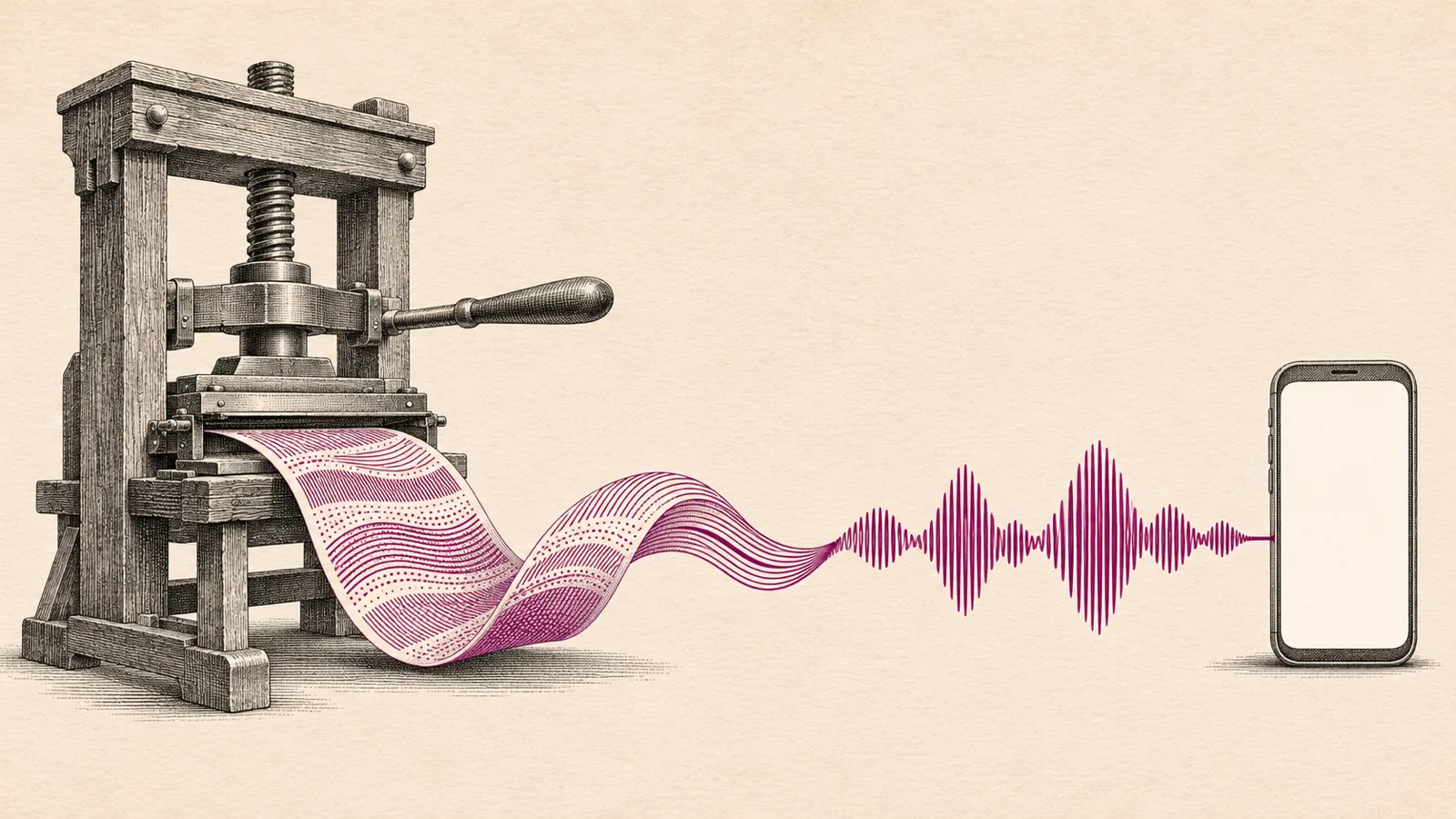
To listen to Project Gutenberg books, first check for a free audiobook: a human-read recording on Project Gutenberg or LibriVox, or one of about 5,000 AI-narrated titles from 2023. For any other book, download the EPUB3 file and play it with read-aloud: Speak Screen in Apple Books, Read aloud in Google Play Books, or Thorium Reader on Windows.
Project Gutenberg has about 660 human-read audiobooks, 386 older computer-read ones and almost 5,000 AI-narrated titles from 2023, and it no longer adds new audio.
For any of its 78,000+ texts, download the EPUB3 file: it's free of DRM and opens in every eBook app that reads aloud.
iPhone: open the EPUB in Apple Books and use Speak Screen. Android: upload it to Google Play Books and tap Menu > Read aloud.
Mac: Books > Edit > Speech > Start Speaking. Windows: the free Thorium Reader reads EPUBs aloud with highlighting.
Speechly has a built-in catalog of 75,000+ free public-domain books and also opens Gutenberg EPUB and TXT files, with natural voices and a saved place.
Here's how to listen to Project Gutenberg books: first check whether a free audiobook already exists, from Project Gutenberg itself or LibriVox. If not, which is most of the time, download the book's EPUB3 file and play it with your device's read-aloud: Speak Screen in Apple Books on iPhone, Read aloud in Google Play Books on Android, Start Speaking in Books on a Mac, or the free Thorium Reader on Windows. Everything below is free and was checked on November 18, 2026.
Project Gutenberg's books are clean, proofread text with no DRM, so they're among the easiest books to listen to. Our Project Gutenberg explainer covers how the library works and what's legal where you live.
Which way to listen to Project Gutenberg books should you use?
| Method | Works on | Voice | Best for |
|---|---|---|---|
| Existing audiobook (Gutenberg, LibriVox) | Any device | Human or AI narrator | Popular classics that someone has recorded |
| Apple Books + Speak Screen | iPhone, iPad | iOS voices | Free listening on iPhone |
| Google Play Books Read aloud | Android | Google voices | Free listening on Android |
| Books > Start Speaking | Mac | macOS voices | Free listening on a Mac |
| Thorium Reader | Windows, Mac, Linux | Your computer's voices | Free listening on Windows |
| Speechly | iPhone, iPad, Android, Mac, Windows | 25+ natural AI voices | Long books, saved place, every device |
Is there already an audiobook?
Check before you set up text to speech. According to Project Gutenberg's own audio page, summarized in its December 2023 newsletter, there are three sources:
- Human-read audiobooks on Project Gutenberg: 662 titles, some with sound effects. Browse them at gutenberg.org/browse/categories/1.
- Computer-generated audiobooks from 2003: 386 titles, listenable but far below today's voices.
- AI-narrated audiobooks from 2023: almost 5,000 titles made with Microsoft and MIT, also available on podcast platforms and the Internet Archive. Microsoft's information page is at aka.ms/audiobooks.
Project Gutenberg no longer adds new audio and points listeners to LibriVox, where volunteers record public-domain books. For more places to look, see where to find free audiobooks legally.
If the book you want has no recording, or you don't like the narrator, use one of the methods below. They work on all 78,000+ texts in the library.
Which file should you download?
Each book page on gutenberg.org offers several formats. For listening:
| Format | Use it when |
|---|---|
| EPUB3 (with images) | Almost always. Chapters, clean text, opens in every reader app |
| Older EPUB | Your app won't open the EPUB3 file |
| Plain text (UTF-8) | Your app only reads TXT, or you want the smallest file |
| HTML | You want to listen in a browser without downloading |
You don't need an account, and there's no fee.
How to listen to Project Gutenberg books on iPhone and iPad
- Open the book's page on gutenberg.org in Safari and tap the EPUB3 download.
- Open the file from Safari's downloads or the Files app and choose Books.
- Turn on Speak Screen in Settings > Accessibility > Read & Speak (Spoken Content on iOS 18 and earlier).
- In Books, go to the first chapter.
- Swipe down from the very top of the screen with two fingers. Speak Screen reads the page and usually turns to the next one by itself.
Use the speech controller to pause or change the speaking rate. For a less robotic voice, download an Enhanced or Premium voice in Read & Speak > Voices. More detail is in our guide to Read Aloud in Apple Books.
How to listen to Project Gutenberg books on Android
Google Play Books has a real Read aloud button for uploaded EPUBs (Google's upload help).
- Download the EPUB3 file from the book's page in Chrome.
- In your Files or Downloads app, tap the file's More menu > Open with > Upload to Play Books.
- In Play Books, open Library > Uploads and open the book in flowing text mode.
- Tap the page, then tap Menu at the top right > Read aloud.
For a more natural voice, turn on More natural reading voice in Play Books settings (it needs an internet connection), per Google's Read aloud help.
How to listen to Project Gutenberg books on Mac and Windows
Mac: download the EPUB3 file and double-click it to open it in Books. Go to the first chapter, then choose Edit > Speech > Start Speaking (Apple's Books guide). Choose Edit > Speech > Stop Speaking to stop.
Windows: Windows has no built-in EPUB reader, so install the free Thorium Reader. Open the EPUB3 file in Thorium, go to the first chapter and press Ctrl+2 (or select the speaker button) to start and pause. It highlights each sentence as it reads. Full steps are in how to listen to an EPUB book.
Any computer, no download: open the book's HTML version and press Ctrl+Shift+U in Microsoft Edge (Command+Shift+U on Mac) to start Read aloud, or use Open in reading mode > Play in Chrome.
How to listen to Project Gutenberg books with Speechly
Built-in voices handle a short story well. For a 600-page novel, you'll want natural voices and a place that's saved across devices.
- Built-in catalog: Speechly includes a catalog of 75,000+ free public-domain books. Search for a classic, open it and press play. Nothing to download.
- Your own file on iPhone, iPad, Android or Mac: download the EPUB3 or plain-text file from Project Gutenberg and open it in Speechly.
- On Windows: open the book's HTML version in your browser, select a chapter and press Alt+R. A floating player reads it aloud.
You get 25+ natural AI voices across eight languages, including French, Spanish, Italian and Portuguese, so you can hear Gutenberg's non-English classics in a matching voice. Each word is highlighted as it's read, the speed goes from 0.5× to 2×, and Speechly saves your place so you can continue on another device. On a phone, it keeps reading with the screen locked. Speechly also shows how long a book will take to listen to. It suits students working through a reading list too. The free plan includes two text-to-speech files with premium voices; Premium is $14.99/month or $139/year.
Troubleshooting: Project Gutenberg books won't read aloud properly
- It reads a license before the story. Every eBook starts with a short Project Gutenberg header and ends with a long license. Go to the first chapter before you press play, and stop at the line that marks the end of the eBook.
- It reads the table of contents. Skip to Chapter 1 in your app's contents menu first.
- Speak Screen stops at the end of a chapter. It can pause between chapters. Swipe down with two fingers from the top again to carry on.
- Read aloud is missing in Play Books. Switch the book to flowing text mode. If it still doesn't appear, re-upload the EPUB3 file instead of a PDF.
- Old spellings and footnote markers sound odd. Older books use archaic words and bracketed note numbers. Raise the voice quality with an Enhanced voice or a natural AI voice.
- The site won't load. Project Gutenberg sometimes goes down for scheduled maintenance; try again later. Books by three authors are also blocked in Germany for copyright reasons.
What to listen to first
Start with books that sound good aloud: dialogue-heavy novels, short stories and plays. Our list of 100 classic books you can listen to for free has picks by genre and length, all public domain in the US.
Frequently asked questions
Does Project Gutenberg have audiobooks?
Yes, a few. It hosts about 660 human-read and 386 computer-generated audiobooks, and almost 5,000 AI-narrated titles came out of a 2023 collaboration with Microsoft and MIT. Project Gutenberg no longer adds new audio, and points listeners to LibriVox for more.
Which Project Gutenberg format is best for text to speech?
EPUB3. It keeps chapters, reflows to any screen and opens in Apple Books, Google Play Books, Thorium and most reader apps. Plain text also works, but long books in one text file are harder to navigate.
Can Kindle read Project Gutenberg books aloud?
Usually not with Assistive Reader. Books you add with Send to Kindle count as personal documents, which Kindle's read-aloud feature doesn't support. Use another app that reads EPUB aloud.
Is it legal to listen to Project Gutenberg books?
Yes in the US, where every book on the site is public domain. Elsewhere, check your country's copyright rules, since some older books are still protected outside the US.
Why does text to speech read a license before the book starts?
Every Project Gutenberg eBook includes a short header and a long license at the end. Skip to the first chapter before you press play, and stop at the line that marks the end of the eBook.
Listen with Speechly
Natural AI voices on iPhone, iPad, Android, Mac and Windows, with word highlighting and your place saved on every device. Free to download.
Prices and features of other products were checked on November 18, 2026 and can change. Speechly is not affiliated with the other companies named here.
Project Gutenberg Explained
Project Gutenberg explained: where its 78,000+ free eBooks come from, whether it's legal and safe where you live, and how to read or listen to them.

How to Listen to an EPUB Book
How to listen to an EPUB book free on iPhone, Android, Mac and Windows: exact read-aloud steps, natural AI voices and fixes for EPUBs that won't play.
Where to Find Free Audiobooks Legally
Where to find free audiobooks legally: Libby and Hoopla bestsellers with a library card, 21,000+ LibriVox classics, and how to spot pirated copies.