


How Word Highlighting Works in Text to Speech
How word highlighting works in text to speech: where word timings come from, why the highlight lags behind the voice, and how to turn it on for free.
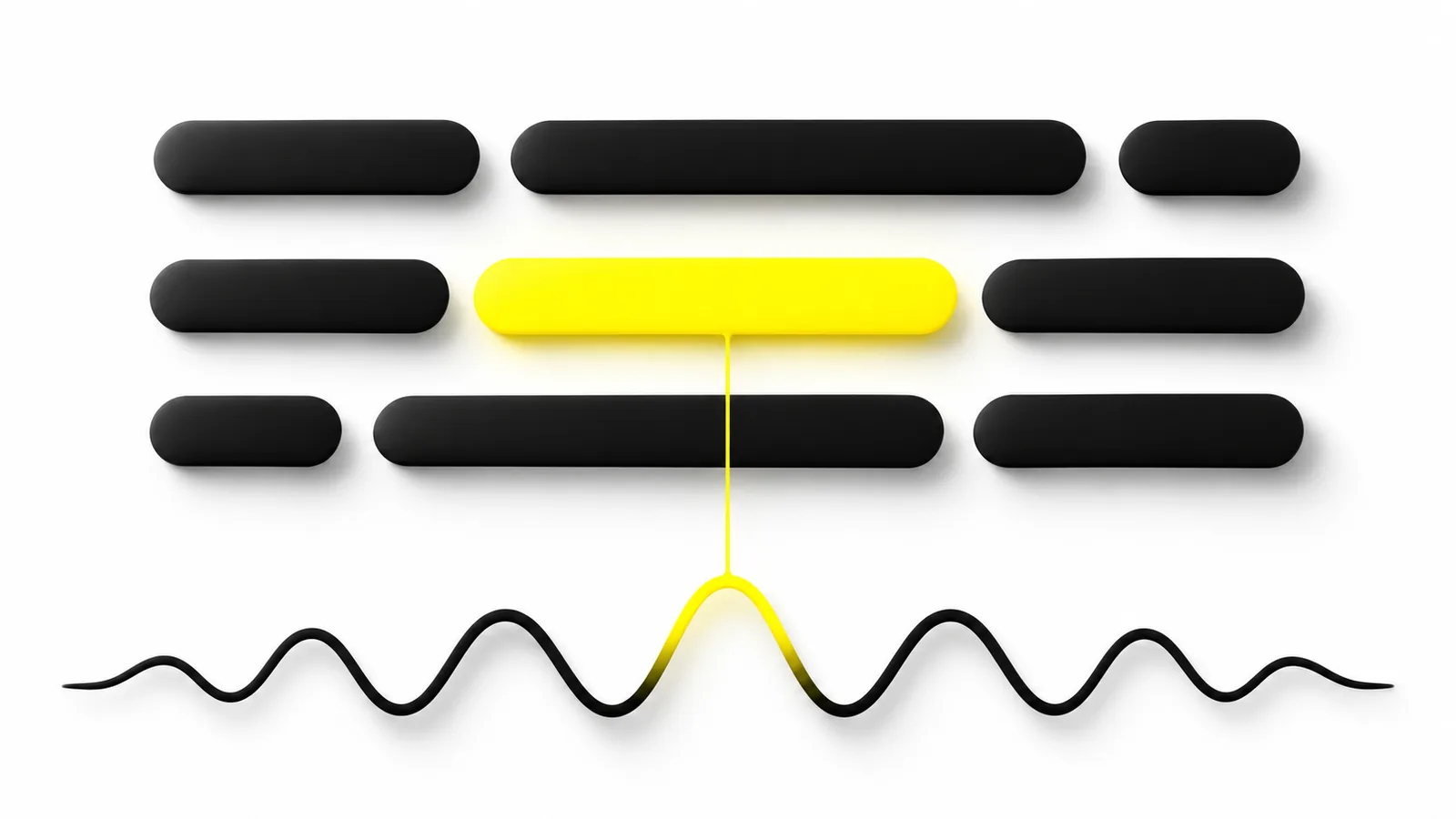
Word highlighting in text to speech works by matching each word in the text to the moment the voice speaks it, then lighting up whichever word matches the current playback time. Those timings come from the speech engine's live word events, timing data sent with the audio, alignment of finished audio, or an estimate.
Highlighting needs two things for every word: where it sits in the text and when it is spoken in the audio. The app matches the playback clock to that list.
Word timings come from one of four places: live word events from the speech engine, timing data returned with the audio, forced alignment of finished audio, or an estimate based on word length.
Not every voice reports word timings. Amazon Polly's generative voices return no speech marks, and the browser's word boundary event doesn't work in every browser.
Drift usually comes from text the voice rewrote (numbers, abbreviations), messy PDF text, or apps that estimate timings instead of measuring them.
In a study of 25 adults with aphasia, highlighting didn't change comprehension as a group, but 22 of them preferred having it on. Treat it as a preference, not a fix.
How word highlighting works in text to speech, in one sentence: the app keeps a list of where every word sits in the text and when it is spoken in the audio, then lights up whichever word matches the playback clock. Smooth karaoke-style highlighting and a highlight that lags two words behind both come down to where that list comes from and how accurate it is.
Below: the four ways apps get word timings, why highlighting drifts out of sync, how to switch it on with free tools already on your devices, and what research says about whether it helps.
How word highlighting works in text to speech: the 3 steps
Every read-along feature, from a phone's built-in reader to a dedicated app, does the same three jobs:
- Map the text. The app records each word's position as a character offset (word 3 starts at character 9 and is 6 characters long). In a PDF or web page, it also knows where that word is drawn on the screen.
- Time the audio. For each word, the app gets the moment it starts in the audio, such as 0.37 seconds in.
- Follow the clock. While audio plays, the app checks the playback position many times a second, finds the word whose start time has just passed, and paints a highlight over it. Sentence highlighting works the same way with sentence boundaries.
Steps 1 and 3 are straightforward. Step 2 is the hard part, and it's where apps differ.
Where do word timings come from? 4 methods
| Method | How it works | Where you'll see it | Accuracy |
|---|---|---|---|
| Live word events | The voice announces each word just before speaking it | Built-in voices on iPhone, Android and in browsers | Exact, when the voice supports it |
| Timing data with the audio | The voice service returns word start times alongside the audio | Cloud voices such as Amazon Polly and Azure | Exact, when offered |
| Forced alignment | Software listens to finished audio and lines it up with the text | Recorded narration, voices without timing data | Very close, if the text matches the audio |
| Estimation | The app guesses timings from word length and total duration | Simple tools and fallbacks | Rough; drifts on long passages |
1. Live word events from the speech engine
The simplest source is the voice itself. Many speech engines fire an event just before each word, carrying its position in the text:
- Apple (iPhone, iPad, Mac): apps receive a
willSpeakRangeOfSpeechStringcallback with the range of characters about to be spoken. Apple says it fires once per unit of speech, "which is generally a word," and recommends it for highlighting. - Android: apps receive
onRangeStart(Android 8.0, API level 26 and later) with the start and end of the range. Google's documentation says it is only called if the voice engine supplies timing information. - Web browsers: the Web Speech API fires a
boundaryevent at word and sentence boundaries, with acharIndexpointing into the text. MDN marks it "Limited availability" because it doesn't work in some widely used browsers.
When events arrive on time, the highlight is perfect. When a voice doesn't send them, the app gets nothing and has to fall back on another method.
2. Timing data returned with the audio
Cloud voice services can send timing data alongside the audio. Amazon Polly calls these speech marks. For the text "Mary had a little lamb," Polly's documentation shows this word mark:
{"time":373,"type":"word","start":5,"end":8,"value":"had"}
Read it as: "had" starts 373 milliseconds into the audio and sits between positions 5 and 8 of the text. One catch: Polly counts those positions in bytes, not characters, so accented letters and emoji shift the numbers and apps have to convert them.
Other services offer the same idea in different shapes:
- Microsoft Azure raises a
WordBoundaryevent for each word, punctuation mark and (optionally) sentence, with its audio offset and text position. Microsoft suggests using it to decide "when and for how long to highlight words." It also warns that events arrive as audio is generated, faster than playback, so the app must sync them to the audio itself. - ElevenLabs has a timestamps endpoint that returns a start and end time for every character, both for your original text and for the normalized text the voice actually read (with numbers spelled out, for example).
- Google Cloud returns timepoints only for
<mark>tags you place in SSML, so an app has to mark every word to highlight word by word.
Not every voice offers this. Amazon's page on Polly's generative voices says "support for generating speech marks is currently not available." Amazon describes that engine as a large transformer model that turns text into speech codes (more in how AI voices work), and apps using voices like it need another way to time each word.
3. Forced alignment of finished audio
When there are no timings, software can create them. Forced alignment runs speech recognition on the audio while already knowing the text, so it only has to find where each known word starts and ends. It's a common way to sync recorded narration, or any voice without timing data, to its text.
Read-along ebooks store the result. EPUB's Media Overlays pair each piece of text, such as a sentence, with a clip of an audio file. The book names a CSS class that the reading app applies to whichever element is playing, which is what makes it light up.
4. Estimation
The last resort is a guess: if a sentence lasts four seconds and has ten words, give longer words a bigger share of those four seconds. It looks fine for a few words, but pauses, numbers and long names throw it off, and the error grows over a paragraph. If a highlight starts in sync and slowly falls behind, this is usually why.
Why is text-to-speech highlighting out of sync?
Most sync problems come from one of five causes:
- The voice said something different from what's on screen. Before speaking, voices expand text: "Dr." becomes "Doctor," "$5" becomes "five dollars." One word on screen is now two spoken words, and the app has to map them back. Good apps keep "$5" highlighted for the whole phrase.
- The text isn't what it looks like. PDFs often store text in drawing order, not reading order, with hidden headers, page numbers and broken hyphenation. If the app reads it in the wrong order, the highlight jumps around the page. Our guide to why some PDFs read strangely covers the fixes.
- The voice doesn't report timings. The app falls back to estimating, and the highlight drifts.
- Audio delay. Wireless headphones and some speakers add a short delay before you hear the audio. If the app doesn't allow for it, the highlight runs slightly ahead of the voice.
- Skipped words. If the voice drops a word, the highlight jumps past it.
Speed changes alone shouldn't break sync. A well-built player follows the audio's own playback position, so the timings stretch or compress with the speed you choose.
How do I turn on word highlighting on my device?
These free tools built into phones, Chromebooks and browsers highlight as they read:
| Device or tool | How to turn it on | Good to know |
|---|---|---|
| iPhone and iPad (Speak Screen, Speak Selection) | Settings > Accessibility > Read & Speak > Speak Screen > Highlighting. On iOS 18 and earlier: Spoken Content > Highlight Content | Words, sentences or both; underline or background color |
| Chromebook (Select-to-speak) | Settings > Accessibility > Text-to-Speech: turn on Select-to-speak, choose Open select-to-speak settings, then under Highlighting turn on Highlight each word as it is spoken (Google's guide) | Select text, then press Search + S |
| Microsoft Edge (Read aloud) | Right-click a page or PDF and choose Read aloud, or press Ctrl+Shift+U (Cmd+Shift+U on Mac). Microsoft says words are highlighted as they're read | Voice and reading speed are adjustable |
For screen-by-screen steps, see our guides to Speak Screen on iPhone and iPad and Read aloud in Microsoft Edge.
Does word highlighting help you read?
It helps many people keep their place, but research hasn't shown that it improves understanding.
The clearest published test is a 2020 study in Aphasiology of 25 adults with aphasia who read with text to speech in three conditions: no highlighting, single-word highlighting and sentence highlighting. Comprehension accuracy didn't differ significantly between them (68% with word highlighting, 67% with sentence and 66% with none). But 22 of the 25 preferred one of the highlighting options, sentence highlighting most often, and the authors recommend letting personal preference decide.
Reading and listening together has its own body of research, covered in reading while listening and why it helps you remember. Highlighting is a reading tool, not a treatment. If you or your child find reading hard, a teacher, reading specialist or doctor can help work out why.
What to look for in an app with word highlighting
If you'll listen with highlighting often, test these before you commit:
- Real timings, not estimates. Play a paragraph with numbers and a long name. The highlight should land on each word as you hear it, without drifting by the end.
- Tap to jump. Tapping a word or sentence should start reading from there.
- Auto-scroll. The page should follow the highlight so it never runs off the screen.
- Works on your files. Try a real PDF with columns and footnotes, not just a clean web page.
- Holds at speed. Check it at the speed you actually use, such as 1.5× or 2×.
Follow along word by word with Speechly
Speechly is a text-to-speech reader for Windows, Mac, iPhone, iPad and Android that highlights each word as it reads.
- Word-by-word highlighting, and you can jump to any sentence and start there.
- On Windows, select text in any app and press Alt+R to hear it in a floating player. On Mac, the shortcut is ⌘E. See Speechly for Windows.
- 25+ natural AI voices in eight languages, which you can preview on the voices page, with speed from 0.5× to 2×.
- Reads PDFs, Word documents, EPUB books, web pages and photos of printed pages.
Speechly is free to download, and the free plan includes two text-to-speech files with premium voices, no card required. Premium is $14.99/month or $139/year for unlimited listening on every device.
Frequently asked questions
Why is my text-to-speech highlighting out of sync?
Usually because the app is estimating word timings instead of receiving them from the voice, or because the voice spoke different words than the screen shows, such as "five dollars" for "$5". Messy PDF text and the audio delay of wireless headphones can add to it.
Why does highlighting work with some voices but not others?
The voice has to report where it is in the text as it speaks. Some voices and engines don't, so the app either can't highlight at all or has to align or estimate the timings itself.
Can I turn word highlighting off?
Yes, in most tools. On iPhone and iPad it is the Highlighting setting under Speak Screen, and on a Chromebook it is a switch in Select-to-speak settings. Reading apps usually put it in the player or display settings.
Do AI voices support word highlighting?
Many do, but not all. Neural voices from services like Amazon Polly and Microsoft Azure return word timings, while some newer generative voices don't, so apps have to align the audio themselves or highlight whole sentences instead.
Is word highlighting the same as read-along or karaoke text?
Yes, they are names for the same idea: the current word or sentence lights up while the audio plays. With recorded narration the timings are prepared in advance; with text to speech they are produced along with the voice.
Does word highlighting work on scanned PDFs?
Only after the page is turned into real text with OCR (optical character recognition). Once the app knows where each word sits on the page, it can highlight it like any other text.
Should I highlight words or whole sentences?
Try both. Word highlighting helps you keep your exact place, while sentence highlighting is calmer to follow at faster speeds. Some tools, such as Speak Screen on iPhone, can show both at once.
Listen to anything on Windows
Select text in any app and press Alt+R. Speechly’s floating player reads it aloud in natural AI voices.
Prices and features of other products were checked on November 18, 2026 and can change. Speechly is not affiliated with the other companies named here.
How Do AI Voices Work? Neural Text to Speech Explained
How do AI voices work? Neural text to speech explained in plain English: the 3 steps inside a voice, how it's trained, and why it still slips up.

Reading While Listening: Why Doing Both Helps You Remember
Does reading while listening help you remember? What 30 studies found, the one condition that decides it, who gains most and how to use it well.

How to Use Select-to-Speak on a Chromebook
How to use Select-to-speak on a Chromebook: turn it on, read text with Search + S, change the voice and speed, add natural voices and fix common problems.