


Text to Speech for Law Students
Text to speech for law students: how to hear cases before you brief them, proofread memos by ear, review outlines on the go, and handle citations.
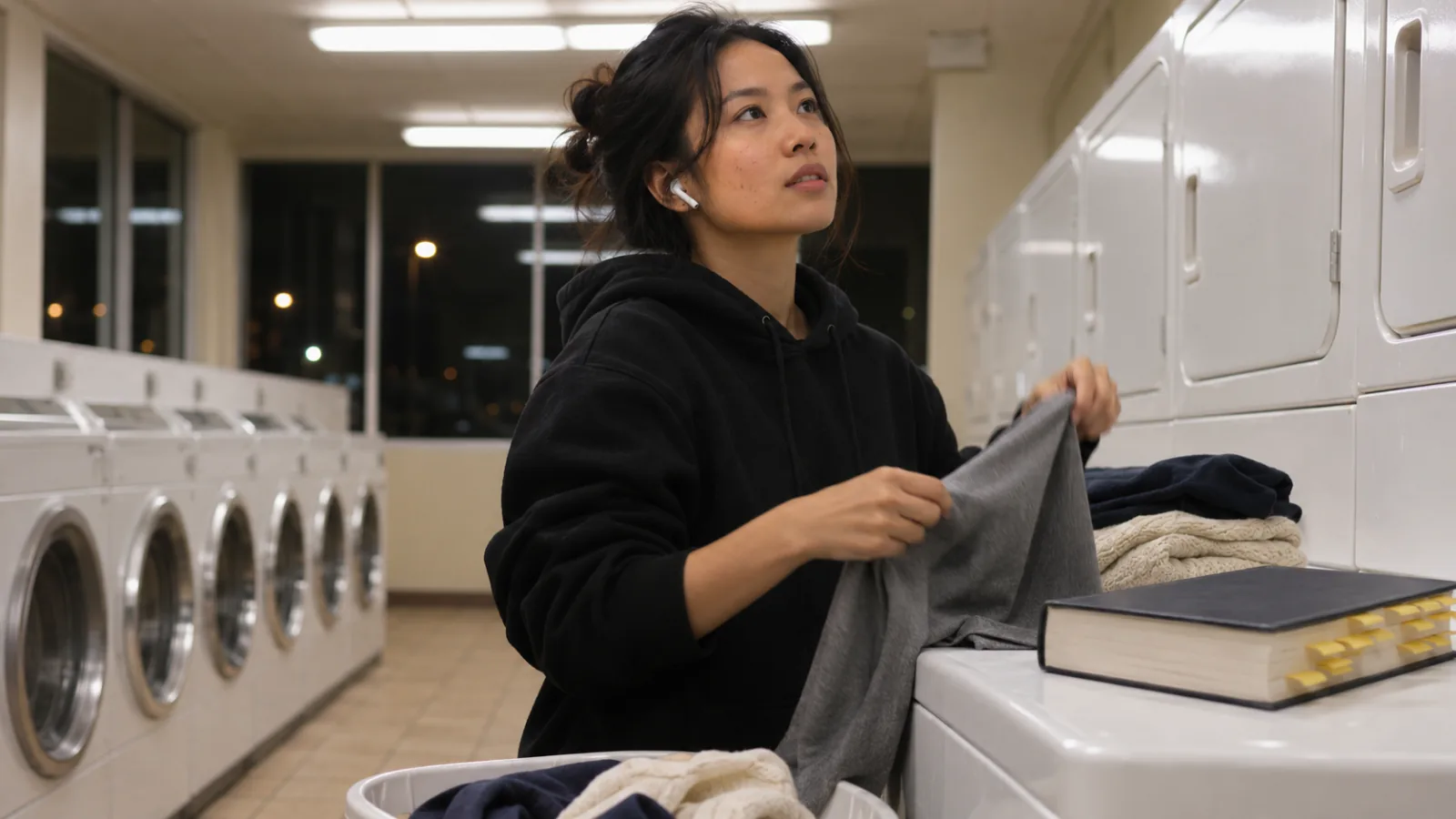
Text to speech for law students works best three ways: hearing assigned cases on a first pass before you brief them on the page, reading your legal writing back to catch errors, and reviewing your outlines on walks and commutes. Check citations, statutory text and quotes with your eyes, and keep clinic client files out of personal apps.
Use listening for a first pass through cases, then brief them on the page, where you can mark holdings and reasoning.
Hearing your memo or brief read aloud catches missing words, repeated words and tangled sentences that silent proofreading misses.
Turn your outline into audio in the weeks before finals and the bar, then test yourself on hypos at your desk.
Voices stumble on citations, section symbols and footnotes, so check those by eye.
In a clinic, treat client files as confidential: use only tools your clinic has approved.
Text to speech for law students turns part of a heavy reading load into something you can hear. The best uses are a first pass through assigned cases before you brief them, a listening proofread of your legal writing, and outline review on walks, commutes and errands. Citations, statutory text and anything you'll quote still need your eyes.
Law school reading adds up fast. Under ABA Standard 310, each credit hour assumes at least 50 minutes of class plus two hours of out-of-class work a week for 15 weeks, as law schools like the University of New Mexico spell out. For a 15-credit 1L semester, that's 30 or more hours of reading and preparation a week. For apps beyond text to speech, see our list of the best apps for law students.
What can text to speech do for law students?
It helps most with long prose: opinions, assigned articles, your own writing and your outlines.
| Task | How text to speech helps | What still needs your eyes |
|---|---|---|
| Reading cases for class | A first pass to get the facts and story before briefing | Holding, reasoning, quotes for cold calls |
| Supplemental reading | Hornbook chapters and articles on the commute | Footnotes you'll rely on |
| Legal writing | Hearing your memo or brief catches dropped and doubled words | Citation form, pin cites, record cites |
| Outline review | Hearing rules and elements again and again | Practice hypos and timed exams |
| Bar prep | Reviewing outlines and rule statements during downtime | Multiple-choice practice and essays |
How to read cases for class with text to speech
Listen first, then brief on the page. Hearing a case tells you who the parties are, what happened and roughly how it came out, so your second, close read can focus on the reasoning.
- Get a clean copy. Download the opinion as a PDF or Word file, or open it in a browser. CourtListener, a free site run by the nonprofit Free Law Project, carries millions of federal and state opinions.
- Listen once at 1× to 1.25×, following the text if you can. Note the procedural posture and who won.
- Close-read and brief. Facts, issue, holding, reasoning, and any concurrence or dissent worth a cold call.
- Write one sentence from memory stating the rule the case stands for.
- Relisten before class if you have a commute; it's a fast refresher.
Digital casebook platforms vary. Some have their own read-aloud, and many block copying or outside readers, so check what yours allows. Built-in tools such as Speak Screen on iPhone can often read whatever text is on screen.
What text to speech gets wrong in legal reading
Legal text is full of symbols and abbreviations voices handle inconsistently.
- Citations. "§", "¶", "U.S.C.", "F.4th" and "Id." come out differently from voice to voice, and string cites become strings of numbers.
- Footnotes. Many PDFs read footnotes in the middle of a sentence. Skip them on the first pass and read the ones that matter.
- Statutory text. Subsections, cross-references and exact wording matter. Read statutes on the page.
- Quotations and alterations. Brackets and ellipses aren't spoken clearly. Check any quote you'll use.
For scanned or two-column PDFs, our guide to why some PDFs read strangely explains the fixes.
How to proofread legal writing by listening
Hearing your memo or brief read aloud is one of the most useful things text to speech does for law students. Your eyes skim past a missing "not", a doubled "the" or a sentence that lost its verb halfway through. Your ears catch them.
- Finish your last substantive edit.
- Have the whole document read aloud at 1×, following along on screen.
- Stop at every stumble and fix it, then keep going.
- Check citations, pin cites and record cites in a separate pass by eye.
Microsoft Word's Review > Read Aloud does this free. Our guide to proofreading by listening covers the method in more detail.
Free text to speech tools law students already have
| Where | How to start it | Good for |
|---|---|---|
| Microsoft Word | Review > Read Aloud | Memos, briefs, outlines |
| Microsoft Edge | Open the page or PDF and press Ctrl+Shift+U | Opinions in the browser, PDFs |
| Any app on a Mac | Turn on Speak selection in System Settings > Accessibility > Read & Speak, then select text and press Option-Esc | Cases, articles, notes |
| iPhone and iPad | Turn on Speak Screen in Settings > Accessibility > Read & Speak, then swipe down from the top with two fingers | Cases and outlines on the go |
| Android | Turn on Settings > Accessibility > Select to Speak | Cases and outlines on the go |
These are free and good enough to start. They don't keep your place across devices or let you jump back to a sentence easily, which matters for 40-page opinions.
Text to speech through 1L, upper years and the bar
1L
Use listening for the first pass through cases and for your outlines from October onward. Start each outline early, then listen to it weekly so the rules are familiar by finals.
Upper years
Seminar papers and journal work mean long drafts. Listen to every draft before you submit it, and to sources you need for background rather than quotation.
Bar prep
Turn your outlines and rule statements into audio for walks, workouts and the commute, and keep practice questions at your desk. The bar exam is also changing: the NextGen Uniform Bar Exam was first given in ten jurisdictions in July 2026, and the National Conference of Bar Examiners expects 52 jurisdictions to use it by July 2028. Our guide to preparing for the bar exam by listening has a full plan.
Text to speech as an accommodation
Law students with dyslexia, ADHD, low vision or other disabilities may qualify for text to speech in coursework and exams. Start with your law school's disability services office, early in the semester.
For the bar exam, accommodations are decided by each jurisdiction's bar admissions agency, and deadlines often fall months before the exam. Our page on reading with ADHD covers practical reading tools to discuss alongside professional support.
Keep clinic and internship files confidential
In a clinic, externship or summer job, client information falls under confidentiality rules. ABA Model Rule 1.6(c) requires reasonable efforts to prevent unauthorized disclosure of client information, and our guide to text to speech for lawyers explains what that means for reading tools. In practice: use only tools your clinic or employer has approved, and keep client documents out of personal apps.
How law students can use Speechly
Speechly is a text-to-speech app for students on iPhone, iPad, Android, Mac and Windows. It reads PDFs, Word documents, EPUB books, web pages and photos of printed pages aloud with 25+ natural AI voices and word-by-word highlighting.
- Download Speechly free. The free plan includes two text-to-speech files with premium voices; no card required.
- Open a case PDF or Word file, paste a link to an opinion, or photograph a page from a printed casebook.
- Press play and follow the highlighted words. Tap any sentence to start there.
- Set the speed from 0.5× to 2×.
- On a Mac, select text in any app, such as your outline in Word, and press ⌘E. On Windows, press Alt+R.
Speechly saves your place, so a long opinion started on your laptop can be finished on your phone, and it keeps reading with the screen locked. It estimates how long each document will take to listen to, which helps you plan the night's reading. Premium is $14.99/month or $139/year for unlimited listening on every device. It has no offline listening or browser extension.
The bottom line
Use text to speech for the first pass through cases, a listening proofread of everything you write, and outline review away from your desk. Brief cases, check citations and practice exam questions by eye. To hear your cases and outlines with word highlighting on every device, download Speechly free and try it on tonight's reading.
Frequently asked questions
Can I listen to my casebook instead of reading it?
For a first pass, yes, if you have a digital copy that a read-aloud tool can access. You still need to brief the case on the page, mark the holding and reasoning, and be ready to quote it when you're cold-called.
How do I get cases into a format that reads well?
Download the opinion as a PDF or Word file from your research platform, or open it in a browser. Opinions from free sites like CourtListener also work. Clean, single-column text reads best.
Does text to speech read legal citations correctly?
Not consistently. Voices vary on "§", "U.S.C.", "F.4th" and "Id.", and string cites can become a run of numbers. Listen for the argument and check citations by eye.
Is listening to an outline a good way to study for law school exams?
It's a good way to review rules and structure often. Law school exams test you on applying rules to facts, so pair listening with timed practice hypos and past exams.
Can I get text to speech as an accommodation in law school or on the bar?
Students with documented disabilities can ask their law school's disability services office about text to speech for reading and exams. Bar exam accommodations are decided by each jurisdiction's bar admissions agency, so apply early through yours.
Is it OK to use text to speech on clinic files?
Only with tools your clinic has approved. Client information is confidential, and uploading it to a personal app can expose it.
Listen with Speechly
Natural AI voices on iPhone, iPad, Android, Mac and Windows, with word highlighting and your place saved on every device. Free to download.
Prices and features of other products were checked on November 18, 2026 and can change. Speechly is not affiliated with the other companies named here.

Best Apps for Law Students (2026)
The best apps for law students in 2026 for case reading, briefs, research, citations, outlines and memorizing rules, with prices checked this month.
How to Prepare for the Bar Exam by Listening
How to prepare for the bar exam by listening: turn outlines into audio, learn rules with pause-and-recall, and fit it around practice questions and essays.
Text to Speech for Lawyers: Proofread Briefs and Review Filings by Ear
Text to speech for lawyers: proofread briefs by ear, get through filings on the commute and keep client files safe. Free steps for Word, Acrobat and Mac.