


Text to Speech for Migraines: Reading When Light Hurts
Text to speech for migraines: when listening helps, when to rest instead, a low-light, low-volume setup, and free read-aloud tools on every device.
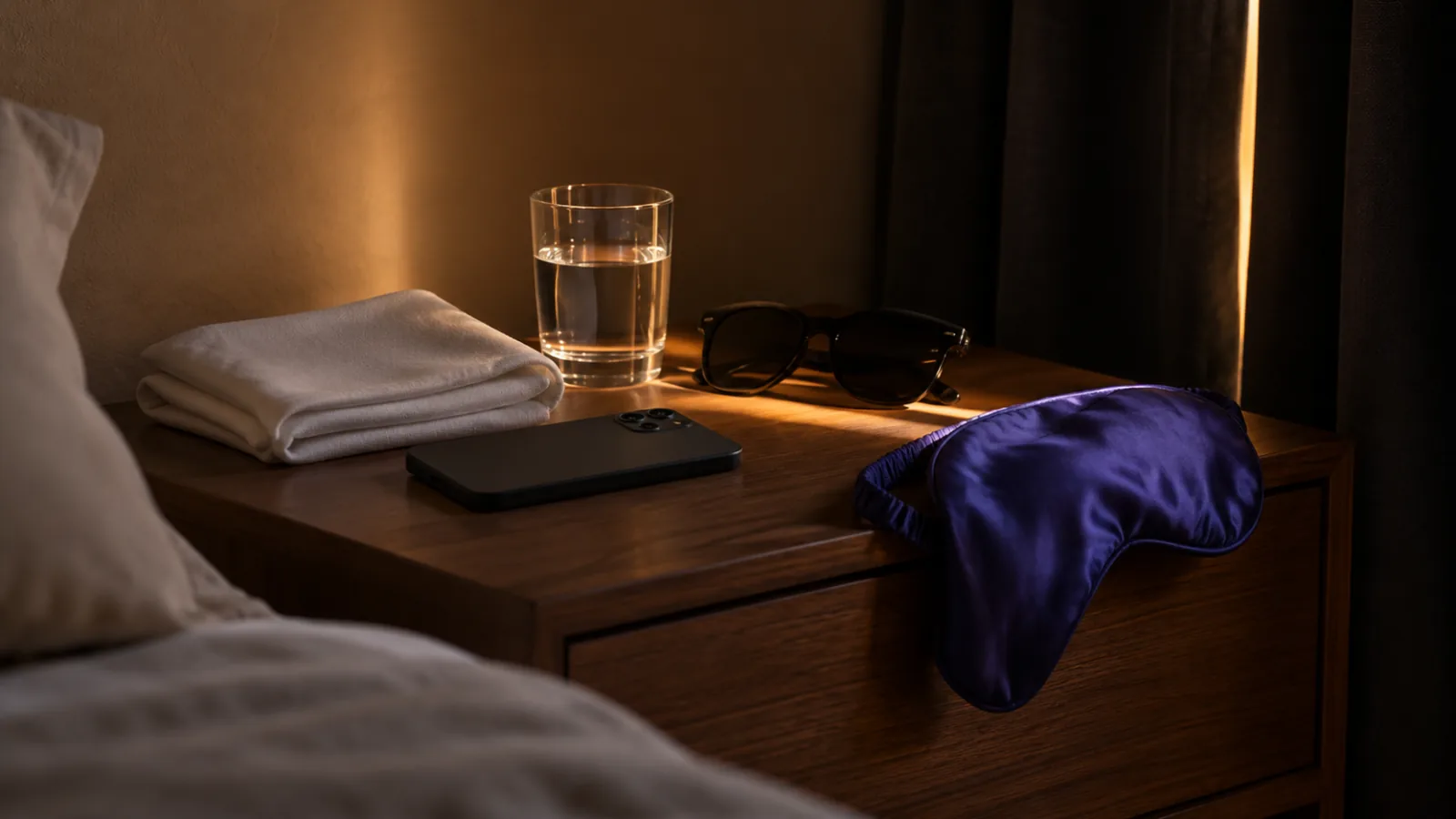
Text to speech for migraines lets you keep reading with your eyes closed or the screen dark, which helps when light sensitivity makes screens and white pages painful. It's most useful before and after an attack and between attacks. During the worst of an attack, especially with sound sensitivity, rest is usually better. It isn't a migraine treatment.
Light sensitivity is very common in migraine, and the American Migraine Foundation puts it at 85 to 90% of people with migraine.
Listening takes screens and bright pages out of reading, so it fits the warning phase, the 'migraine hangover' afterward, and days when light sensitivity lingers.
Sound sensitivity is also part of migraine, so keep the volume low and stop if listening makes things worse.
Heavy screen use is linked with more migraine in studies of young adults, though that research can't show screens cause attacks.
Text to speech is a reading tool, not a treatment. A doctor can help you find treatment and triggers, and some headaches need emergency care.
Text to speech for migraines lets you keep reading with your eyes closed or the screen dark, so light sensitivity doesn't decide whether you finish the report or the chapter. It works best in the warning phase, the drained hours after an attack, and on days when sensitivity lingers. In the worst of an attack, rest usually beats listening.
It isn't a migraine treatment. If you have frequent or severe headaches, a doctor or headache specialist can help with treatment and triggers. Below is when listening helps, when it doesn't, and how to set it up.
Why is reading so hard with a migraine?
Migraine affects almost every part of reading at once.
- Light sensitivity (photophobia). The American Migraine Foundation says 85 to 90% of people with migraine have light sensitivity. Screens and bright white pages become painful.
- Sound sensitivity (phonophobia). Light and sound sensitivity together are part of the international diagnostic criteria for migraine, which matters if you plan to listen.
- Aura. Flashing lights, zigzag patterns or blind spots can make text impossible to follow for up to an hour.
- Trouble concentrating. Difficulty focusing is common before the headache and in the postdrome afterward.
- Movement makes it worse. Routine activity, including staring at a screen and scrolling, can increase the pain.
How text to speech helps with migraines, phase by phase
Migraine attacks often unfold in four phases, and listening fits some much better than others.
| Phase | What reading feels like | Is listening a good idea? |
|---|---|---|
| Prodrome (hours to days before) | Hard to focus; light and sound may already bother you | Often yes: low volume, screen off, easy material |
| Aura (usually 5 to 60 minutes) | Blind spots and shimmering make text unreadable | Sometimes; many people prefer to rest until it passes |
| Headache (hours to 3 days) | Light, sound and movement all hurt | Usually no. Rest in a dark, quiet room and follow your treatment plan |
| Postdrome ("migraine hangover") | Tired, foggy, still light-sensitive | Often yes: short sessions, slower speed |
| Between attacks | Lingering light sensitivity, screen-heavy days | Yes: swap long screen reading for listening |
The biggest win for many people is between attacks: listening to long articles, reports and email cuts hours of bright-screen time from the day.
When listening doesn't help
Be honest with yourself about these limits:
- During a full attack, rest. If sound is painful, a voice in your ear will make it worse, not better.
- It doesn't prevent or treat migraine. Medication, trigger management and sleep are things to work out with your doctor.
- Concentration may still be low. Listening removes the light, not the fog. Save hard material for better days.
Do screens trigger migraines?
The evidence suggests a link, but not proof. In a 2016 study of 4,927 young adults in France, those with very high screen time were more likely to report migraine. Because it was a survey at one point in time, it can't show that screens cause attacks, and other factors may explain part of the link.
What's clearer is the light itself. The American Migraine Foundation notes that blue-tinted light, which computer and phone screens emit a lot of, is typically the most painful hue for people with migraine. It also warns against the opposite extreme: living in darkness can increase light sensitivity over time, so the advice is to build tolerance to brighter environments gradually between attacks.
That makes listening a useful middle ground. You cut screen exposure without hiding in a dark room.
How to set up text to speech for migraines
Set this up on a good day, so it's ready when you need it.
- Choose a calm voice and preview it at low volume. Some voices feel harsher than others; pick one that's comfortable.
- Set the speed a little slower than normal for foggy days.
- Use the screen-off option. Pick an app that keeps reading with the phone locked, so there's no light at all.
- Use earbuds or soft headphones at low volume. Some people find one earbud more comfortable than two.
- Turn on dark mode and lower brightness for the few seconds you do need the screen. Turn off notifications so a bright alert doesn't wake the screen.
- Queue reading in advance. Save the articles and documents you'll need into your reader app ahead of time, so you don't have to search on a bright screen.
- Keep sessions short in the prodrome and postdrome, and stop if pain or nausea increases.
Our guide to listening to articles with the screen off on iPhone walks through the screen-off setup.
Free text to speech tools on every device
You don't need to buy anything to start.
| Device | Free feature | Quick start |
|---|---|---|
| iPhone, iPad | Speak Screen | Settings > Accessibility > Read & Speak, turn on Speak Screen, then swipe down from the top with two fingers or say "Speak screen" to Siri |
| Android | Select to Speak | Settings > Accessibility > Select to Speak, then tap the accessibility button and press Play |
| Mac | Speak selection | System Settings > Accessibility > Read & Speak, turn on Speak selection, select text and press Option-Esc |
| Windows, Mac | Edge Read aloud | Open a page or PDF in Microsoft Edge and press Ctrl+Shift+U (Command+Shift+U on Mac) |
On older iPhones and Macs, Read & Speak is called Spoken Content. These tools read a screen or page at a time and don't keep your place in long documents.
Working and studying with migraine
If migraine regularly affects your reading at work or school, ask for adjustments. The Job Accommodation Network collects ideas such as anti-glare filters, changes to lighting, a private or quieter space, modified schedules and breaks, and adjusted computer settings.
Reading-specific requests that help:
- Receiving documents as files you can listen to, not only printed handouts or slides on a bright projector
- Extra time for long readings on bad days
- Permission to listen to reports and email instead of reading them on screen
- Flexibility to step away during an attack and catch up afterward
For more ways to cut screen strain, see text to speech for eye strain and screen fatigue. If your headaches started after a head injury, read reading after a concussion and talk to your doctor.
Listening with the screen dark in Speechly
For long documents, books and articles, a reader app is easier than built-in tools because it reads the whole file and saves your place.
Speechly is a text-to-speech reader for iPhone and iPad, Android, Mac and Windows with 25+ natural AI voices.
- Download Speechly free. The free plan includes two files with premium voices; no card required.
- On a good day, add what you'll need: PDFs, Word documents, EPUB books, links to articles, or photos of printed pages.
- Preview the voices and pick a calm one.
- Set the speed anywhere from 0.5× to 2×, press play and lock your phone. Speechly keeps reading with the screen off.
- On a Mac, select text in any app and press ⌘E; on Windows, press Alt+R. A small floating player reads it, so you can look away from the monitor.
Speechly saves your place automatically, so a 10-minute session in the postdrome picks up exactly where it stopped, on any of your devices. Premium is $14.99/month or $139/year for unlimited listening.
When should you see a doctor about migraine?
See a doctor if headaches are frequent, getting worse, or affecting work, school or sleep. Treatments and prevention options have expanded, and a headache specialist can help.
Get emergency care for a headache that's sudden and peaks all at once, a new level of pain you've never had, or a headache with confusion, weakness or numbness, trouble speaking, vision changes you don't usually have, a stiff neck, fever, or one that follows a head injury. Cleveland Clinic lists these and other warning signs.
The bottom line
Text to speech helps with migraines by taking light out of reading: listen with the screen off in the warning phase, the postdrome and on light-sensitive days, and rest during the worst of an attack. Keep the volume low, the voice calm and the sessions short. To try it, download Speechly free and queue tomorrow's reading while you feel well.
Frequently asked questions
Can I read during a migraine?
Many people can't during the worst of an attack, and resting in a dark, quiet room is usually better. Before and after the headache, or with milder attacks, listening at low volume with the screen off lets you keep reading without the light.
Do audiobooks help with migraines?
They don't treat migraine, but they let you keep reading when screens and bright pages hurt. Keep the volume low, pick a calm narrator or voice, and stop if sound makes the pain worse.
Why do screens make my migraine worse?
Light sensitivity is a core migraine symptom, and screens are bright, often glaring, light sources. The American Migraine Foundation notes that blue light, which screens emit a lot of, is typically the most painful hue for people with migraine.
Should I stay in the dark if I have light sensitivity?
Only during an attack. The American Migraine Foundation warns that living in darkness can increase light sensitivity over time and suggests slowly building tolerance to brighter environments between attacks.
Does dark mode help with migraines?
Some people find dark mode and lower brightness more comfortable, but there's little research either way. Try it, and combine it with balanced room lighting and less screen time.
What accommodations can I ask for at work for migraines?
Common ideas include anti-glare filters, changes to lighting, flexible schedules, a quieter or private space, adjusted computer settings and extra breaks. The Job Accommodation Network lists more by symptom.
Listen with Speechly
Natural AI voices on iPhone, iPad, Android, Mac and Windows, with word highlighting and your place saved on every device. Free to download.
Prices and features of other products were checked on November 18, 2026 and can change. Speechly is not affiliated with the other companies named here.

Text to Speech for Eye Strain and Screen Fatigue
How text to speech for eye strain and screen fatigue works: what to listen to instead of read, free tools on every device, and the eye habits that help.
Reading After a Concussion: How Listening Helps
Reading after a concussion: when to start, why words swim and screens hurt, and how listening at low volume eases you back into school, work and books.

Rest Your Eyes: Listening to Cut Screen Time
Rest your eyes without reading less: find where your screen time goes, move articles, email and books to audio, and follow a simple one-week plan.