


Audiobooks vs Text to Speech: Which Should You Use?
Audiobooks vs text to speech: how they differ in voice, cost, what they can read and how well you learn from them, with a simple guide to which to use.
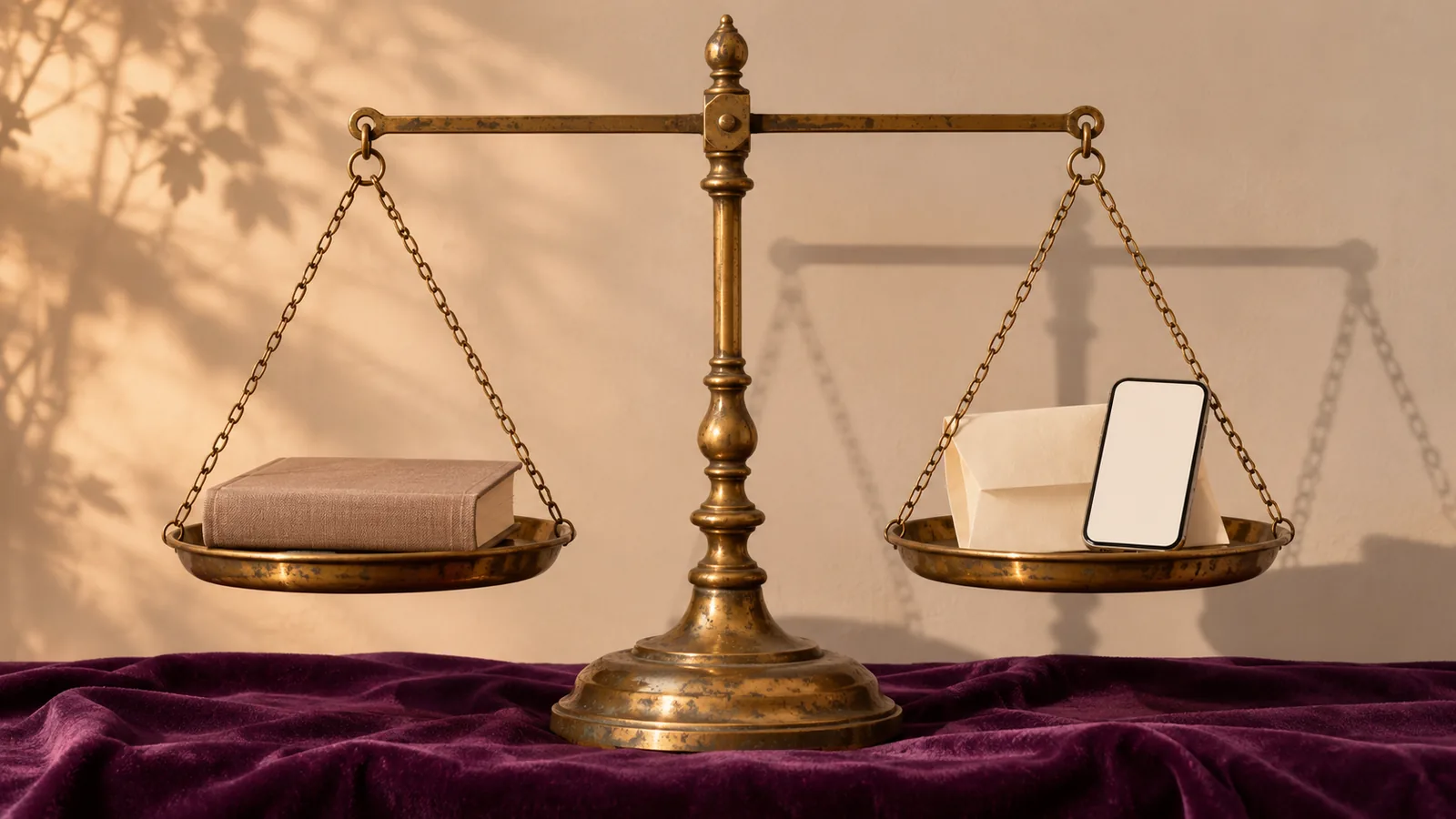
In the audiobooks vs text to speech choice, use audiobooks for books that have a great recorded narration, especially fiction. Use text to speech for everything else: PDFs, articles, textbooks, documents and books with no audio edition. Research finds comprehension is similar either way, so pick by what you're listening to.
Audiobooks vs text to speech isn't really a contest, because each is best at different things. Audiobooks are recorded performances of published books, read by a narrator. Text to speech reads any text on demand: PDFs, articles, notes, textbooks, emails and books that never got an audio edition.
So the right answer depends on what you want to hear. Below, we compare them on voice, cost, what they can read, how well you learn from each, and which to use when. Prices were checked on official pages on November 18, 2026.
Audiobooks vs text to speech at a glance
| Audiobooks | Text to speech | |
|---|---|---|
| What it is | A recording made once, in a studio | A voice generated from text as you listen |
| Voice | Usually a professional human narrator; some AI-narrated titles | Synthetic voices, from robotic to very natural AI voices |
| What you can hear | Only books that have an audio edition | Almost any text you can open, copy or photograph |
| Cost | Per book or credit; free from libraries | Free built-in tools; paid apps for better voices |
| Read along | Only with matched ebooks on some platforms | Usually, with word or sentence highlighting |
| Jump around | By chapter or timestamp | To any sentence or paragraph |
| Speed control | Yes | Yes |
| Wait time | Library waitlists for popular titles | None: it reads the moment you open the text |
| Best for | Fiction, memoirs, performances you'll savor | Study, work, articles, PDFs and books without audio |
What's the difference between audiobooks and text to speech?
An audiobook is a fixed recording; text to speech creates speech from text on the spot. That's why audiobooks sound more like a performance and text to speech works on far more material.
A traditional audiobook is produced once. A narrator reads the book in a studio, an engineer edits and masters it, and the finished files go on sale. Audible's audiobook marketplace, ACX, estimates about 9,300 words per finished hour, so a 90,000-word novel runs close to 10 hours.
Text to speech skips the recording. Software reads the words on your screen or in your file and turns them into speech in real time. Modern apps use neural voices that sound far more natural than the robotic voices of a decade ago. Our explainer on how AI voices work covers the technology.
The line is blurring: AI-narrated audiobooks
Some audiobooks are now made with text to speech. Amazon lets self-published authors in a US beta create audiobooks with Virtual Voice, computer-generated narration that Amazon says is clearly labeled. Apple Books offers digital narration, which combines speech synthesis with review by linguists and audio engineers.
These titles cost less to produce, so more niche books get audio editions. If you only want human narrators, check the narrator line and play the sample before you buy.
Which sounds better?
A great human narrator still beats any synthetic voice for fiction. Narrators give each character a voice, pause for a joke and slow down for a sad scene. Some audiobooks are full-cast productions with music.
Text to speech has closed much of the gap for everything else. In nonfiction, news and study material, what matters is clear pronunciation and steady pacing, which today's AI voices do well. Text to speech can still stumble on unusual names, abbreviations, math and tables. Context, not the voice, is usually what trips them up.
Narrators can also be a downside. A voice you dislike stays for all 12 hours, while text to speech lets you switch voices whenever you like.
What can you listen to with each?
This is the biggest difference: audiobooks cover only books that were recorded, while text to speech covers almost anything with words.
Audiobooks are a great fit for bestsellers, popular nonfiction and classics. They don't exist for most of what people actually need to get through:
- Textbook chapters and course readings
- Research papers, reports and PDFs from work
- Web articles, newsletters and long emails
- Your own notes, drafts and documents
- Older, academic or niche books with no audio edition
Text to speech handles all of those. It can also read printed pages through a phone camera and text recognition, known as OCR.
One limit applies to both: copy protection. Third-party text-to-speech apps can't read DRM-protected Kindle books or play Audible files. Amazon's own apps handle their books, which we compare in Kindle text to speech vs Audible.
Which costs less?
Text to speech is cheaper for most people; audiobooks are cheap only if you borrow them.
What audiobooks cost
- Audible (US, as listed November 18, 2026): Standard is $8.99 a month for one audiobook pick a month, kept only while you subscribe. Premium is $14.95 a month, or $149.50 a year for 12 audiobooks, with one credit a month for a book you keep.
- Spotify Premium: Individual plans include a monthly allowance of audiobook listening time that varies by country, with paid top-ups when it runs out. Premium Student doesn't include it.
- Your library: Libby lends ebooks and audiobooks free with a library card, though popular titles can have long waitlists.
- Free classics: volunteer-read public-domain audiobooks are free. See where to find free audiobooks legally.
What text to speech costs
- Free built-in tools: iPhone and iPad have Speak Screen and Speak Selection, Android has Select to Speak, Microsoft Edge and Word have Read Aloud, and Macs can speak any text you select. They're free, but some voices sound flat and they read one screen or one document at a time.
- Paid apps: usually a flat subscription for unlimited listening with natural AI voices, highlighting and a library that syncs.
If you listen to more than a book a month, or mostly listen to things that aren't books, a text-to-speech app usually works out cheaper.
Which is better for learning and remembering?
Neither format wins on comprehension, so choose by convenience. In a 2016 study by Beth Rogowsky and colleagues, adults who listened to a nonfiction chapter, read it, or did both at once scored about the same, both right after and two weeks later.
Where text to speech helps studying is control:
- Read along. Most apps highlight each word or sentence as it's spoken, so you can listen and read at once. Our article on reading while listening covers why that helps some readers.
- Jump to any sentence to replay a definition or skip a section.
- Your actual material. You can listen to the exact chapter you'll be tested on, not a different book on the same topic.
Audiobooks are ideal for long, story-driven books, where a narrator keeps you engaged for hours. For children still learning to read, both are a supplement to reading practice, not a replacement. Our deeper dive on listening vs reading has more of the research.
What about dyslexia, ADHD and low vision?
Both help, and many readers use both. Audiobooks give a smooth, expressive listen for whole books. Text to speech makes school and work reading accessible, especially with highlighting that lets you follow the words.
US students with print disabilities can get both free or at low cost. Bookshare offers accessible ebooks read by text to speech, and Learning Ally offers human-narrated audiobooks. We compare them in Bookshare vs Learning Ally. Neither format is a treatment. If reading is a struggle, a teacher, reading specialist or doctor can help find the right support.
Which should you choose?
Choose audiobooks if:
- You're listening to fiction, memoir or anything where the performance matters.
- The book you want has an audio edition with a narrator you like.
- You want a long, relaxed listen on a drive or walk.
- Your library has it, so it's free.
Choose text to speech if:
- The thing you need to read has no audiobook: a PDF, textbook, article, report or your own writing.
- You want to read along with highlighting, or jump to exact sentences.
- You listen to a lot and want one flat price instead of paying per title.
- You'd rather pick your own voice and speed.
Use both. Many people keep an audiobook for evenings and use text to speech for everything on their reading list during the day.
How Speechly fits in
Speechly is the text-to-speech side of that pair: it turns the reading that has no audiobook into something you can listen to. It's a reader app for iPhone, iPad, Android, Mac and Windows.
Open a PDF, Word document, EPUB, text file or web link, paste text, or take a photo of a printed page. Speechly reads it with 25+ natural AI voices in eight languages, highlights each word, lets you jump to any sentence, and runs from 0.5× to 2× speed. It keeps reading with your phone locked, saves your place, and syncs your library across devices. A built-in catalog has 75,000+ free public-domain books, and it estimates how long each document will take to hear.
On a Mac, select text in any app and press ⌘E; on Windows, press Alt+R.
What it won't do: Speechly can't read DRM-protected Kindle or Audible books, and it has no offline listening. The free plan includes two text-to-speech files with premium voices; Premium is $14.99 a month or $139 a year. To turn a document into something you can listen to like an audiobook, see how to turn a PDF into an audiobook, or see how Speechly compares in Speechify vs Speechly.
Every pick at a glance
Buying and keeping professionally narrated audiobooks
Standard $8.99/month; Premium $14.95/month, $149.50/year or $229.50/year (US, November 2026)
iPhone, iPad, Android, Web, Alexa, Kindle
Borrowing audiobooks free from your public library
Free with a library card
iPhone, iPad, Android, Web
Frequently asked questions
Is text to speech as good as an audiobook?
For a novel with a skilled narrator, usually not: a person adds character voices, timing and emotion that synthetic voices still can't fully match. For nonfiction, articles and study material, modern AI voices are clear and natural enough that many people can't tell much difference after a few minutes.
Does listening with text to speech count as reading?
For understanding and remembering, mostly yes. A 2016 study found adults understood a nonfiction chapter equally well by listening, reading or doing both. Children who are still learning to decode words need print practice too.
Are AI-narrated audiobooks text to speech?
Yes. Amazon's Virtual Voice and Apple Books' digital narration produce audiobooks with computer-generated voices. Both stores mark them so you can tell, so check the narrator line and play a sample before you buy.
Can text to speech read Kindle or Audible books?
Not with outside apps. DRM-protected Kindle books can only be read aloud by Amazon's own apps and devices, and Audible files only play in Audible. Text-to-speech apps work with DRM-free books, documents and web pages.
Which is cheaper, audiobooks or text to speech?
Text to speech is cheaper for most people. It's built free into phones, computers and browsers, and paid apps cost a flat subscription for unlimited listening. Audiobooks cost a credit or purchase per title, unless you borrow them free from a library.
Which is better for studying?
Text to speech, in most cases. Your textbooks, PDFs, lecture notes and articles rarely have audio editions, and text to speech can highlight each word so you read along, jump to any sentence and adjust speed.
Listen with Speechly
Natural AI voices on iPhone, iPad, Android, Mac and Windows, with word highlighting and your place saved on every device. Free to download.
Prices and features of other products were checked on November 18, 2026 and can change. Speechly is not affiliated with the other companies named here.
Speechify vs Audible: AI Reader or Audiobook Store?
Speechify vs Audible compared: AI reader vs audiobook store, prices checked November 2026, voices, highlighting, offline use and which one to pay for.
Listening vs Reading: Which Is Better for Comprehension?
Listening vs reading: 46 studies found no reliable comprehension gap. See when reading wins, when audio matches it, and how to remember more by ear.
Where to Find Free Audiobooks Legally
Where to find free audiobooks legally: Libby and Hoopla bestsellers with a library card, 21,000+ LibriVox classics, and how to spot pirated copies.