


How Text to Speech Handles Math, Tables and Footnotes
How text to speech handles math, tables and footnotes: what you actually hear, why it goes wrong, and how to listen to technical documents clearly.
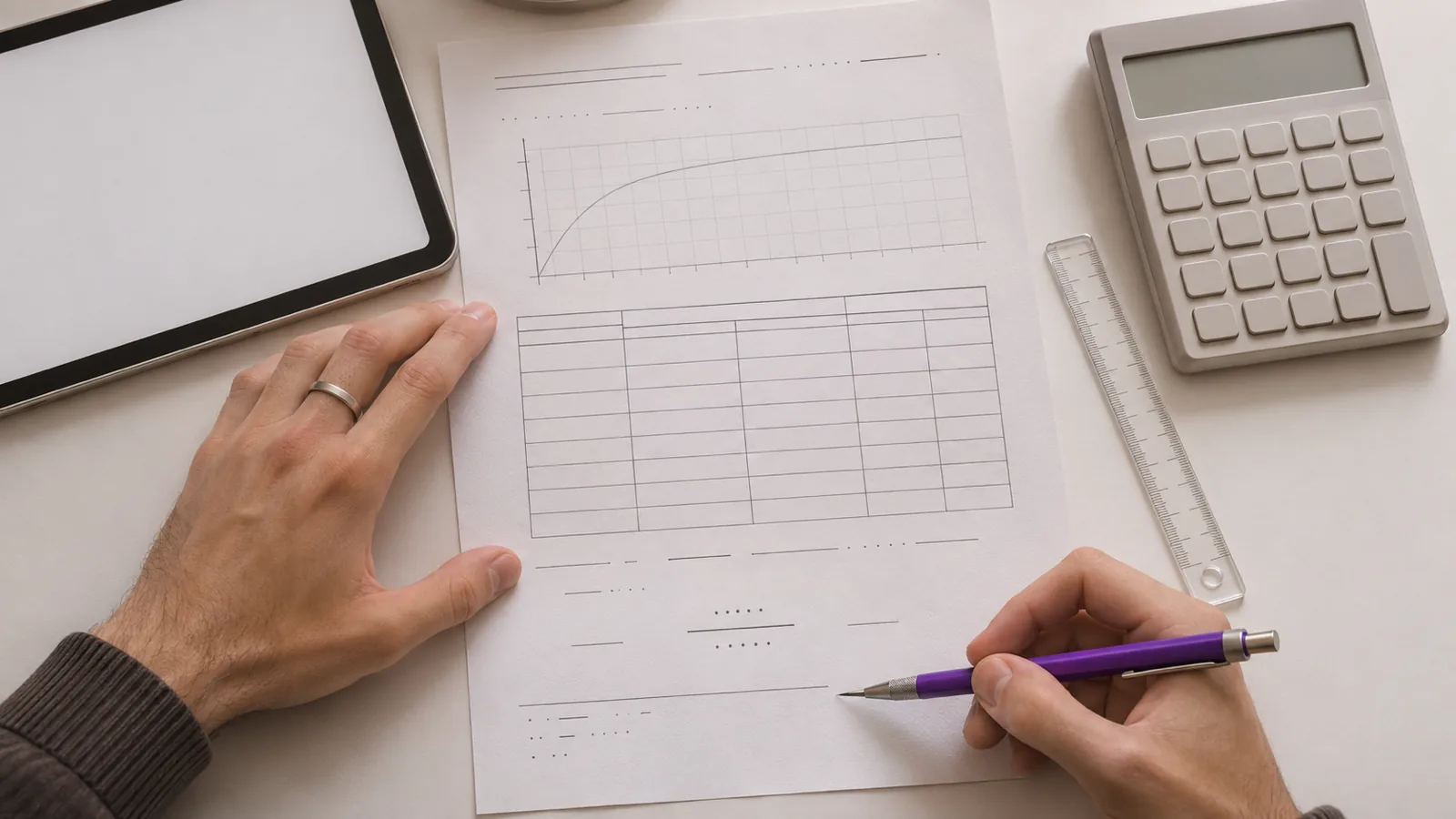
Here is how text to speech handles math, tables and footnotes: most read-aloud tools read them as a straight line of text. Equations become symbols or get skipped, tables are read cell by cell without their headers, and footnote numbers and notes land mid-sentence. Results improve when the document marks them up properly.
Read-aloud tools turn a two-dimensional page into a single line of speech, so anything that relies on position, such as fractions, superscripts and table grids, loses meaning.
Equations read well only when they're stored as structured math, such as MathML or Word's equation objects, and played through a tool that understands it.
Tables make sense aloud when header cells are marked up; a screen reader can then announce each value with its row and column header.
Footnote numbers are read as plain numbers, and footnote text at the bottom of a PDF page can interrupt a sentence. EPUB and HTML mark notes so apps can skip them.
For technical documents, listen to the prose and look at the equations and tables, or use a dedicated math screen reader setup.
Here is how text to speech handles math, tables and footnotes in most apps: it reads them as one straight line of text. Equations turn into strings of symbols or vanish, tables become a run of numbers without their headings, and footnotes interrupt the sentence they belong to.
None of that is a fault in the voice. It comes from how the document stores these elements. Below: what you actually hear, why, which formats and tools do better, and how to listen to a technical document without the noise. Sources were checked on November 18, 2026.
Why math, tables and footnotes trip up text to speech
Speech is linear; a page isn't. A fraction stacks one number over another, a superscript sits above the line, and a table only makes sense because of the rows and columns around each value. A voice can say one word at a time, so something has to turn that layout into a sentence.
Before speaking, a text-to-speech engine "normalizes" the text: it decides how to say numbers, dates, abbreviations and symbols. Is "1/2" one half or January 2? Is "x2" "x two" or "x squared"? The W3C's speech markup standard has a say-as element so authors can settle this, but ordinary documents don't use it, so the engine guesses.
How well it guesses depends on what the file tells it:
| What the document stores | What a typical reader can do |
|---|---|
| Structured math (MathML, Word equations) | Speak it properly, with the right tool |
| Plain symbols in a PDF or text file | Read the symbols, often losing exponents and fractions |
| LaTeX source code | Read the code literally |
| An image of an equation or table | Silence, unless there's alt text |
| A tagged table with header cells | Announce values with their headers (screen readers) |
| An untagged table | Read values in a row, without headers |
| Marked footnotes (EPUB, HTML) | Skip them or show them separately |
| Unmarked footnotes (most PDFs) | Read them where they sit on the page |
How text to speech handles math
Simple arithmetic in a sentence is usually fine. Anything with layout is where it breaks.
What you hear from a PDF or plain text
In a PDF, a superscript is just a smaller character placed higher. Most read-aloud tools ignore the position, so "x²" can come out as "x two", and "a² + b² = c²" as "a two plus b two equals c two". Fractions drawn as one number above a line may be read as two separate numbers. Greek letters and operators such as ∑ or ≤ are read by name if the voice knows them, and skipped if it doesn't.
A 2025 research paper, MathReader, tested this on academic papers and found that standard readers from Microsoft, Adobe and Apple often skip or misread formulas. Its authors built a pipeline that converts formulas into spoken English before synthesis.
What you hear from LaTeX
If you paste LaTeX, the voice reads the code: "backslash frac open brace a close brace open brace b close brace" instead of "a over b". Some web pages hide LaTeX behind rendered math, and a screen reader can land on the code rather than the equation. One 2025 test of math on the web found that when a page gave a² + b² as LaTeX-style text instead of real math markup, VoiceOver on iPhone read it as "a caret left curly bracket 2 right curly bracket" and onward.
What you hear from structured math
When an equation is stored as structured math, a math-aware tool can read it the way a teacher would. In the same web test, with proper MathML, VoiceOver on iPhone said "a squared plus b squared equals c squared", and NVDA with MathCAT said nearly the same.
- NVDA and MathCAT. MathCAT turns MathML into speech and braille. DAISY's guidance says NVDA 2026.1 and later include MathCAT, so no add-on is needed. You can step through an expression piece by piece.
- Word equations. Equations made with Word's equation editor are structured, and Read Aloud speaks them, but not always naturally. One university accessibility guide found Read Aloud says "n atop k" instead of "n choose k".
- Equation images. An equation saved as a picture has no text at all. It's read only if the author wrote alt text describing it.
How text to speech handles tables
Most read-aloud tools read a table left to right, row by row, as if each cell were a word in a sentence. A sales table becomes "Region Q1 Q2 Q3 North 4.2 5.1 6.0 South 3.8 3.9 4.4". By the second row, you've lost track of which number belongs to which quarter.
Screen readers do better with tables that are marked up properly. The W3C explains that screen readers speak one cell at a time and reference the associated header cells, so you hear "Q2, North, 5.1" and keep your bearings. That needs header cells in the HTML, Word or tagged PDF; a table drawn with lines and spaces has none.
Tables in PDFs cause extra trouble:
- Untagged tables may be read across the page, down a column, or in a jumbled order, depending on how the PDF placed each piece of text.
- Merged cells and multi-line cells often split a value across two "rows" when read aloud.
- Converting the PDF doesn't always help. Google's own help page says that when you open a PDF in Google Docs, lists, tables, columns, footnotes and endnotes are not likely to be detected.
Wide tables are hard to follow by ear no matter what. For anything bigger than a few cells, it's usually faster to listen to the text around the table and look at the table itself.
How text to speech handles footnotes
Footnotes cause two separate problems: the reference mark and the note.
The reference mark
A superscript footnote number is read as an ordinary number. "Revenue grew 40 percent³ last year" can come out as "Revenue grew 40 percent three last year", which changes the meaning. Bracketed citations such as [12] or (Smith, 2021) are read in full every time. In a research paper, that can be every other sentence.
The note itself
In a PDF, footnote text sits at the bottom of the page. A read-aloud tool reaches it at the end of the page, so if a sentence runs onto the next page, the footnote is read in the middle of it. Endnotes collect at the end of a chapter or book, which is less disruptive but means you hear pages of references.
EPUB and HTML can label notes. The W3C's EPUB vocabulary defines a noteref as a reference "typically appearing as a superscripted number", and a footnote as the note it points to. Reading apps use those labels to show notes in a pop-up instead of inline, and some readers can skip them. Thorium Reader, for example, has a Skippability setting that hides footnotes, endnotes and page breaks marked this way.
What this means when you listen to technical documents
Pick the approach by how much of the document is math, tables or notes.
| Your document | Best approach |
|---|---|
| Mostly prose, a few tables or equations | Listen to the text, look at the tables and equations when you reach them |
| Research paper with citations | Use the HTML version if there is one, or strip bracketed citations first |
| Math-heavy textbook or problem set | A screen reader with math support, such as NVDA with MathCAT, on a version with real math markup |
| Financial report full of tables | Listen to the commentary and read the tables on screen |
| Book with many footnotes | An EPUB in a reader that shows notes separately |
A few habits help with any tool:
- Run the paste test. Copy a paragraph with an equation or footnote and paste it into a plain text editor. What pastes is roughly what the voice will say.
- Get a better version. A Word file, web page or EPUB keeps structure that a PDF throws away. arXiv papers often have an HTML version; see how to listen to research papers and skip the references.
- Clean up the text first. Deleting citation numbers, reference lists and repeated headers takes a few minutes in Word. The steps are in how to clean up a document before listening to it.
- Know the difference between tools. A read-aloud app plays text; a screen reader lets you explore structure. Our explainer on screen readers vs text to speech covers when you need which.
If you have a visual impairment or a reading disability and work with a lot of math, a disability services office, a teacher of students with visual impairments or an assistive technology specialist can help you set up math-capable tools.
Listening to technical documents with Speechly
Speechly is a text-to-speech reader for iPhone, iPad, Android, Mac and Windows that reads PDFs, Word documents, EPUB eBooks and web pages aloud with 25+ natural AI voices. It's built for listening to prose; for exploring equations piece by piece, a screen reader with math support is the right tool.
Where it helps with technical reading:
- Open the document in Speechly on iPhone or iPad, Android or Mac, or read about listening to PDFs.
- Watch the word-by-word highlighting. It shows exactly what's being read, so you can see when it reaches a table or equation.
- Tap the next sentence after the table to jump past it; reading starts there.
- On iPhone and iPad, Speechly can skip repeating headers and footers in PDFs, so the page title isn't read on every page.
- Set the speed anywhere from 0.5× to 2×.
On a computer, select just the paragraphs you want and press ⌘E on a Mac or Alt+R on Windows to hear them in a floating player, leaving the tables and notes out. The free plan includes two files with premium voices; Premium is $14.99/month or $139/year.
Frequently asked questions
Can text to speech read math equations?
Sometimes. Simple expressions in plain text usually come out understandably, but fractions, exponents and LaTeX code often don't. Equations stored as MathML or Word equation objects read best with a screen reader that supports math, such as NVDA with MathCAT or JAWS.
Why does text to speech skip equations?
Usually because the equation is an image with no text behind it, or because the PDF stores it as symbols the reader can't map to words. Run the paste test: if nothing useful pastes, the voice has nothing to say.
How do I stop text to speech reading citation numbers?
Use a reader that can skip notes, listen to an EPUB or HTML version that marks them, or delete the bracketed numbers with Find and Replace before you listen.
Can a screen reader read a table to me?
Yes, if the table is marked up with header cells. Screen readers then announce each cell with its row and column header as you move through it. Untagged tables in PDFs are read as a run of values.
Is there text to speech made for math?
Yes. MathCAT turns MathML into speech and braille and is built into NVDA from version 2026.1. JAWS also reads math. These are screen readers, so they take some practice.
Listen with Speechly
Natural AI voices on iPhone, iPad, Android, Mac and Windows, with word highlighting and your place saved on every device. Free to download.
Prices and features of other products were checked on November 18, 2026 and can change. Speechly is not affiliated with the other companies named here.

Why Some PDFs Read Strangely (and How to Fix It)
Why some PDFs read strangely and how to fix it: what causes gibberish, jumbled columns and repeated page numbers, plus a 2-minute test and a fix for each.

How to Listen to Research Papers (and Skip the References)
How to listen to research papers and skip the references: 5 ways to cut the bibliography, plus how to stop citations like [12] being read aloud.

How to Listen to a Textbook
How to listen to a textbook for free, step by step: Read Aloud in Pearson+, VitalSource and Cengage, PDF textbooks on any device, and printed pages.