


How to Improve Your Pronunciation with Text to Speech
How to improve your pronunciation with text to speech: a free 10-minute routine (listen, repeat, shadow, record) and setup on iPhone, Android, Mac and PC.
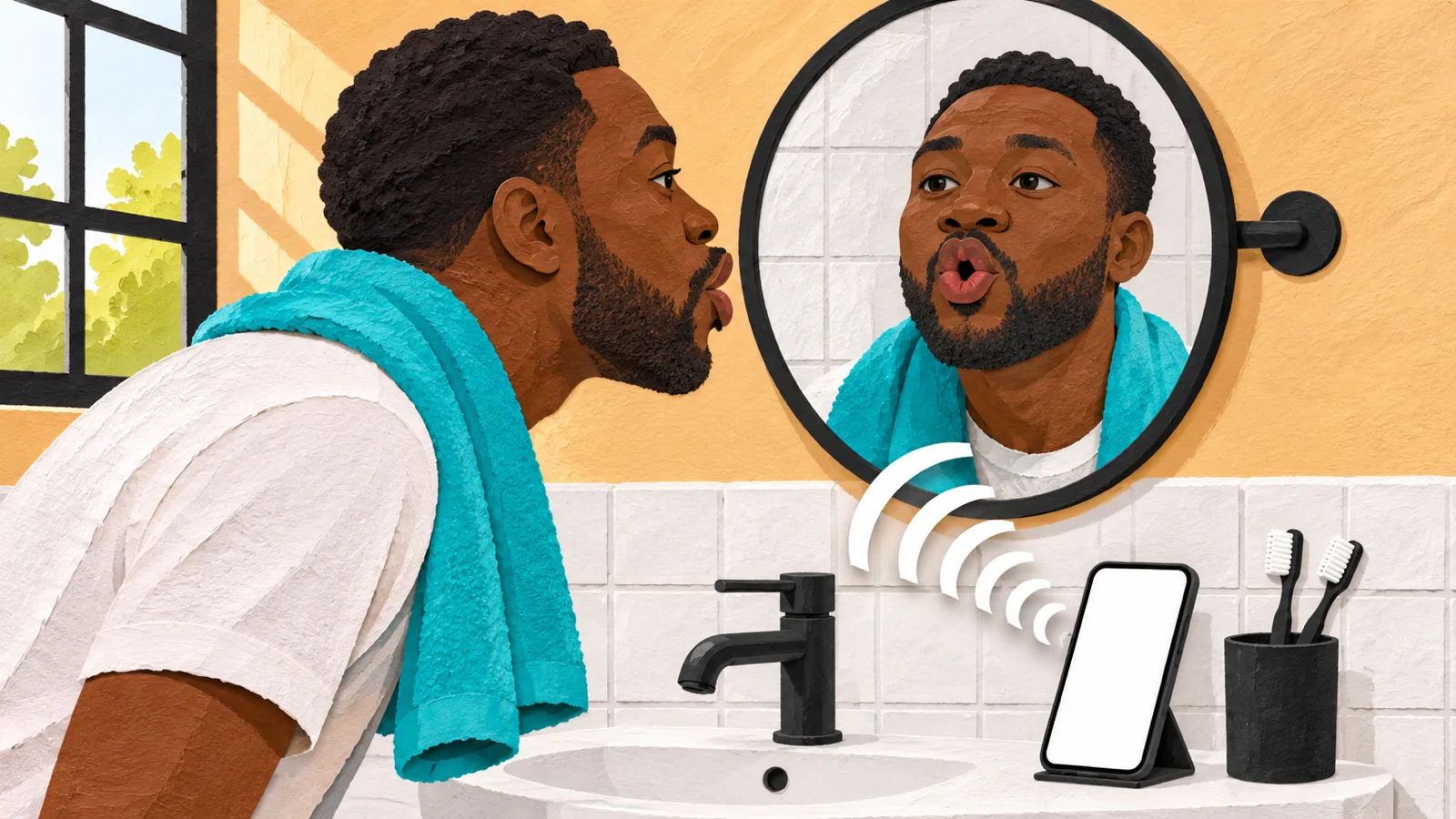
To improve your pronunciation with text to speech, pick a native voice with the accent you want, slow it to about 0.75×, and repeat each sentence out loud, copying its stress and rhythm. Then shadow the text, record yourself and compare your recording with the voice. Ten minutes a day on one short text is enough to start.
Text to speech gives you a patient, replayable model. You improve by copying it out loud, not by listening alone.
Work on 3 to 5 sentences at a time, at 0.5× to 0.75× first, then build up to normal speed.
Record yourself and compare. In one eight-week study, learners who shadowed and recorded themselves became easier to understand and more fluent, though their accent ratings didn't change.
Aim to be clear, not accent-free. Research shows a strong accent doesn't necessarily make you harder to understand.
Every phone and computer already has free voices for this. Pick a voice in your target language and slow it down.
Here's how to improve your pronunciation with text to speech: put a short text into a read-aloud tool, choose a native voice with the accent you want, play it one sentence at a time at a slower speed, and say each sentence back, copying the stress, rhythm and melody. Then record yourself and compare. The voice is your model; your own speaking is the practice.
The free voices on your phone or computer are enough to start. Setup for each device is below, then Speechly if you want natural AI voices in eight languages with word highlighting.
Can text to speech improve your pronunciation?
Yes, as a model to copy. It says any sentence as often as you want, at any speed, the same clear way every time.
What it can't do is listen to you or tell you which sound you got wrong. That's why the routine below has you record yourself, and why a teacher or conversation partner is still worth having.
Set the right goal, too. In a classic study of Mandarin speakers of English, Munro and Derwing (1995) found that a strong foreign accent didn't necessarily make speech harder to understand. Aim to be clear and easy to follow, not to erase your accent.
How to improve your pronunciation with text to speech in 7 steps
Spend 10 to 15 minutes a day on one short text.
- Pick 3 to 5 sentences you'll actually say. A presentation opening, an interview answer or a textbook dialog.
- Choose a native voice for your target accent. An American English voice for American English, a Mexican Spanish voice for Mexican Spanish. Stick to one accent so you copy one model. Unsure which English? See British vs. American English voices.
- Listen once at 0.75× while reading along. Follow the highlighted words and mark the text: underline stressed syllables, add a slash where the voice pauses, and an arrow where the pitch rises or falls.
- Repeat sentence by sentence. Play one sentence, pause, and say it back. Copy the music first (which words are loud and long, which are quick and quiet), then the individual sounds. Drop to 0.5× for any sentence you stumble on.
- Shadow it. Play the text again and speak along with the voice, a fraction of a second behind. This is the shadowing technique, and instant replay makes text to speech well suited to it.
- Record yourself and compare. Record your version with any voice recorder app, then play it right after the text-to-speech version. Note one or two differences and redo just those sentences.
- Come back tomorrow, a little faster. Shadow the same text at 0.9× or 1×. Once it feels easy at normal speed, move on to a new text.
Shadowing while recording yourself has research behind it. In Foote and McDonough (2017), 16 learners shadowed short recorded dialogs on iPods for eight weeks, at least four times a week for 10 minutes or more, recording themselves as they went. Listeners then rated their spontaneous speech as significantly easier to understand and more fluent, though accent ratings didn't change. The study used recorded dialogs rather than text to speech, but the routine is the same.
What to practice: sounds, word stress, rhythm and intonation
Most pronunciation problems fall into four groups.
| What to fix | Example | How to practice it |
|---|---|---|
| Single sounds (minimal pairs) | ship / sheep, light / right | Put both words in one sentence ("Ship the sheep") and repeat at 0.5× |
| Word stress | PHO-to-graph / pho-TO-gra-phy | Type the word family on one line, listen, mark the stressed syllable |
| Rhythm and linking | "What do you want to do?" | Listen at 1× for how words run together, then shadow |
| Intonation | "You're coming?" / "You're coming." | Play both, then copy the rise or the fall |
How to set up text to speech for pronunciation practice
Every device has free voices. Download a voice for your target language, slow it down, and turn on highlighting where your device offers it.
iPhone and iPad
- Go to Settings > Accessibility > Read & Speak.
- Tap Voices and choose a voice and dialect for your target language.
- Turn on Speak Selection, then tap Highlighting to set how spoken words are highlighted.
- Drag the Speaking Rate slider to slow the voice down.
- Turn on Detect Languages if your text mixes languages.
- Select text in any app and tap Speak.
Apple's guide to having iPhone speak the screen lists every option. To pick a better voice, see how to change the reading voice on iPhone.
Mac
- Choose Apple menu > System Settings > Accessibility > Read & Speak.
- Click the Info button next to System voice, download a voice for your target language, and adjust how fast it speaks. Then choose it from the System voice pop-up menu.
- Turn on Speak selection. Click its Info button and set Highlight content to words.
- Select text in any app and press Option-Esc. Press it again to stop.
Apple covers each step in have your Mac speak text on the screen, and we walk through changing the text-to-speech voice on Mac.
Android
- Open Settings > Accessibility > Text-to-speech output and choose your engine, language and speech rate.
- In your engine's settings, tap Install voice data and pick your target language.
- To hear text, select it, then tap More > Read aloud. Or go to Settings > Accessibility > Select to Speak and turn on Select to Speak shortcut.
Menu names vary by phone maker; Google's Select to Speak help covers the standard steps.
Windows: Microsoft Edge Read aloud
Open a web page in Edge and press Ctrl+Shift+U. Words are highlighted as they're read. Select Voice options to pick a voice under Voices and accents and move the Reading speed slider (Microsoft's guide).
Google Translate for single words
Type a word or phrase and click Listen. On the website, click Settings at the top right and switch the audio speed to Slow or Slower (Google's help page). It's handy for checking one word, not for practicing a whole text.
How to practice pronunciation with Speechly
Speechly is a text-to-speech reader app for iPhone, iPad, Android, Mac and Windows with 25+ natural AI voices across eight languages: English (American and British accents), Spanish, French, Italian, Brazilian Portuguese, Japanese, Mandarin Chinese and Hindi.
- Add your practice text. Paste it, import a PDF, Word document or EPUB, paste a link to an article, or take a photo of a textbook page or handout.
- Preview the voices and pick your model. Switch anytime if another accent suits you better.
- Slow it down. Set any speed from 0.5× to 2× and watch each word highlight as it's read.
- Replay any sentence. Jump to a sentence and start there, which is exactly what repeating and shadowing need.
- Keep practicing on any device. Speechly saves your place and syncs your library when you sign in with the same account.
On a Mac, select text in any app and press ⌘E to hear it in a small floating player. On Windows, press Alt+R. The free plan includes two text-to-speech files with premium voices; Premium is $14.99/month or $139/year for unlimited listening.
Troubleshooting
- Foreign words come out with an English accent. Your device is using an English voice. Download and select a voice for your target language; on iPhone, also turn on Detect Languages.
- The voice mispronounces a word. Voices can misread names, abbreviations, rare words and words like record (noun or verb) or read (present or past). Check it in a dictionary with native audio, or respell it so the voice says it right: type red to hear the past tense of read. More in how accurate text-to-speech pronunciation is.
- You can't hear the difference between two sounds. Put the pair in one sentence, slow to 0.5×, and listen several times before you try saying it.
- Your recording sounds nothing like the model. Fix one thing at a time: stress and rhythm first, then sounds.
Tips that make practice stick
- Keep a tricky-words list. Put each word you keep getting wrong into a short sentence in one note, and replay it daily.
- Mix in real speakers. Synthetic voices are clear and steady; real speech is faster and messier. Add podcasts and conversation as you improve.
- Get feedback when you can. A teacher or conversation partner hears what you can't. For a broader routine, see how to use text to speech to learn a language.
The short version: pick one short text, copy it sentence by sentence, record yourself, and come back tomorrow a little faster.
Frequently asked questions
Can text to speech help your accent?
Yes, if you speak along with it. Listening alone changes little; repeating, shadowing and comparing recordings of yourself with the voice is what trains your stress, rhythm and individual sounds.
Is text to speech pronunciation correct?
Good modern voices say most everyday words correctly, so they make a solid practice model. They can still slip on names, rare words, abbreviations and words like "record" or "read" whose pronunciation depends on meaning, so check anything odd in a dictionary with native recordings.
How can I practice pronunciation by myself for free?
Use your device's built-in voice to read short texts aloud, repeat each sentence, and record yourself with a voice recorder app to compare. Google Translate's Slow and Slower speeds help with single words and phrases.
How long does it take to improve pronunciation?
It depends on your starting point and how often you practice. The shadowing study described in this guide ran for eight weeks of at least four 10-minute sessions a week, which is a realistic routine to copy.
Should I learn an American or a British accent?
Pick the one you hear or need most, and stay consistent so you're copying one model. Both are widely understood.
What's the best text to speech voice for pronunciation practice?
A natural-sounding voice native to your target language and region, with word highlighting so you can see exactly which word you're hearing. Preview a few and choose the one you can follow most easily.
Listen with Speechly
Natural AI voices on iPhone, iPad, Android, Mac and Windows, with word highlighting and your place saved on every device. Free to download.
Prices and features of other products were checked on November 18, 2026 and can change. Speechly is not affiliated with the other companies named here.

The Shadowing Technique with Text to Speech: A Step-by-Step Guide
The shadowing technique with text to speech: a research-based 15-minute routine, the right speed and texts for your level, and free voices on any device.

How Accurate Is Text-to-Speech Pronunciation?
How accurate is text to speech pronunciation? Near-perfect on common words, shaky on names, numbers and acronyms. See independent test scores and fixes.

British vs American English Voices: Which Should You Choose?
British vs American English voices compared: the 5 sounds that differ, 12 words said both ways, which is easier to follow, and how to switch voices.