


The Shadowing Technique with Text to Speech: A Step-by-Step Guide
The shadowing technique with text to speech: a research-based 15-minute routine, the right speed and texts for your level, and free voices on any device.

The shadowing technique with text to speech means playing a text in a natural voice and saying it aloud a split second behind, like an echo. Pick a short text you understand, listen once, mumble along, read aloud with the voice, then shadow it three times without the text and record yourself.
Shadowing means speaking along with audio almost at the same time, not waiting for a pause like ordinary repeating. That keeps your attention on the sounds.
Text to speech turns any text you care about into shadowing material, with the transcript built in and a speed you control.
Understand the text before you shadow it. In a 2014 classroom study, learners who studied the words and content first improved their listening; those who shadowed first didn't improve significantly.
Keep it short: 10 to 15 minutes a session, five or six shadowing rounds of a passage in total, then a new text.
If you can't yet catch the sounds, shadow for listening first. Work on your own pronunciation once your ear keeps up.
The shadowing technique with text to speech is simple: put a short text in your target language into a read-aloud tool, play it in a natural voice, and speak along with it a split second behind, like an echo. Text to speech can read any text at any speed, so you get unlimited shadowing material with the transcript already in your hands.
Below: the research, a 15-minute routine, speeds and texts by level, tips for eight languages, and free setup on every device.
What is the shadowing technique?
Shadowing means listening to speech and saying it out loud almost at the same time as you hear it. You don't wait for a pause. As soon as the first word arrives, you start speaking and follow the voice to the end, like a shadow copying every step.
Language teachers borrowed it from interpreter training, where Sylvie Lambert described it as a warm-up for simultaneous interpreting in the journal Meta (1992). Teachers in Japan started using it in English classes in the early 1990s, and it's now a widely known listening drill there.
Shadowing is not the same as repeating:
| Repeating | Shadowing | |
|---|---|---|
| When you speak | After the speaker finishes a phrase | While the speaker is still talking, right behind the voice |
| Where your attention goes | Mostly to meaning | Mostly to sounds, rhythm and linking |
| What it trains | Memory and speaking from understanding | Catching sounds at natural speed, then copying them |
| How it feels | Comfortable | Hard, fast and tiring |
As researcher Yo Hamada explains in Shadowing for Language Teaching (TESL Ontario, 2018), shadowing leaves no time to think about meaning, so your attention goes to the sounds. That trains your ear to catch words you know on the page but miss in speech.
Does shadowing actually work?
Yes, especially for listening, with solid but modest research behind it:
- Listening: In Hamada (2016), 43 Japanese university students learning English shadowed over nine lessons. Lower- and intermediate-level groups both got better at catching sounds, but only the lower-level group improved on the listening comprehension test.
- Order: In Hamada (2014), students who studied the vocabulary and content of a passage before shadowing it improved their listening comprehension. The group that shadowed first and studied afterward did not improve significantly.
- Speaking: In Foote and McDonough (2017), 16 learners shadowed short dialogs for eight weeks, at least four times a week for 10 minutes or more, recording themselves. Listeners rated their spontaneous speech easier to understand and more fluent afterward, but accent ratings didn't change.
- Dose: Hamada's 2018 overview reports a noticeable change from two 10–15 minute sessions a week for a month. It also cites research (Shiki and colleagues, 2010) showing five or six repetitions of a passage are enough.
One caveat: these studies used recordings of human speakers, not synthetic voices. The method carries over to text to speech, but no study shows a synthetic voice works better.
Why use text to speech for shadowing?
Good shadowing material needs the right level, a topic you care about and an exact transcript. With text to speech, any text gives you all three.
| Podcasts, videos, audiobooks | Text to speech | |
|---|---|---|
| Material | Only what someone recorded | Any text: your textbook, an article, your own script |
| Transcript | Sometimes, not always exact | Always, because you start from the text |
| Drilling one sentence | Scrub back and forth to find it | Select that sentence and play it |
| Casual, fast speech | Yes | No: clear, standard pronunciation |
| Emotion and humor | Yes | Limited |
Text to speech is ideal for catching and copying sounds, weak for slang and fast conversation. Mix in native recordings as you improve.
How to use the shadowing technique with text to speech (7 steps)
This routine adapts the procedure from Hamada's 2014 study, which comes from Japanese researchers Kadota and Tamai, and adds the self-recording Hamada recommends. One passage takes about 15 minutes.
- Prepare a short text you understand. Choose 100 to 200 words, about a minute of audio, with no more than two or three unknown words per 100, a guideline from Kadota that Hamada cites. Look those words up first. Pick one voice with the accent you want and stick with it.
- Listen once. Play the whole passage at a comfortable speed without speaking.
- Mumble along twice. Without looking at the text, mumble the words under your breath right behind the voice. You're tracking the rhythm, not pronouncing every word clearly yet.
- Read aloud with the voice. Now look at the text and speak in sync with the voice as you read. This is called parallel reading, and it fixes words you couldn't catch by ear.
- Check the meaning (3 minutes). Read the text silently, with a translation if you need one, until every sentence makes sense.
- Shadow three times without the text. Look away from the screen and shadow the full passage. Record at least one round with a voice recorder app, wearing headphones so the recording captures only your voice.
- Review (3 minutes), then shadow once for meaning. Play your recording and mark the words you blurred or dropped. Drill those sentences, then shadow the whole passage one last time while thinking about what it means.
After today: you've done four full shadowing rounds. Do one or two more on another day, without the text, then move on to a new passage.
Shadowing for listening vs. shadowing for pronunciation
Decide which skill you're training. Hamada's rule: if you can't yet catch the sounds, shadow for listening only. Shadow for pronunciation once your ear keeps up.
| For listening | For pronunciation | |
|---|---|---|
| Your focus | Hearing every word as it comes | Copying stress, rhythm, intonation and sounds exactly |
| Good for | Beginners, and anyone who reads better than they listen | Learners who already catch most sounds |
| How you check | Did you keep up without gaps? | Does your recording match the voice? |
For a full pronunciation routine, with exercises for single sounds, stress and intonation, see how to improve your pronunciation with text to speech.
What speed should you shadow at?
Start slower than normal and finish at normal speed. Your goal is to keep up with real speech.
| Stage | Speed | Why |
|---|---|---|
| First listen and parallel reading | 0.75× | Hear where words begin and end |
| A sentence you keep stumbling on | 0.5× | Isolate the sounds, then speed back up |
| Main shadowing rounds | 1× | Train for the speed people actually talk |
| Optional challenge | 1.5×, then 1× | Normal speed feels slower afterward |
The last trick comes from Hamada, who uses it to keep practice fresh. Skip it until 1× feels comfortable.
What should you shadow?
Choose texts that match your goal. If you need to follow fast news, shadow news. If you have a presentation coming up, shadow your own script.
| Level | Good texts | Tip |
|---|---|---|
| Beginner (A1–A2) | Textbook dialogs, short phrases, sentences you write yourself | Under 100 words; shadow for listening |
| Intermediate (B1–B2) | Graded readers, short news stories, articles on topics you know | 100 to 200 words; record yourself |
| Advanced (C1+) | Speeches, opinion pieces, your own work emails or talks | Longer passages, at 1× and faster |
Dialogs work especially well. For a wider routine, see how to use text to speech to learn a language and reading while listening in a new language.
Shadowing tips for each language
The routine is the same in every language. What you listen for changes:
| Language | Copy this |
|---|---|
| English | Strong stressed syllables and the weak, quick words between them ("to", "of", "and") |
| Spanish | Even, syllable-by-syllable rhythm and words that run together across vowels |
| French | Liaison, words that flow together, and stress at the end of each phrase |
| Italian | Double consonants, like fato vs. fatto |
| Brazilian Portuguese | Nasal vowels, like in não and bem |
| Japanese | Pitch accent, and the length of long vowels and small っ pauses |
| Mandarin Chinese | The tone on every syllable, including tone changes like a third tone before another third tone |
| Hindi | Aspirated vs. unaspirated consonants, like k and kh |
Synthetic voices occasionally get Japanese pitch accent or Mandarin tone changes wrong. If a word sounds odd, check it in a dictionary with native audio.
How to set up free text to speech for shadowing
Every phone and computer has free voices. Download one for your target language and turn on word highlighting for parallel reading.
- iPhone and iPad: Go to Settings > Accessibility > Read & Speak. Tap Voices to download a voice, set the Speaking Rate, and turn on Speak Selection and Detect Languages. Select text and tap Speak. See Apple's guide to having iPhone speak the screen.
- Mac: Choose Apple menu > System Settings > Accessibility > Read & Speak. Set System speech language and System voice, then turn on Speak selection and click its Info button to set Highlight content. Select text and press Option-Esc, and use the onscreen controller to change the rate, per Apple's guide to having your Mac speak text.
- Android: Open Settings > Accessibility > Text-to-speech output to choose your engine, language and speech rate, and install voice data for your target language, per Google's text-to-speech output help. Menu names vary by phone maker.
- Windows (Microsoft Edge): Open a page in your target language and press Ctrl+Shift+U to start Read aloud. Words are highlighted as they're read. Select Voice options to pick a voice and move the Reading speed slider, as Microsoft's Read aloud settings guide explains.
Not sure which English accent to copy? Our guide to British vs. American English voices helps you choose.
How to shadow with Speechly
Speechly is a text-to-speech reader app for iPhone, iPad, Android, Mac and Windows with 25+ natural AI voices across eight languages: English (American and British accents), Spanish, French, Italian, Brazilian Portuguese, Japanese, Mandarin Chinese and Hindi.
- Add your passage. Paste text or a link to an article, import a PDF, Word document or EPUB, or take a photo of a textbook page or handout.
- Pick your model voice. Preview the voices and choose the accent you want. You can switch anytime.
- Set the speed. Anywhere from 0.5× to 2×, so you can parallel-read slowly and shadow at full speed.
- Follow the highlighting. Each word is highlighted as it's read, which makes parallel reading and spotting dropped words easier.
- Drill hard sentences. Jump to any sentence and start there, instead of scrubbing through audio.
- Shadow anywhere. Speechly saves your place, keeps reading with your phone locked and syncs your library across devices when you sign in.
On a Mac, select text in any app and press ⌘E to hear it in a small floating player. On Windows, press Alt+R. The free plan includes two text-to-speech files with premium voices; Premium is $14.99/month or $139/year for unlimited listening on every device.
Common shadowing mistakes
- The text is too hard. If you can't follow it while reading, you can't shadow it. Drop a level.
- Shadowing before understanding. Learn the words and meaning first, then shadow.
- Going too long. Shadowing is tiring. Once you're mumbling on autopilot, stop and come back another day.
- Never listening back. Without a recording, you won't notice which words you swallow.
- Copying a mispronunciation. Voices can misread names, abbreviations and rare words. More in how accurate text-to-speech pronunciation is.
The short version: pick a short text you understand, listen, mumble, read along, then shadow it three times without looking, record yourself, and come back for one or two more rounds.
Frequently asked questions
Is shadowing good for beginners?
Yes, if the texts are short and familiar and you go slowly. Yo Hamada's research found that lower-level learners gained the most listening benefit, and he advises beginners to shadow for listening first and work on pronunciation later.
Can you shadow a text-to-speech voice instead of a native speaker?
Yes. A natural-sounding voice gives you clear, standard pronunciation that you can slow down and replay. Add recordings of real people later, because synthetic voices don't copy casual, fast speech.
How long should you shadow each day?
10 to 15 minutes is enough. Hamada reports a noticeable change in listening from two 10–15 minute sessions a week for a month, and shadowing is too tiring to do well for much longer.
Should you read the transcript while shadowing?
Use it before and between rounds, not during the main rounds. Reading while you shadow splits your attention between letters and sounds, which turns it into a different exercise.
Does shadowing get rid of an accent?
Not necessarily. In one eight-week study, learners who shadowed became easier to understand and more fluent, but their accent ratings didn't change. Aim to be clear, not accent-free.
What is the difference between shadowing and repeating?
When you repeat, you wait for the speaker to finish a phrase and then say it. When you shadow, you start speaking as soon as you hear the first word and keep going right behind the voice.
Does shadowing work for languages other than English?
Yes. Most shadowing studies involve learners of English, but the method is the same in any language. Focus on the sounds that language depends on, such as tones in Mandarin or pitch accent in Japanese.
Listen with Speechly
Natural AI voices on iPhone, iPad, Android, Mac and Windows, with word highlighting and your place saved on every device. Free to download.
Prices and features of other products were checked on November 18, 2026 and can change. Speechly is not affiliated with the other companies named here.
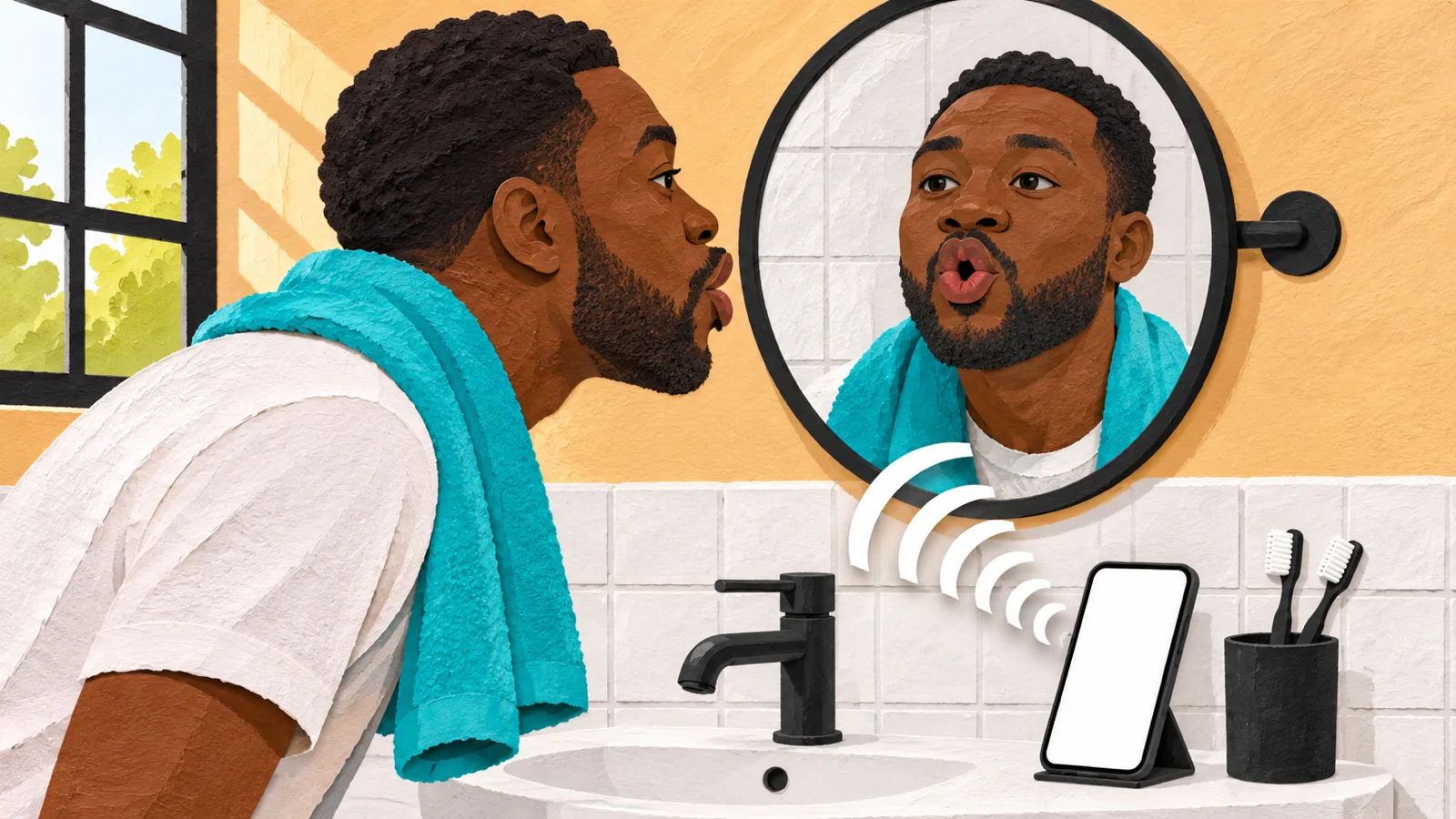
How to Improve Your Pronunciation with Text to Speech
How to improve your pronunciation with text to speech: a free 10-minute routine (listen, repeat, shadow, record) and setup on iPhone, Android, Mac and PC.
How to Use Text to Speech to Learn a Language
How to use text to speech to learn a language: a free 6-step routine for listening, shadowing and new words, plus voice setup on every phone and computer.

Reading While Listening in a New Language
Reading while listening in a new language: what the research shows for comprehension, vocabulary and reading speed, why it works, and how to do it well.