


How to Listen to Classics on Your School Reading List
How to listen to classics on your school reading list for free: which books are public domain, where to find the audiobook, and how to match your edition.
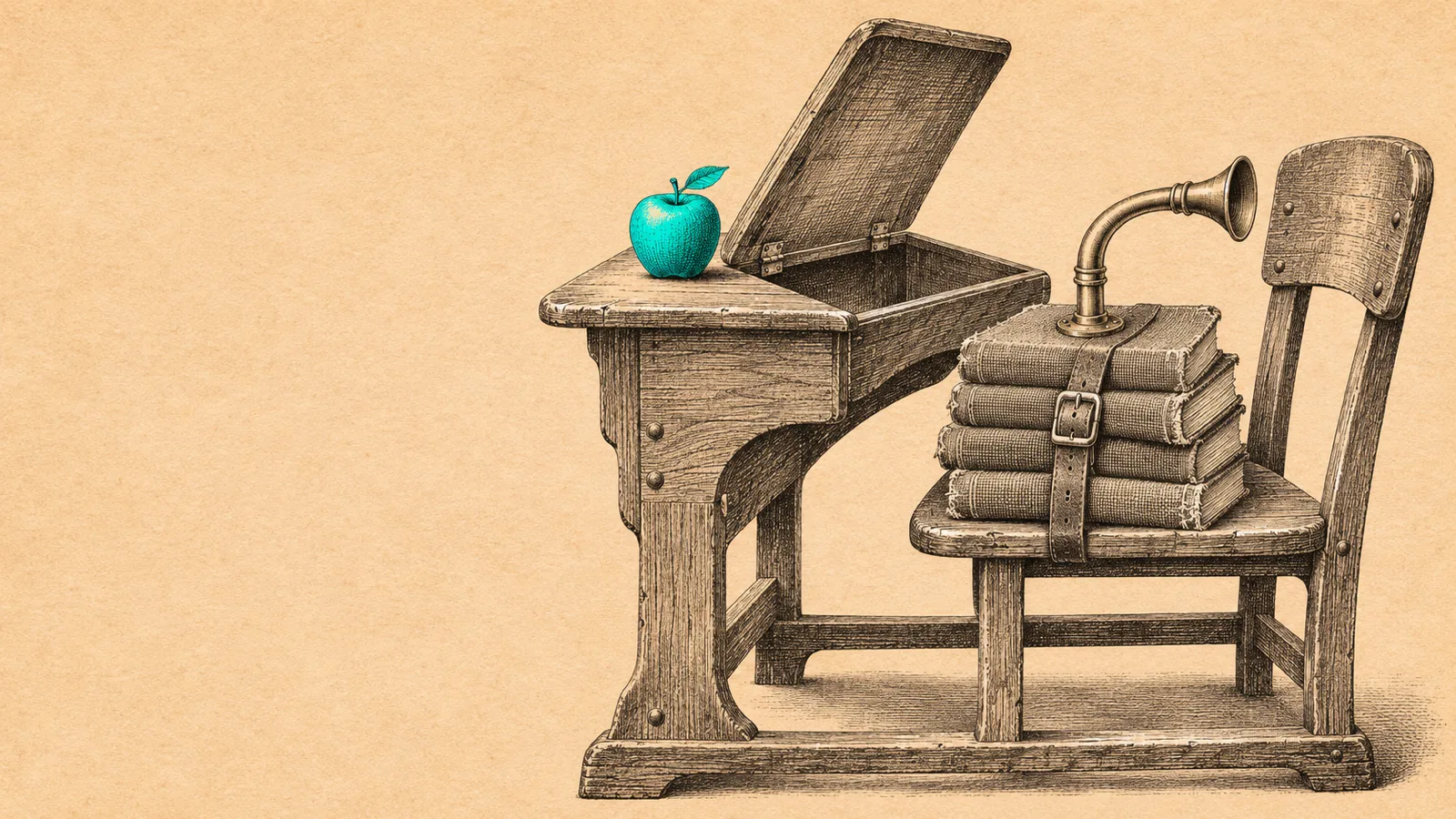
To listen to classics on your school reading list, check the publication year first. Books published in 1930 or earlier are public domain in the US, so they have free LibriVox audiobooks. For newer books, borrow the audiobook free through your school's Sora app or your public library's Libby or Hoopla, or have your device read the assigned eBook aloud.
Books published in 1930 or earlier, like Frankenstein, The Scarlet Letter and The Great Gatsby, have free, complete LibriVox audiobooks.
Newer books, like To Kill a Mockingbird and Lord of the Flies, are under copyright: borrow them free through Sora, Libby or Hoopla.
Match the translation or edition your class uses, especially for Homer and other translated works, so quotes and page numbers line up.
Students with a print disability may qualify for free audio versions of required books through Bookshare, or through Learning Ally via their school.
Here is how to listen to classics on your school reading list, fastest first: check when the book was published. If it came out in 1930 or earlier, it's public domain in the US, and you can stream a complete, free audiobook from LibriVox tonight. If it's newer, borrow the audiobook free through your school's Sora app or your public library, or have your phone or laptop read the eBook aloud.
The steps below cover each route, plus how to make sure the audio matches the edition your teacher assigned. If you'd rather hear any book in a natural voice with the words highlighted, there's a section on Speechly at the end.
Which books on your reading list are free to listen to?
Books published in 1930 or earlier are in the US public domain as of 2026, according to Duke's Center for the Study of the Public Domain, so volunteers can record them for free. Here's how common school titles break down, with LibriVox run times checked on November 18, 2026:
| Book | Free audiobook? | Where to listen | Run time |
|---|---|---|---|
| Romeo and Juliet | Yes | LibriVox, full cast | 3 h 4 min |
| The Odyssey (Samuel Butler's translation) | Yes | LibriVox, Mark Nelson | 11 h 2 min |
| Frankenstein | Yes | LibriVox, Cori Samuel (1818 text) | 7 h 59 min |
| Narrative of the Life of Frederick Douglass | Yes | LibriVox, Jeanette Ferguson | 4 h 3 min |
| The Scarlet Letter | Yes | LibriVox, Cori Samuel | 9 h 25 min |
| The Call of the Wild | Yes | LibriVox, Mark F. Smith | 3 h 24 min |
| The Great Gatsby | Yes | LibriVox, Kara Shallenberg | 5 h 38 min |
| Of Mice and Men, Animal Farm, Nineteen Eighty-Four | No | Sora, Libby or Hoopla | Varies |
| To Kill a Mockingbird, Lord of the Flies, Fahrenheit 451 | No | Sora, Libby or Hoopla | Varies |
Not sure about a title? Search it on LibriVox. If there's no result, it's probably still under copyright. Our explainer on what public domain books are covers the rules.
How to listen to classics on your school reading list for free with LibriVox
- Go to librivox.org and search for the title.
- Pick a version. Many classics have several. A solo reader keeps one voice the whole way through; a "dramatic reading" gives each character a different voice, which helps with plays.
- Check the Running Time on the book page so you can plan your week.
- Press play on any chapter to stream it, or download the whole book as a zip of MP3 files.
- Open the Online text link on the same page to follow along or copy a quote.
LibriVox recordings are complete, not abridged, and each chapter is a separate track, so "read chapters 4 to 6" means playing three files.
How to borrow newer assigned books with Sora, Libby or Hoopla
If the book isn't public domain, your school or public library probably lends it for free.
- Sora: open the Sora app or soraapp.com, find your school and sign in with your school login. Sora is OverDrive's reading app for school libraries, with eBooks and audiobooks. If your district allows it, you can also add your public library from the menu.
- Libby: install Libby, add your public library card, search the title and filter to audiobooks. Popular assigned books often have holds, so borrow a week before you need them.
- Hoopla: many libraries offer Hoopla, where some audiobooks can be borrowed instantly with no wait list.
For more options, see where to find free audiobooks legally.
How to have your device read the assigned eBook aloud
When there's no audiobook, or the waitlist is too long, your device's built-in text to speech can read the eBook or PDF you already have:
- iPhone or iPad: turn on Speak Screen in Settings > Accessibility > Read & Speak (Spoken Content on iOS 18 and earlier), then swipe down from the top with two fingers. Full steps are in our guide to making your iPhone read text aloud.
- Chromebook: turn on Select-to-speak in Settings > Accessibility, highlight text and press Search + S, as Google's help page explains.
- Android: turn on Select to Speak in Settings > Accessibility (Google's guide).
Built-in voices sound robotic and usually read only one screen or selection at a time, so they work best for a chapter, not a whole novel. Our guide to text to speech for high school students covers every school device.
How to listen to your assigned books with Speechly
Speechly reads the exact text you're assigned in a natural AI voice, which helps when your class uses a specific edition:
- Download Speechly for iPhone and iPad or Android. You can start without an account.
- Add the book. Open a public-domain classic from the built-in catalog of 75,000+ free books, import an EPUB or PDF, or take a photo of a page from your class copy.
- Choose from 25+ voices and a speed from 0.5× to 2×, and follow the word-by-word highlighting so you can find quotes as you hear them.
- On a laptop, select text in any app and press ⌘E on a Mac or Alt+R on Windows.
Speechly saves your place on every device and estimates how long each reading will take. The free plan includes two text-to-speech files with premium voices; Premium is $14.99/month or $139/year.
Troubleshooting
The audiobook doesn't match my class edition. Translations differ word for word. Free recordings of The Odyssey use Samuel Butler's 1900 prose, while many classes use a modern verse translation by Robert Fagles or Emily Wilson. Listen to the free version for the story, then read the assigned translation for anything you'll quote.
I can't follow Shakespeare by ear. Choose a full-cast dramatic reading, keep the text open, and replay each scene. Our guide to Shakespeare's plays suggests where to start.
My mind keeps wandering. Listen in 20-minute blocks, slow down to 1×, and pause after each chapter to jot down three things that happened.
I need page numbers for an essay. Note the chapter and a few words of the passage while you listen, then find the page in your copy.
I'm not sure listening is allowed. Ask your teacher. Most care that you know the book; see whether listening to audiobooks counts as reading.
Reading print is hard for me. If you have dyslexia, low vision or another print disability, ask about an IEP or 504 accommodation. Bookshare is free for qualifying US students, and Learning Ally offers human-narrated audiobooks, often through schools.
Tips for finishing your reading list on time
- Do the math. Divide the run time by the days until the deadline. A 9-hour book over two weeks is about 40 minutes a day.
- Listen first, then skim. Hear the chapter on your commute, then skim the text for the passages your class discusses.
- Use small gaps. Walks, bus rides and chores add up to hours a week.
Pick your first book, check its year, and press play on chapter 1 today. When you want any book in a natural voice with the words in front of you, download Speechly on every device.
Frequently asked questions
Is it OK to listen to a book instead of reading it for school?
Usually, for understanding the story, but check with your teacher. If the assignment is about close reading, quotes or page numbers, keep the text open while you listen. Students with an IEP or 504 plan may have audiobooks as a formal accommodation.
Where can I find free audiobooks of books assigned in school?
LibriVox has free recordings of most classics published in 1930 or earlier. For newer books, your school's Sora app and your public library's Libby or Hoopla apps lend audiobooks free with a school login or library card.
Is the LibriVox version unabridged?
Yes. LibriVox records complete texts, and each book page links to the text the reader used, so you can follow along. Abridged editions are usually labeled as such on library and store listings, so check before you borrow elsewhere.
Can I listen to To Kill a Mockingbird for free?
Not from LibriVox, because it was published in 1960 and is still under copyright. Check whether your school's Sora collection or your public library lends the audiobook, and place a hold if there's a wait.
How fast should I listen to an assigned book?
Start at 1× for the first chapter, then try 1.25×. Go back to 1× for Shakespeare, poetry or any chapter you'll be tested on, and replay passages you might quote.
Listen with Speechly
Natural AI voices on iPhone, iPad, Android, Mac and Windows, with word highlighting and your place saved on every device. Free to download.
Prices and features of other products were checked on November 18, 2026 and can change. Speechly is not affiliated with the other companies named here.
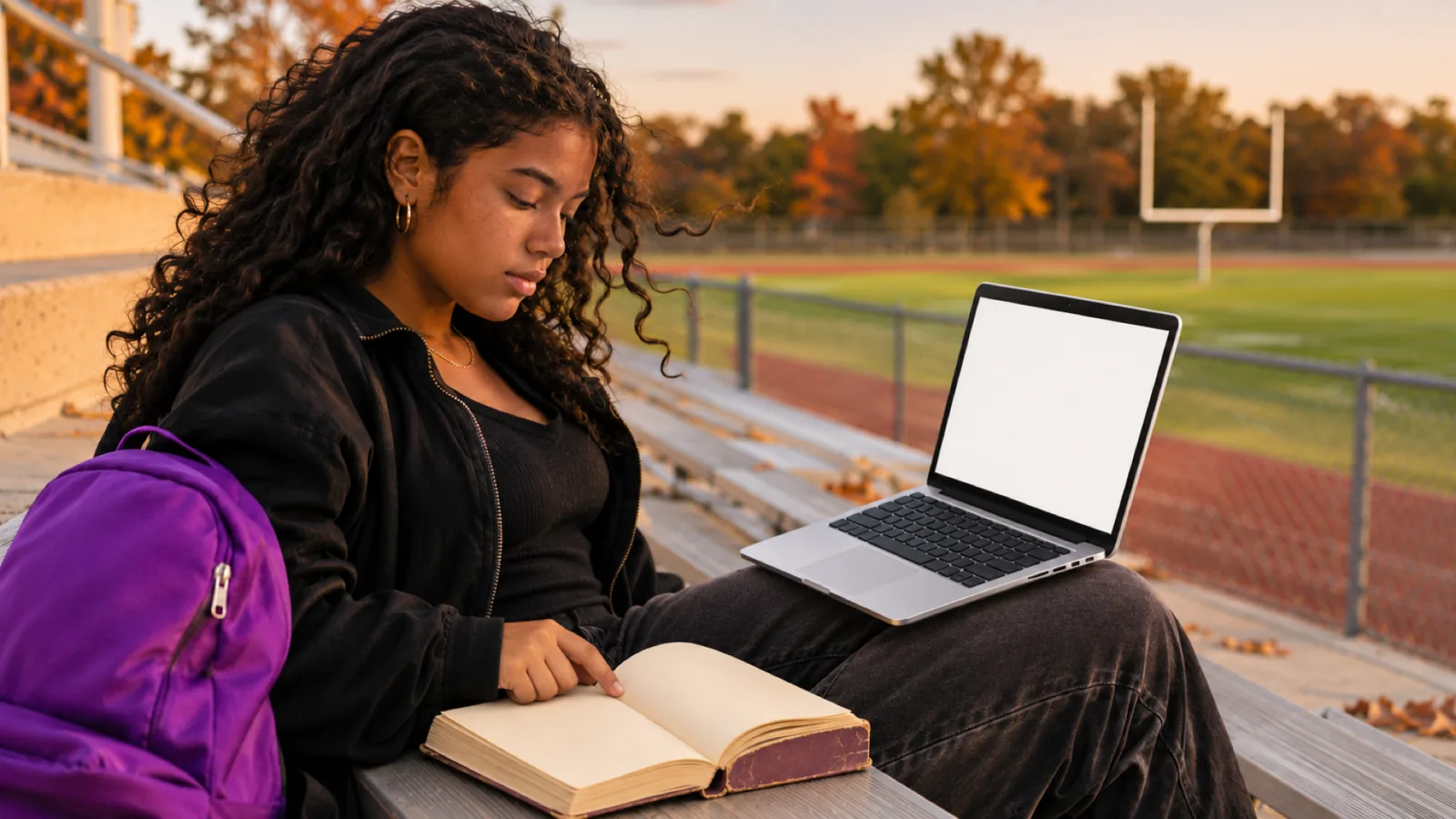
Text to Speech for High School Students: A Practical Guide
Text to speech for high school students: free tools on Chromebooks, iPhones and laptops, what to listen to, how to study with it, and test accommodations.
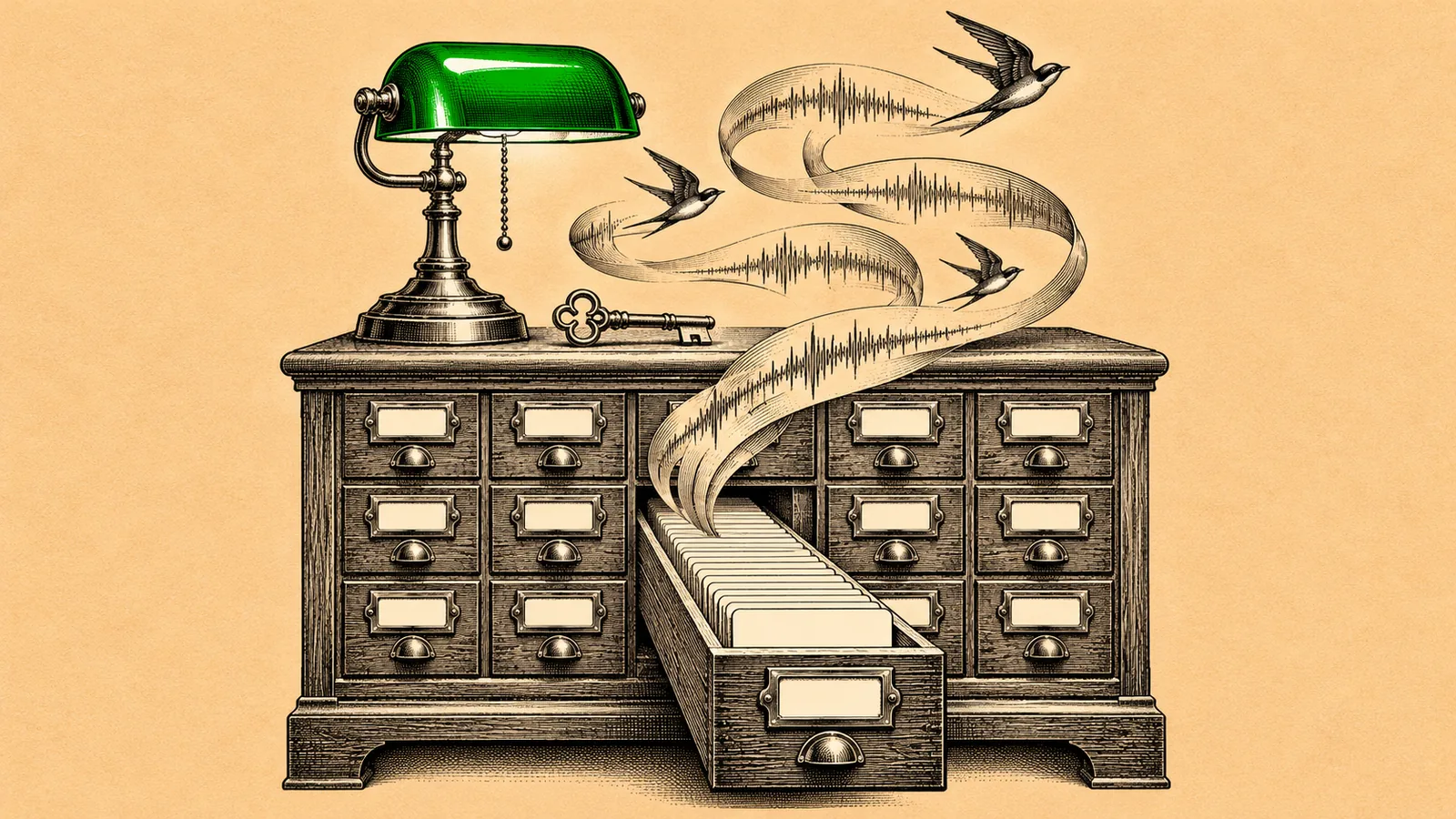
Where to Find Free Audiobooks Legally
Where to find free audiobooks legally: Libby and Hoopla bestsellers with a library card, 21,000+ LibriVox classics, and how to spot pirated copies.
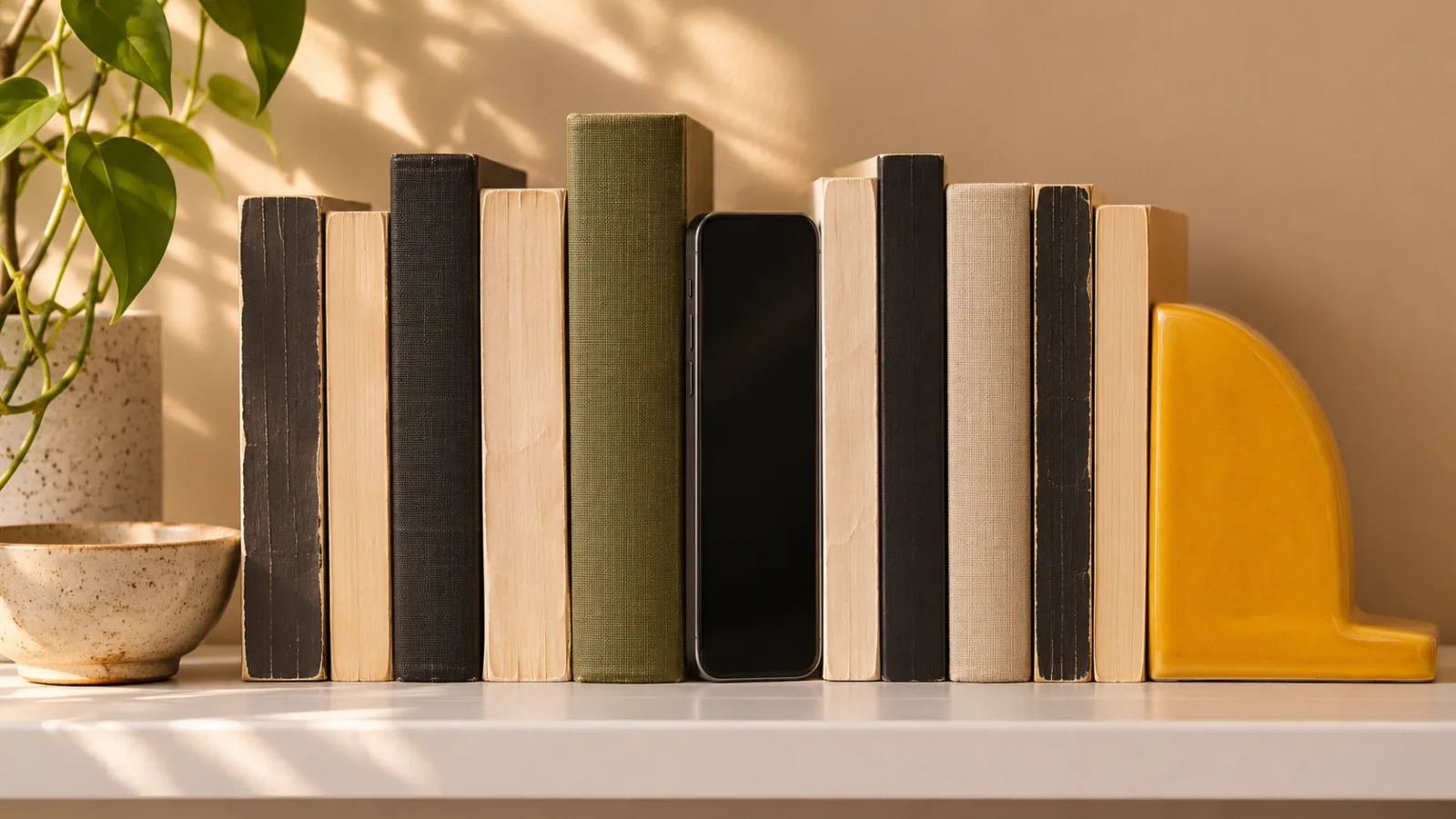
Does Listening to Audiobooks Count as Reading?
Does listening to audiobooks count as reading? Usually yes. What 46 studies and brain scans show, the 4 exceptions, and how it counts for goals and school.