


How to Listen While You Work Out
How to listen while you work out: a 5-minute earbud setup, safer outdoor runs, phone-free Apple Watch audiobooks and what to play for each workout.
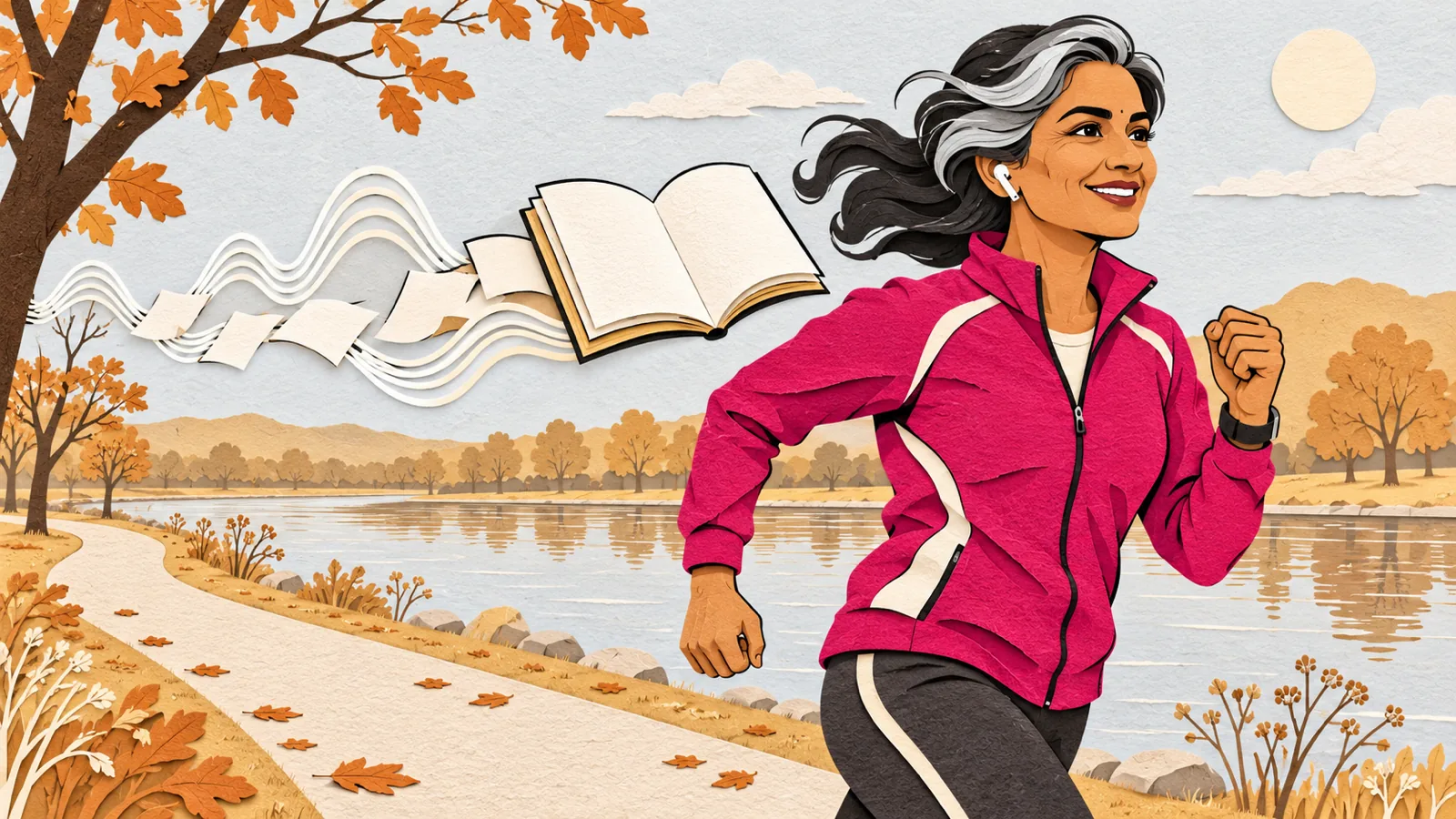
To listen while you work out, load your audio before you leave, use sweat-resistant earbuds, and switch to Transparency or an ambient mode outdoors so you can hear traffic. Match the audio to the effort: audiobooks for steady cardio, podcasts for lifting, music for intervals.
Steady cardio is the best time for audiobooks and long reads. Save music for sprints, intervals and heavy sets.
Outdoors, keep traffic audible with Transparency or Adaptive mode on AirPods, or with open-ear headphones.
An Apple Watch plays synced audiobooks with no iPhone nearby. They sync while the watch is on its charger.
In a 2014 field study, people who could hear their audiobook only at the gym initially went 51% more often than a control group.
Keep your device below 60% of maximum volume, the World Health Organization's safe-listening advice.
Here's how to listen while you work out: load your audio before you leave, use sweat-resistant earbuds, keep one ear on the world outdoors, and pick audio that fits the effort. Audiobooks and long reads suit steady cardio, podcasts fit a lifting session, and music carries you through sprints.
Below are the exact steps for AirPods, Apple Watch, Android and iPhone, a table of what to play for each workout, and how to turn your own reading list into workout audio for free or with an app like Speechly.
How to listen while you work out: the 5-minute setup
Do this once and every workout after starts in seconds.
- Pick your earbuds. Look for a sweat rating and a secure fit. Apple rates AirPods Pro 3 IP57 for dust, sweat and water, for non-water sports and exercise. For outdoor runs, open-ear or bone-conduction headphones leave your ear canals open to traffic.
- Load your audio at home. Queue the next chapter, episode or article before you leave, so you never scroll between sets.
- Press play before the warm-up. Then lock your phone and put it in a pocket or armband.
- Learn your earbud controls. Pausing, skipping and changing volume from your ears beats pulling out a sweaty phone.
- Set a safe volume. The World Health Organization advises keeping your device below 60% of maximum.
What to listen to while working out
Spoken audio takes attention, so match it to how hard you're working.
| Workout | Best audio | Why |
|---|---|---|
| Treadmill, bike, rower, long walk | Audiobooks, long articles, PDFs | Steady effort leaves room to follow a story or argument |
| Weightlifting | Podcasts, interviews, short articles | Tune in between sets, drift out during heavy reps |
| Intervals, HIIT, sprints | Music | Hard efforts leave little attention for words |
| Easy outdoor run | Light audiobooks or podcasts, low volume | You still need to hear traffic and people |
| Yoga, stretching, cooldown | Calm narration or a book you're halfway through | Low effort, few interruptions |
One trick has real research behind it. In a 2014 field study by Milkman, Minson and Volpp, 226 people at a university were split into groups. Those who could hear the gripping audiobooks they picked only at the gym initially went 51% more often than the control group.
The effect faded over the nine weeks, especially after the Thanksgiving break, when the gym was closed. Still, 61% of participants chose to pay for gym-only audiobook access afterward. The takeaway: save one book you love for workouts only. If you need one, here's where to find free audiobooks legally.
How to set up AirPods for running outdoors
Use Transparency or Adaptive mode outdoors so outside sound comes in while your audio plays. Apple says Adaptive Audio works on AirPods Pro 2, AirPods Pro 3, AirPods 4 with Active Noise Cancellation and newer models, and adjusts noise control to your surroundings.
To switch modes on your iPhone:
- Swipe down from the top-right corner of the screen to open Control Center.
- While wearing your AirPods, touch and hold the volume slider until more controls appear.
- Tap the listening mode you want, such as Transparency or Adaptive.
From your ears, press and hold the force sensor on the stem of either AirPod until you hear a chime. Each press cycles through the modes. You can also open Settings, tap the name of your AirPods and choose a mode.
Back in the gym, switch to Noise Cancellation. The WHO recommends well-fitted, noise-canceling headphones, because you won't need to turn the volume up to beat the gym's music. For more on earbuds and headphones, see how to listen to documents on AirPods and headphones.
On Android, many noise-canceling earbuds have a similar ambient or transparency mode in their companion app. If yours don't, keep the volume low or take one earbud out near roads.
Can you listen on an Apple Watch without your phone?
Yes. An Apple Watch can play audiobooks on its own, so there's no phone bouncing in your pocket on a run. These steps follow Apple's Audiobooks on Apple Watch guide.
- On your iPhone, open the Apple Watch app.
- Tap My Watch, then Apps, then Audiobooks.
- Tap Add Audiobook and choose a title.
- Put your watch on its charger. Audiobooks sync when the watch is connected to power and has free storage, and up to five hours of each added audiobook syncs.
- Connect Bluetooth headphones, open Audiobooks on your watch and tap the cover to play.
Audio you start before a workout keeps playing when you start the Workout app. To have audio start automatically, choose a workout, tap the Media Playback button and turn on Autoplay Media. Apple's workout audio guide says this needs Bluetooth headphones or speakers.
How to listen to articles, PDFs and books while you work out
Workouts are a good time to clear the reading you never get to: saved articles, reports, PDFs and books. Text to speech turns them into audio, and you can start for free.
Free: your phone's browser
- Android: open the article in Chrome, tap More (three dots), then Listen to this page, and choose a playback mode. Google says it keeps playing when your screen is locked, so the phone can stay in your armband. Tap 1.0x in the player to change the speed. Not every site supports it.
- iPhone: open the article in Safari, tap the Page Menu button, then Listen to Page. It works on supported webpages.
Both read one web page at a time, so they suit a single long article. More options are in our guide to listening to articles instead of reading them.
With Speechly: articles, PDFs and books in one place
Speechly reads web pages, PDFs, Word documents, EPUB books and photos of printed pages aloud on iPhone and Android, with 25+ natural AI voices.
- Add your reading before you leave. Paste an article link, open a PDF or EPUB, snap a photo of a book page, or pick from 75,000+ free public-domain books.
- Match it to your workout. Speechly estimates how long each document takes to listen to, so you can pick a 30-minute read for a 30-minute run.
- Choose a voice and speed. Preview voices and set the speed anywhere from 0.5× to 2×.
- Press play and lock your phone. Speechly keeps reading with the screen off.
- Missed something on a hard set? Jump to any sentence and start again from there.
- Pick up later. Your place is saved automatically, so you can carry on at your desk on your Mac with the same account.
Speechly doesn't offer offline listening, so keep mobile data on when you train away from Wi-Fi. The free plan includes two text-to-speech files with premium voices, with no card required. Speechly Premium is $14.99/month or $139/year for unlimited listening.
Troubleshooting
- Audio stops when the screen locks. Some read-aloud tools pause when you leave them. Use one that keeps playing locked, such as Chrome's Listen to this page on Android or a text-to-speech app.
- The sound cuts out mid-workout. Keep your phone on your body rather than in a locker or across the room, so the Bluetooth connection stays strong.
- Your audiobook isn't on your Apple Watch. Put the watch on its charger, make sure it has free storage and wait for it to sync.
- Media doesn't autoplay with the Workout app. Connect Bluetooth headphones first. Autoplay doesn't use the watch speaker.
- You lose the thread on hard efforts. Slow the speed, switch to music for the hardest part or jump back a sentence. Save dense material for the treadmill.
- You can't hear cars or people. Switch to Transparency or Adaptive mode, use open-ear headphones or take one earbud out.
- Earbuds slip when you sweat. Try a different ear tip size. Dry your earbuds before charging: Apple says not to charge AirPods Pro 3 while they're wet.
Tips for listening while you exercise
- Save one book for workouts only. It turns "I should go" into "I want to know what happens next."
- Speed up slowly. Raise the speed one step at a time. Our guide to speed listening at 2× explains how to keep up.
- Walk and listen on rest days. A long walk is one of the easiest times to follow a dense book. See why walking and listening help you think.
- Check race rules. Some races restrict headphones, so read the rules before race day.
- Mind volume and time together. The WHO's safe weekly listening time drops from about 40 hours at 80 dB to about 4 hours at 90 dB, so a quieter setting buys you far more listening.
For your next workout, pick one long read, load it before you leave and press play before the warm-up. When you want articles, PDFs and books in one place with natural voices, Speechly is free to download on iPhone, iPad, Android, Mac and Windows.
Frequently asked questions
Is it better to listen to music or audiobooks while working out?
It depends on the workout. Music suits short, hard efforts like intervals, while audiobooks and podcasts suit long, steady sessions where you have attention to spare for a story or argument.
Can you listen to audiobooks on an Apple Watch without your phone?
Yes. Add the audiobook in the Apple Watch app on your iPhone and let the watch sync while it charges. It then plays on the watch with Bluetooth headphones, even with no iPhone or internet connection nearby.
Is it safe to run with headphones?
It can be, as long as you can still hear traffic and people around you. Use Transparency or Adaptive mode, open-ear headphones or a low volume, and take one earbud out on busy roads.
How loud should headphones be at the gym?
The World Health Organization advises keeping your device below 60% of maximum volume. Well-fitted noise-canceling earbuds help, because you don't have to turn the sound up to drown out the gym's music.
Can I wear AirPods while swimming?
No. Apple rates AirPods Pro 3 as dust, sweat and water resistant (IP57) for non-water sports and exercise, not for swimming.
Do audiobooks make you go to the gym more?
They can, at least at first. In a 2014 study, people who could hear a gripping audiobook only at the gym went 51% more often than a control group early on, though the effect faded over the following weeks.
Listen with Speechly
Natural AI voices on iPhone, iPad, Android, Mac and Windows, with word highlighting and your place saved on every device. Free to download.
Prices and features of other products were checked on November 18, 2026 and can change. Speechly is not affiliated with the other companies named here.
How to Listen to Documents on AirPods and Headphones
How to listen to documents on AirPods and headphones: free steps for PDFs and Word files on iPhone, Android, Mac and Windows, controls and quick fixes.

Walking and Listening: Why It Helps You Think
Walking and listening, backed by 7 studies: why walks spark more ideas, what to play on each route, a 5-step thinking walk, and how to stay safe.
Speed Listening: How to Listen at 2× and Still Understand
Speed listening, step by step: a 4-week plan to build up to 2×, what to play fast and what not, and the signs you're going too fast to learn.