


How to Read a Textbook Effectively
How to read a textbook effectively in 6 research-backed steps: preview, question, recall, review. Plus what to skip and why highlighting fails you.

To read a textbook effectively, preview the chapter, read one section at a time to answer a question, then look away and recall the main points before moving on. Finish with the practice questions and review from memory a few days later. Quizzing yourself beats highlighting and rereading for long-term memory.
Spend a few minutes previewing a chapter (headings, bold terms, figures, summary and review questions) before you read a single paragraph.
Turn each heading into a question and read that section only to answer it. Then look away and say or write the answer from memory.
Highlighting and rereading feel productive but were rated low utility in a major 2013 review. Practice testing and spaced review were rated highest.
Not every page deserves the same effort. Use the syllabus, lectures and problem sets to decide what to read closely, skim or skip.
Listening while you follow the text can carry you through long prose chapters. Keep equations, worked problems and diagrams for your eyes.
The fastest way to learn how to read a textbook effectively is to stop reading it like a novel. Preview the chapter, read one section at a time to answer a question, then close the book and pull the answer out of your own memory. That last step is the one most students skip, and it's the one that makes material stick.
Below is a six-step method you can use tonight, the research on highlighting, what to skip, and how to listen to long chapters. To hear textbook PDFs read aloud on every device, see Speechly for students.
How to read a textbook effectively in 6 steps
The method builds on SQ3R (Survey, Question, Read, Recite, Review), which educational psychologist Francis P. Robinson introduced in his 1940s book Effective Study, plus later memory research.
- Preview the chapter (a few minutes). Read the title, introduction, headings, bold terms, figure captions, the chapter summary and the end-of-chapter questions. Don't read paragraphs yet. You're building a map so every detail has somewhere to land.
- Write down what you need from it. One line: "Explain how enzymes lower activation energy" or "Know the three causes of the war for Thursday's quiz." Check the syllabus and your lecture notes for what the instructor stressed.
- Turn the first heading into a question. "Cellular Respiration" becomes "What happens in cellular respiration, and where?" Read only that section, looking for the answer.
- Stop and recall. Look away from the page and say or write the answer in your own words. Check the book. Whatever you missed is exactly what to reread. Jot a two-line note from memory, then move to the next heading.
- Do the practice questions. Answer the end-of-chapter or review questions without looking back first. In math and science, work the examples yourself before reading the solution.
- Review later, from memory. One or two days later, and again before the exam, sketch an outline or concept map of the chapter from memory, then check it against the book.
Read in short blocks rather than marathons. The UNC Learning Center's guide to reading textbooks effectively suggests 5 to 10 pages at a time, spread across the day and week.
Does highlighting a textbook help? What the research says
The 2013 review Improving Students' Learning With Effective Learning Techniques by John Dunlosky and colleagues rated 10 popular study techniques for how useful they are. Here are the eight that apply to textbook reading:
| Technique | Rating in the review | How to use it with a textbook |
|---|---|---|
| Practice testing | High | Recall after each section; answer review questions; make flashcards |
| Distributed practice | High | Review the chapter in several short sessions over days and weeks |
| Elaborative interrogation | Moderate | Ask "why is this true?" about each key fact |
| Self-explanation | Moderate | Explain each step of a worked example to yourself |
| Interleaved practice | Moderate | Mix problem types from different chapters when you practice |
| Summarization | Low | If you summarize, write it from memory, not by copying |
| Highlighting or underlining | Low | Mark sparingly, then turn marks into questions |
| Rereading | Low | Reread only what your recall check missed |
Highlighting and rereading are what most students report using, yet the authors found they don't consistently boost performance. Their example swap: practice testing instead of rereading.
In Roediger and Karpicke's 2006 study, students who restudied a passage did better on a test five minutes later. Two days and a week later, students who had practiced recalling it remembered substantially more, even though restudying made students more confident. Rereading makes text feel familiar. Recall makes it stay.
If you highlight, do it this way
- Read the whole paragraph first, then mark only the few words that carry the main idea.
- Write a question in the margin next to each highlight. At review time, cover the page and answer it.
- Use sticky flags if you can't write in the book, such as a rental or library copy.
How to read a textbook faster: what to read closely, skim or skip
The fastest way through a textbook is to not give every page the same effort. Read the signals:
- The syllabus and assignments. If exams or essays draw on the reading, read closely. If they draw mainly on lectures, use the book to fill gaps.
- Lecture overlap. When lectures follow the textbook closely, preview before class and read only what still feels unclear. When they diverge, the book is new material.
- What your instructor says. Note any section they tell you to skip or stress.
- What you already know. Skim sections you could already explain, and check yourself with the review questions.
Reading STEM vs humanities textbooks
| STEM textbooks | Humanities and social science textbooks | |
|---|---|---|
| Where the learning is | Worked examples, figures, problem sets | Arguments, cases, themes and timelines |
| Pace | Slow; a page can take many minutes | Faster; key ideas are spread across pages |
| Best active step | Work every example before reading the solution | Summarize each section's main claim and evidence |
| Good for listening | Introductions and conceptual sections | Most chapters |
How to listen to your textbook for free
Listening while your eyes follow the page keeps you moving through dense prose and rests tired eyes. In Virginia Clinton-Lisell's 2022 meta-analysis of 46 studies, there was no reliable overall difference in comprehension between reading and listening. Reading had an edge when readers set their own pace and on questions that required inference, so slow down or pause for the hard parts. See why reading while listening helps you remember.
Every major platform has a free built-in reader:
- Mac: Choose Apple menu > System Settings > Accessibility > Read & Speak and turn on Speak selection. Select text and press Option-Esc (Apple Support).
- Windows: Right-click the PDF, choose Open with > Microsoft Edge, then press Ctrl+Shift+U to start or stop Read aloud (Microsoft's Edge shortcuts). Use Voice options on the Read aloud toolbar to change the voice and speed.
- iPhone and iPad: Go to Settings > Accessibility > Read & Speak, tap Speak Screen and turn it on. Open the PDF, then swipe down with two fingers from the top of the screen to hear the page. To hear just one passage, turn on Speak Selection, select the text and tap Speak (Apple Support).
- Android: Go to Settings > Accessibility > Select to Speak and turn on Select to Speak shortcut. Use the shortcut (a two-finger swipe up, three fingers with TalkBack on, or the Accessibility button), then tap Play to hear everything on screen (Google Help).
These read everything on screen, including page numbers, running headers and sidebars, which gets tiring over a 40-page chapter. More options in how to listen to a textbook.
How to read a textbook with Speechly
Speechly is a text-to-speech app for iPhone, iPad, Android, Mac and Windows that reads PDFs, EPUBs, Word documents and photos of printed pages aloud with natural AI voices. To use it with the six steps:
- Add the chapter. In the app on iPhone, iPad, Android or Mac, open the PDF or EPUB. For a paper textbook, take a photo of the page with your phone.
- Check the listening time. Speechly estimates how long each document will take, so you can split a chapter into sessions.
- Pick a voice and speed. Choose from 25+ natural AI voices and set the speed from 0.5× to 2×. Go slower for dense sections.
- Read along. Words are highlighted as they're read, and you can jump to any sentence to hear it again. On iPhone and iPad, Speechly can skip repeating PDF headers and footers.
- Pause at each heading to recall. Stop playback, answer your question from memory, then continue.
- Pick up anywhere. It keeps reading with your phone locked and saves your place across devices signed in to the same account.
On a Mac, select text in any app and press ⌘E to hear it in a small floating player. On Windows, press Alt+R. The free plan includes two text-to-speech files with premium voices; Premium is $14.99/month or $139/year for unlimited listening. More on listening to PDFs with Speechly.
Troubleshooting
- You finish the chapter and remember almost nothing. You read without recalling. Add step 4 after every heading, even if it's just one spoken sentence.
- You're always behind on reading. Preview everything, read closely only what the syllabus and lectures point to, and use practice questions to find gaps. See how to get through your college reading list faster.
- Your mind wanders after a page. Put your phone in another room, use short timed blocks, give yourself a question before each section, and try reading along with audio. If focus is a constant struggle, see text to speech for ADHD.
- The PDF won't select or read aloud. It's probably a scan without a text layer. See how to listen to a scanned PDF.
Preview first, read to answer questions, recall before you move on, and review later. The pages you test yourself on are the ones you'll still know in the exam.
Frequently asked questions
How long should it take to read a textbook chapter?
It depends on the subject and how dense the chapter is, so time yourself on one chapter and plan from that. Dense science chapters with worked problems take far longer per page than narrative history chapters. UNC's Learning Center suggests reading 5 to 10 pages at a time rather than a whole chapter in one sitting.
Should I read the textbook before or after the lecture?
Preview before the lecture so the terms are familiar, then read closely after it, when you know what the instructor emphasized. In problem-heavy courses, many students use the textbook mainly for worked examples and practice problems after class.
Is it bad to highlight textbooks?
Highlighting isn't harmful, but on its own it does little for memory. If you highlight, read the whole paragraph first, mark only a few words, and turn each highlight into a question you can quiz yourself on later.
What is the difference between SQ3R and PQ4R?
Both start with a preview, turn headings into questions, read, recite and review. PQ4R adds a Reflect step, where you connect the new material to what you already know before you recite it.
Should I take notes while reading a textbook?
Take short notes after each section, not while you read it. Writing from memory, in your own words, forces you to recall the material, while copying sentences from the page mostly doesn't.
Can I listen to my textbook instead of reading it?
For prose-heavy chapters, often yes. A 2022 meta-analysis of 46 studies found no reliable overall difference in comprehension between reading and listening, though reading had an edge when readers set their own pace and on questions that required inference. Follow along on the page for anything with equations, tables or diagrams.
Listen with Speechly
Natural AI voices on iPhone, iPad, Android, Mac and Windows, with word highlighting and your place saved on every device. Free to download.
Prices and features of other products were checked on November 18, 2026 and can change. Speechly is not affiliated with the other companies named here.
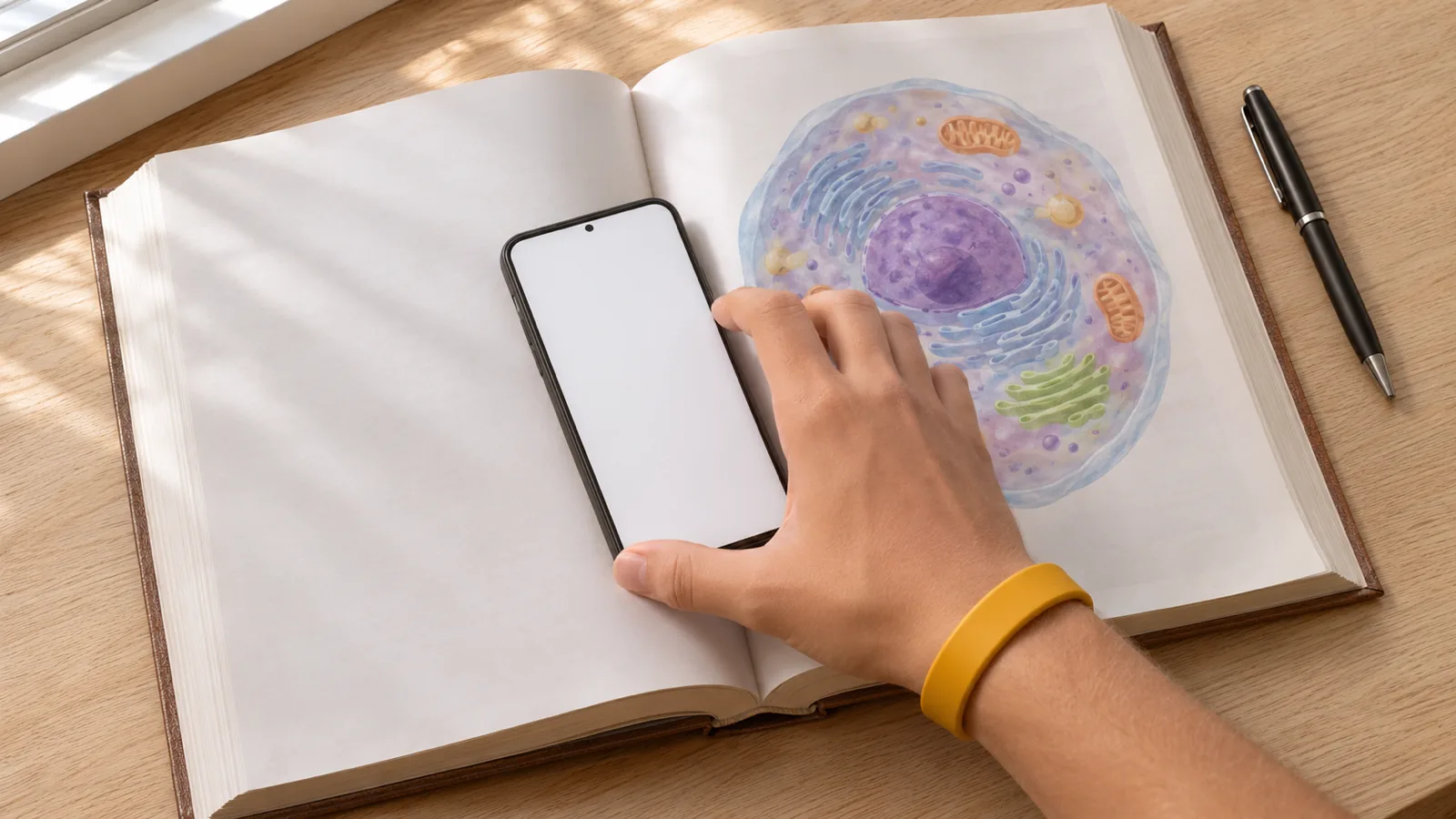
How to Listen to a Textbook
How to listen to a textbook for free, step by step: Read Aloud in Pearson+, VitalSource and Cengage, PDF textbooks on any device, and printed pages.

Reading Strategies for College Students: 9 That Work
9 reading strategies for college students, backed by research: what to skim, how to remember more, SQ3R for textbooks and 3 passes for papers.
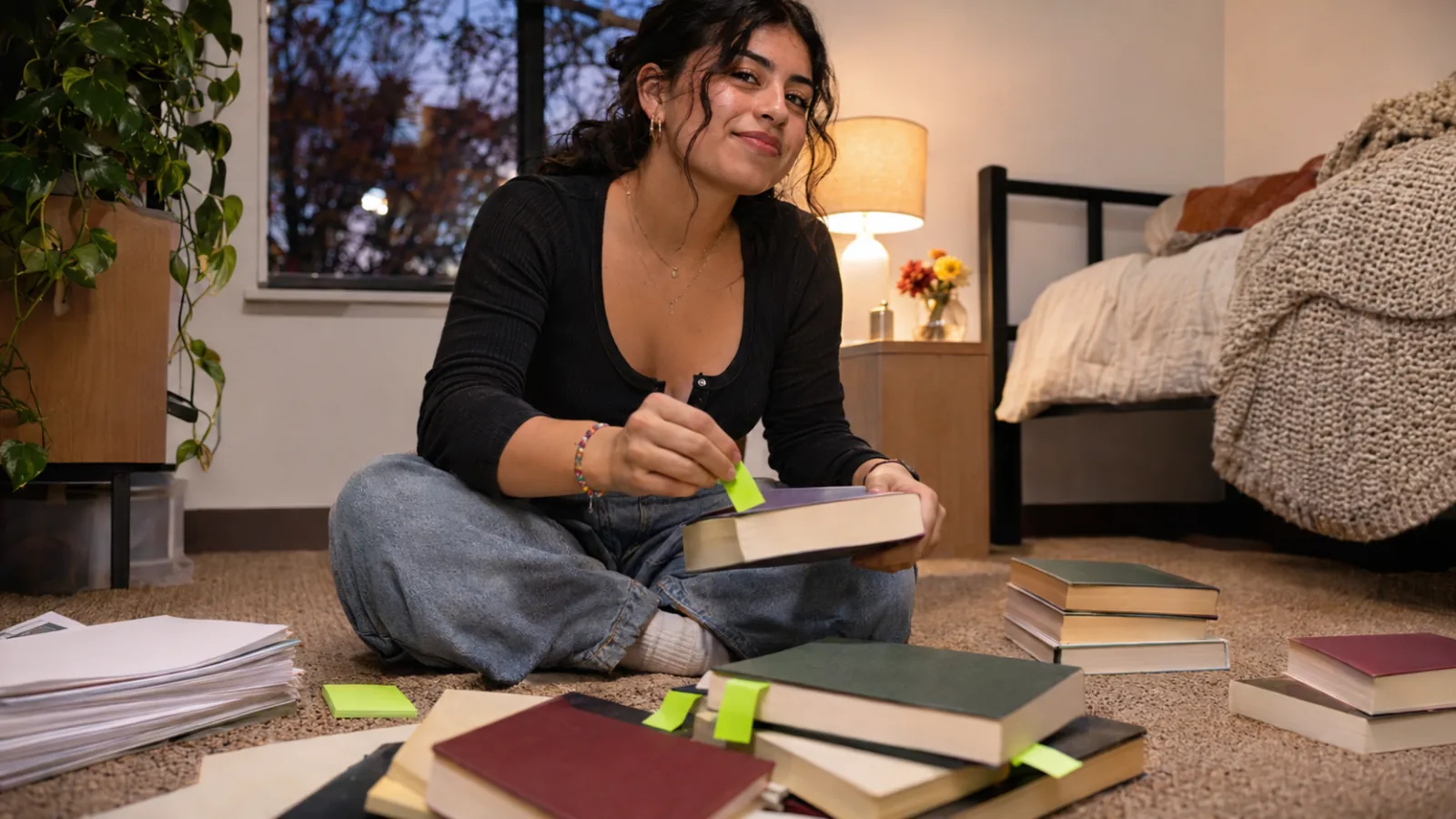
How to Get Through Your College Reading List Faster
How to get through your college reading list faster: what to skim or skip, how to preview and time-box, and when listening at 1.5× works. 8 steps.