


Why Do Some Text-to-Speech Voices Sound Robotic?
Why do some text-to-speech voices sound robotic? The 6 reasons, from old voice tech to messy PDFs, and how to get a natural voice on any phone or computer.
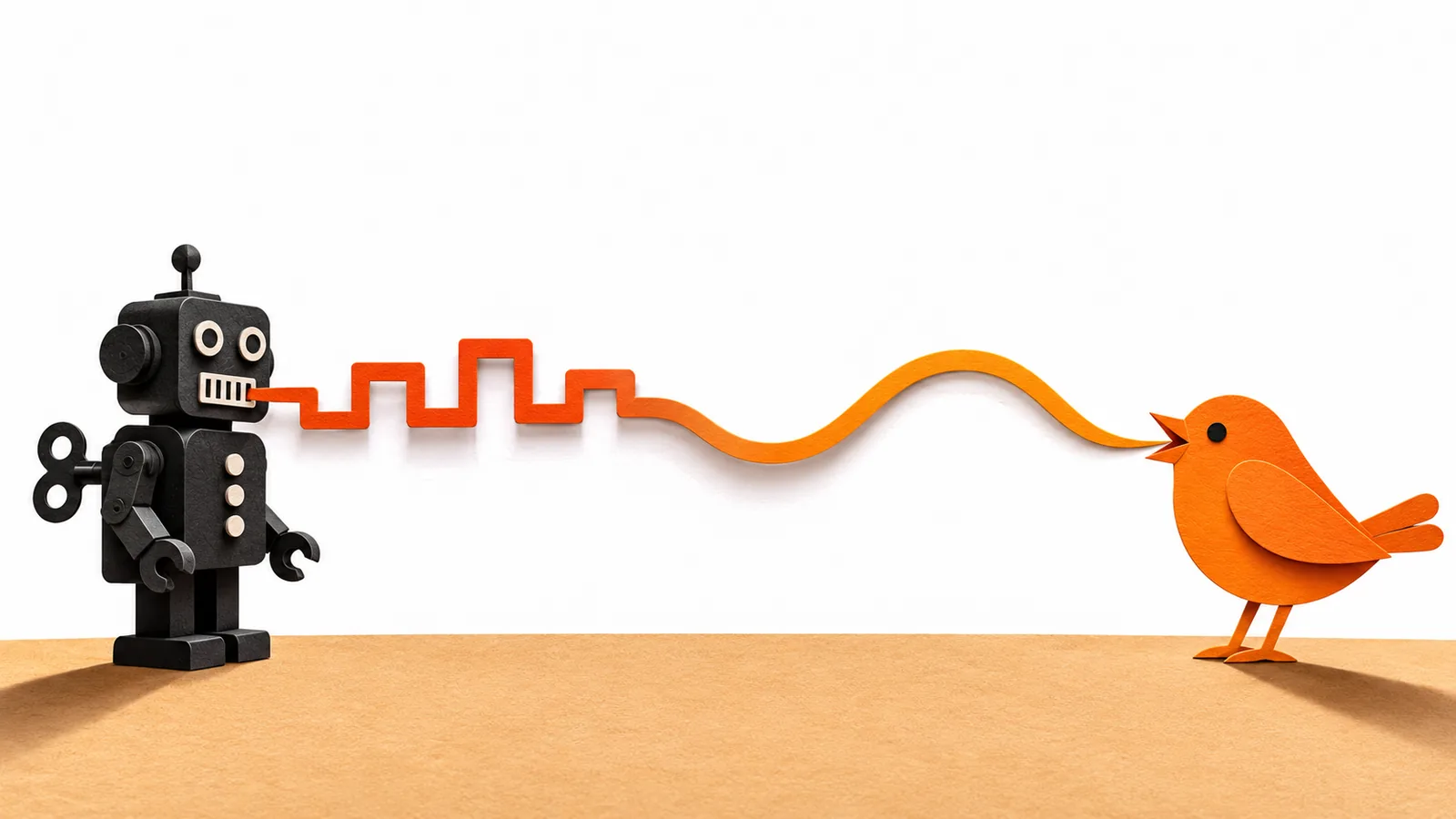
Some text-to-speech voices sound robotic because they use older technology that stitches recorded fragments together or builds sound from rules and statistics, so pitch, timing and emphasis come out flat. Often your device is also using its small default voice. Switching to a neural (natural, enhanced or premium) voice and cleaning up messy text fixes most of it.
Robotic voices usually come from older methods: rule-based, stitched-together (concatenative) or statistical parametric synthesis. Each one gets the rhythm and melody of speech wrong in its own way.
Neural voices learn timing, pitch and stress from many hours of real speech. In Google's Tacotron 2 study, listeners rated one 4.53 out of 5 for naturalness, against 4.58 for professional human recordings.
Your phone or computer may be using a small default voice. Apple, Microsoft and Google all offer better voices, but you usually have to download or select them.
Messy text makes any voice sound robotic: PDF line breaks, page headers, abbreviations, names and missing punctuation all break the rhythm.
The fastest fix is to switch to a natural or enhanced voice, reset speed and pitch to default, and listen to clean text.
Why do some text-to-speech voices sound robotic? Because many are still built with older methods that glue recorded fragments together or calculate sound from rules and statistics, so the rhythm, pitch and emphasis of real speech come out flat. The other usual culprits are the small default voice your device ships with and messy source text, which trips up even a good voice.
Most of it is fixable in a few minutes. Below: what each cause sounds like, why it happens, and exactly what to change on iPhone, Mac, Windows and Android.
Why do some text-to-speech voices sound robotic? 6 reasons
| Reason | What you hear | Quick fix |
|---|---|---|
| 1. Older synthesis technology | Monotone pitch, even, march-like rhythm | Switch to a neural or "natural" voice |
| 2. A basic default voice | Thin, buzzy or muffled sound | Download an enhanced, premium or natural voice |
| 3. Flat prosody | Questions that don't rise, no emphasis | Use a neural voice; add punctuation |
| 4. Text normalization errors | "Dr." read as "D-R", years read as plain numbers | Write it out, or use a better reader |
| 5. Messy layout | Pauses mid-sentence, headers read on every page | Reflow the text; skip headers and footers |
| 6. Extreme settings | Chipmunk or droning voice, choppy audio | Reset speed and pitch to default |
1. The voice uses older synthesis technology
The biggest cause is how the voice was made. Before neural networks, text to speech worked in one of three ways, and each sounds mechanical in its own way:
- Rule-based (formant) synthesis builds every sound from a mathematical model of the human vocal tract. It's compact and can be very clear, but it rarely sounds like a person, because none of its sound came from one.
- Concatenative synthesis records a real speaker, cuts the recordings into small units, and stitches the right units together for each new sentence. Amazon still offers this as its Polly standard engine and calls the result very natural-sounding, which is often true on short phrases. On longer passages you can hear seams, sudden pitch jumps and uneven rhythm where the pieces meet. DeepMind also notes the approach makes it difficult to change a voice's emphasis or emotion, because the voice is locked to one speaker's recorded database.
- Statistical parametric synthesis predicts the sound with a statistical model, then generates audio with a signal-processing vocoder. The model tends to average speech out, and the vocoder adds a buzzy, muffled quality. DeepMind's WaveNet team wrote that parametric speech "has tended to sound less natural" than concatenative speech, and Google says many of its cost-efficient Standard voices still use this kind of vocoder.
2. Your device is using a small default voice
Many devices ship with a compact voice so that speech works the moment you turn them on. Apple's developer documentation lists three voice quality levels: a "basic quality voice" available by default, and enhanced and premium voices "that you must download to use." Apple notes that enhanced voices can be 100 MB or larger, which is why they aren't preinstalled.
Windows works the same way. Its standard voices (David, Mark and Zira in US English) sit next to newer natural voices (Jenny, Aria and Guy), and you have to install the natural ones yourself, one at a time.
So if an app sounds robotic on one device and human on another, the app often isn't the problem. It's using whatever voice that device has installed. Language matters too: natural voices take many hours of recorded speech to build, so some languages and accents have far fewer good voices to choose from than US English.
3. The voice gets the melody of speech wrong
Robotic speech is less about the sound of each word and more about prosody: the rise and fall of pitch, the length of each syllable, the stress on important words and the pauses between ideas. People speed up on familiar phrases, slow down for key points and let their pitch fall at the end of a statement.
Older systems handled this with fixed rules or statistical averages, so sentence after sentence follows the same contour. Long sentences make it worse: without understanding which clause matters, the voice gives every word equal weight. That droning, even delivery is what most people mean by "robotic."
4. The voice misreads what's on the page
Before a voice says anything, its front end has to turn text into words: "Dr." becomes "Doctor" or "Drive", "1999" becomes a year or a number, "lead" becomes the metal or the verb. Engineers call this text normalization. Our explainer on how text to speech works walks through this step in detail.
When it guesses wrong, even a natural voice sounds broken. Unusual names, brand names, chemical and drug names, acronyms and math are the most common trouble spots. See how accurate text-to-speech pronunciation is for the patterns.
5. The text is messy
A voice reads what it's given, including things you'd skip without thinking:
- PDF line breaks. A PDF stores text line by line, so a voice may pause at the end of each line as if it were the end of a sentence.
- Headers, footers and page numbers read aloud on every page, interrupting sentences mid-thought.
- Missing punctuation. Bullet points, headings and captions often have no period, so they run straight into the next line.
- Tables, footnotes and multi-column layouts, which have no natural spoken order.
6. Speed and pitch are pushed to extremes
Very fast or very slow rates and raised or lowered pitch exaggerate every weakness in a voice. If a voice suddenly sounds strange, reset its rate and pitch to the default before blaming the voice itself.
Why do neural voices sound so much more human?
Neural voices learn prosody from many hours of recorded human speech instead of following hand-written rules. The model reads the whole sentence, plans the timing and pitch, and then a neural vocoder generates the audio without the old signal-processing buzz.
The jump in quality is measurable. In Google's Tacotron 2 paper, each sample was rated by at least eight listeners on a 1–5 naturalness scale:
| System | Naturalness score (1–5) |
|---|---|
| Statistical parametric voice | 3.49 |
| Concatenative (stitched) voice | 4.17 |
| Tacotron 2 (neural) | 4.53 |
| Professional human recordings | 4.58 |
For the full pipeline, from phonemes to spectrograms to audio, read how AI voices work.
Neural voices aren't perfect. They still mispronounce unfamiliar names, can stress the wrong word when the meaning depends on an earlier paragraph, and the newest generative voices occasionally skip or repeat a word.
Why do devices still use robotic voices?
Because basic voices have real advantages. They are:
- Small. A basic voice can be preinstalled on every device, while enhanced voices are a separate download.
- Cheap to run. Google describes its Standard voices as "cost efficient" next to its premium voice types.
- Instant and predictable. They start speaking immediately and say a word the same way every time.
That's why the robotic voice is usually the default, and the natural one is a setting you have to find.
How to make text to speech sound less robotic
Start with the voice, then fix the text. These are the built-in steps on each platform.
On iPhone and iPad
- Open Settings > Accessibility > Read & Speak (called Spoken Content on older iOS versions).
- Tap Voices and choose your language.
- Pick a voice marked Enhanced or Premium, connect to Wi-Fi and let it download.
Our guide to changing the reading voice on iPhone covers every option.
On Mac
- Choose Apple menu > System Settings > Accessibility > Read & Speak (Spoken Content on older versions of macOS).
- Click the Info button next to System voice, then click the voice you want. If a Download button appears next to it, click it and wait for the download to finish.
- Click Done, then choose that voice from the System voice pop-up menu.
More options are in our guide to changing the text-to-speech voice on Mac.
On Windows 11
- Press Ctrl + Windows logo key + N to open Narrator settings.
- Under Add natural voices, select Add, choose a voice such as Jenny or Guy (a preview plays as you move through the list), and select Install.
- When the download finishes, pick it under Narrator's voice > Choose a voice.
Microsoft says Narrator's natural voices are on-device and work without an internet connection once downloaded. For other voice options, see how to add more text-to-speech voices in Windows 11.
On Android
- Open Settings > Accessibility > Text-to-speech output.
- Choose your preferred engine, language, speech rate and pitch, then tap Play to hear a sample.
- Try a different engine if your phone has more than one. Google says the options vary by device and can include Google's engine, your manufacturer's engine or one from the Play Store.
Fix the text
- Add periods to headings and list items so the voice pauses in the right place.
- Write out abbreviations and odd names the way you'd say them ("Doctor Nguyen", not "Dr. N.").
- Break very long sentences into shorter ones.
- Remove repeated page headers, page numbers and footnote markers, or use a reader that skips them.
- If you create audio as a developer, use SSML to add pauses, emphasis and exact pronunciations.
Listen with natural AI voices in Speechly
If you've tried the built-in voices and still hear the robot, a dedicated reader with natural voices is the simpler fix. Speechly is a text-to-speech reader for iPhone, iPad, Android, Mac and Windows that reads PDFs, Word documents, EPUB books, web pages and photos of printed pages with natural AI voices.
- 25+ natural AI voices in eight languages, which you can hear on the Speechly voices page and switch anytime.
- Cleaner PDFs: on iPhone and iPad, Speechly can skip repeating headers and footers so they aren't read on every page.
- Word-by-word highlighting and speed from 0.5× to 2×.
- Any app on a computer: select text and press ⌘E on Mac or Alt+R on Windows to hear it in a small floating player.
Speechly is free to download, and the free plan includes two files with premium voices, no card required. Premium costs $14.99/month or $139/year for unlimited listening on every device.
Frequently asked questions
Why does my iPhone's text-to-speech voice sound robotic?
It's probably using the basic default voice that comes on the device. Go to Settings > Accessibility > Read & Speak > Voices (Spoken Content on older iOS versions), pick your language and download an Enhanced or Premium voice over Wi-Fi.
Why does Microsoft David sound so robotic?
David, Mark and Zira are Windows' older standard voices. Windows 11 Narrator also offers natural voices such as Jenny, Aria and Guy, which you add in Narrator settings (Ctrl + Windows logo key + N) and which work without an internet connection once downloaded.
Do AI voices still sound robotic?
The best ones rarely do, but they still slip on names, abbreviations, tables and sentences whose meaning depends on context. The newest generative voices can also occasionally skip or repeat a word.
Why does text to speech pause in strange places when reading a PDF?
A PDF stores lines of text where they sit on the page, so the voice can treat each line break, page header or footnote as a break in the sentence. Reflowing the text, or using an app that skips headers and footers, fixes most of it.
Can SSML make a voice sound less robotic?
Yes, if you're a developer creating audio. SSML tags let you add pauses, set emphasis and spell out pronunciations, but they can't turn a basic voice into a neural one, and most reading apps don't expose it.
Is a robotic voice ever better?
Sometimes. Basic voices are small, start instantly and run on almost any device, and they say each word the same way every time. Choose whichever voice you can understand most easily.
Listen with Speechly
Natural AI voices on iPhone, iPad, Android, Mac and Windows, with word highlighting and your place saved on every device. Free to download.
Prices and features of other products were checked on November 18, 2026 and can change. Speechly is not affiliated with the other companies named here.
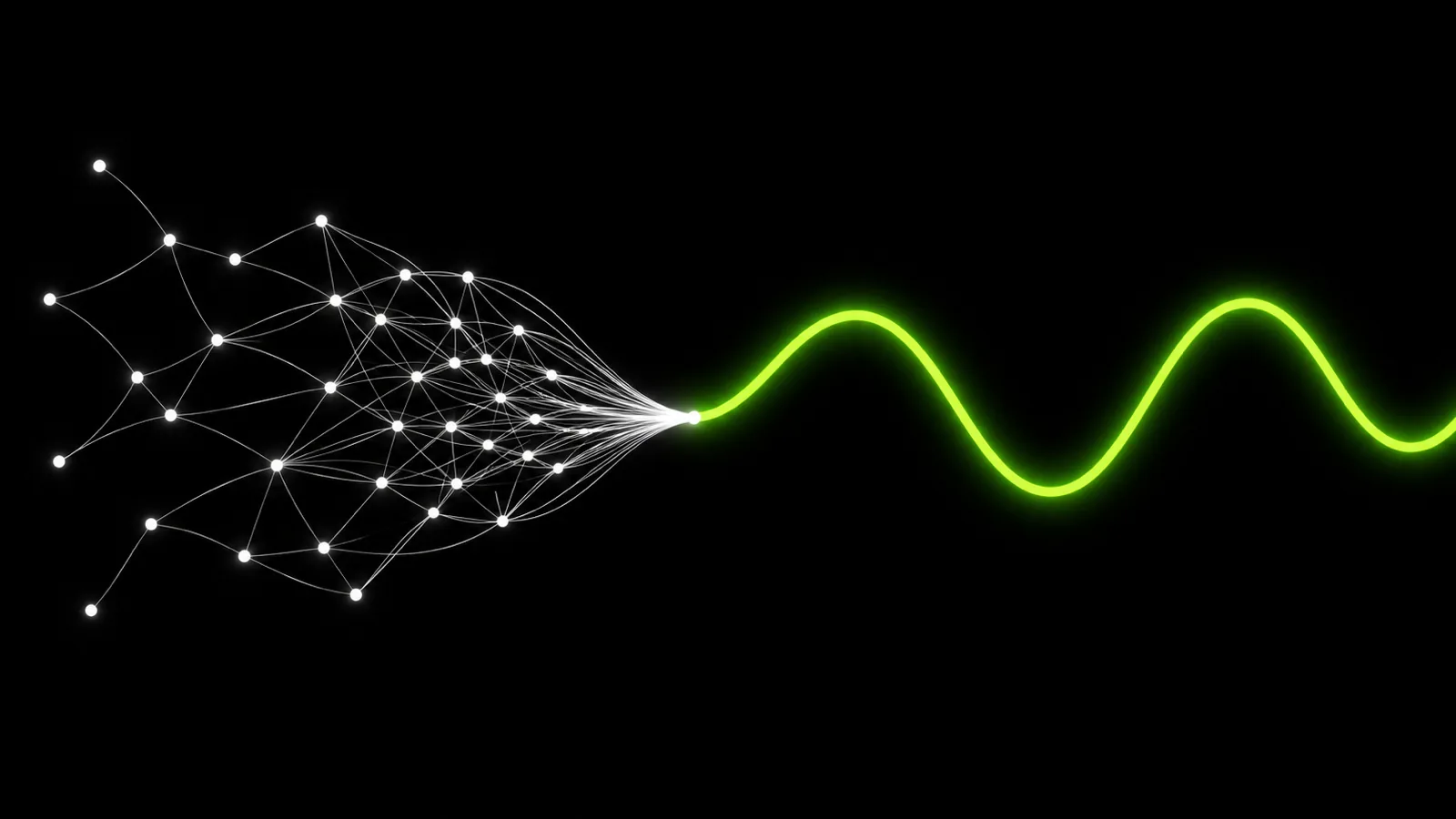
How Do AI Voices Work? Neural Text to Speech Explained
How do AI voices work? Neural text to speech explained in plain English: the 3 steps inside a voice, how it's trained, and why it still slips up.

Best Natural-Sounding Text-to-Speech Voices (2026)
The best natural sounding text to speech voices in 2026, free and paid: which apps and devices have them, what they cost and how to switch them on.
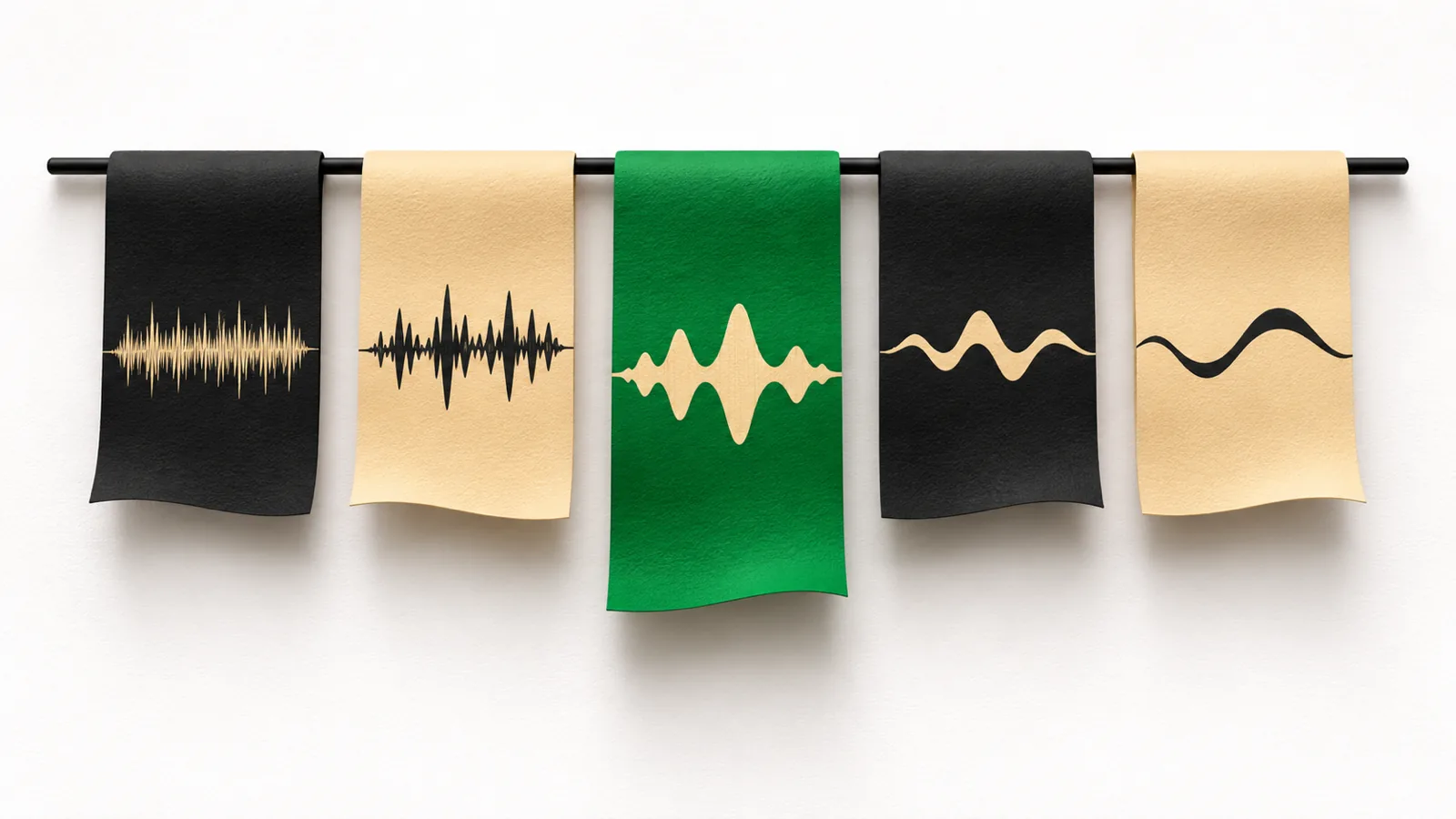
How to Pick the Right Reading Voice
How to pick the right reading voice for text to speech: a 5-step listening test, what to match to each kind of reading, and where to change voices.