


Best Scan-to-Speech (OCR) Apps (2026)
The best scan to speech OCR apps in 2026 for books, mail and handouts: batch scanning, on-device OCR, voices, languages and prices, checked this month.
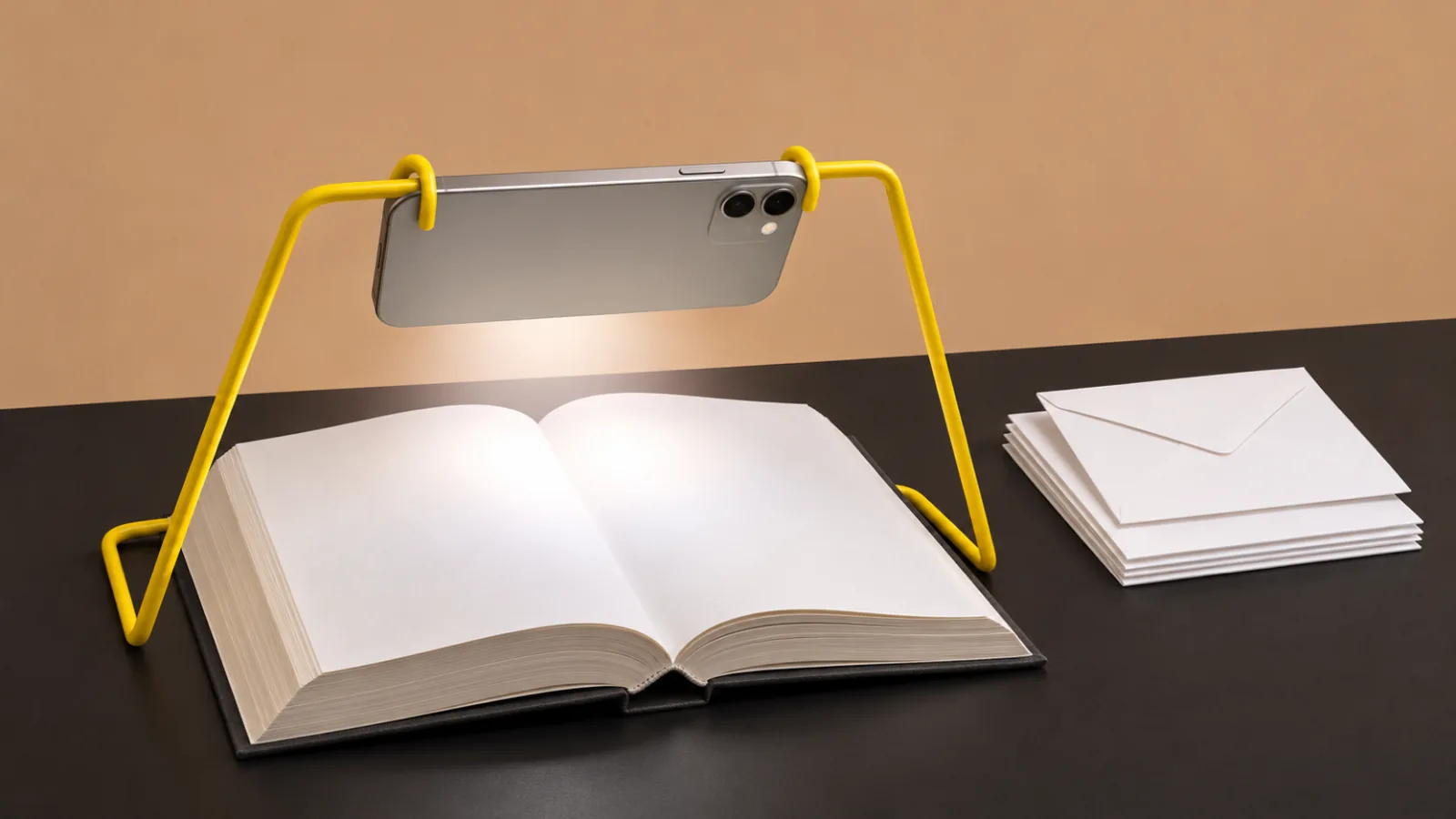
The best scan to speech OCR apps in 2026 are Speechly for listening to scanned pages in natural AI voices on every device, and Envision and Seeing AI for free batch and document reading. Voice Dream Scanner is the best one-time purchase ($14.99) with on-device OCR, and OneStep Reader suits heavy daily scanning.
Scan-to-speech apps photograph a page, recognize the text with OCR and read it aloud; the best guide your aim and scan several pages in a row.
Envision, Seeing AI and Google's Lookout are free and built for blind and low-vision readers.
Voice Dream Scanner costs $14.99 once, runs its OCR entirely on the iPhone and needs no internet.
For long documents you'll come back to, a reader app such as Speechly, Voice Dream Reader or Speechify keeps your place and highlights words.
Scanned PDFs need OCR before most apps can read them; Chrome on a computer does it free on your device.
The best scan-to-speech OCR apps photograph a printed page, recognize the words and read them aloud, so mail, handouts, menus and whole books become something you can listen to. We compared nine of them on scanning guidance, batch capture, OCR accuracy, voices and price, and checked every detail on official pages on November 18, 2026.
Short version: Envision and Seeing AI are the best free scanners, Voice Dream Scanner is the best one-time purchase, and Speechly is the pick when you want scanned pages read in a natural voice and waiting for you on your phone and computer.
Quick picks
| Product | Best for | Platforms | Price |
|---|---|---|---|
| Speechly | Natural voices, every device | iPhone, iPad, Android, Mac, Windows | Free plan; $14.99/mo or $139/yr |
| Voice Dream Scanner | On-device, no subscription | iPhone, iPad | $14.99 once |
| Envision | Free batch scanning, 60+ languages | iPhone, iPad, Android | Free |
| Seeing AI | Free document reading | iPhone, iPad, Android | Free |
| Lookout | Free on Android | Android | Free |
| Voice Dream Reader | Scanner plus offline reader | iPhone, iPad, Mac | Subscription; up to $79.99/yr |
| OneStep Reader | Heavy daily scanning | iPhone, iPad | $99.99 once |
| Speechify | Library shared with Chrome | Phones, computers, web | Premium for scanning |
| NaturalReader | Scanned PDFs at a desk | Web, phones, Chrome | Paid plans from $79/yr |
Prices are in US dollars from official sites and US App Store listings on November 18, 2026.
What makes a good scan-to-speech app?
Every scan-to-speech app does the same three things: capture a photo, run OCR to turn it into text, then speak the text. The differences that matter in daily use are:
- Aiming help. If you can't see the page well, spoken or vibration cues that tell you when the whole page is in view matter more than anything else.
- Batch scanning. Capturing ten pages in a row, then listening, beats scanning and listening one page at a time.
- On-device OCR. Faster, works without internet and keeps private mail on your phone.
- The voice. System voices are clear; natural AI voices are easier to listen to for an hour.
- What happens after. A saved document you can return to, with your place kept, versus text that disappears once read.
Our explainer on how OCR reads text from images covers why tilted pages and columns cause errors.
1. Speechly: best for listening to scanned pages in natural voices
Speechly is a text-to-speech reader for iPhone, iPad, Android, Mac and Windows. Take a photo of a book page, handout, worksheet or letter in Speechly, and it reads the page aloud with 25+ natural AI voices and saves it to your library.
Who it's for: students with printed course readers, professionals with paper reports, and anyone who wants scanned pages read in a voice that's comfortable over a long session.
Standout features:
- Photo to listenable document, with word-by-word highlighting and the option to jump to any sentence.
- Saved place across devices. Scan on your phone, keep listening on your Mac or PC.
- PDFs too. Open a PDF on any device; on iPhone and iPad, Speechly can skip repeating headers and footers so they aren't read on every page.
- Speed from 0.5× to 2×, and reading continues with the phone locked.
Downsides: Speechly isn't a dedicated accessibility scanner: it doesn't advertise spoken aiming guidance or batch capture, so blind users will likely prefer Envision or Seeing AI for scanning. Scanned PDFs need a text layer first; run free OCR in Chrome or Google Drive, then open the file. It has no offline listening, and the free plan includes two text-to-speech files with premium voices; Premium starts with a 3-day free trial.
Price: free to download, no card required. Premium is $14.99/month or $139/year.
2. Voice Dream Scanner: best one-time-purchase scanner
Voice Dream Scanner is a focused scanning app for iPhone and iPad from the makers of Voice Dream Reader. Its App Store listing says it works entirely on the device, needs no internet and keeps your data private.
Who it's for: iPhone users who want a fast, private scanner without a subscription.
Standout features:
- ScanTone, a sound that tells you how much readable text is in view, plus live edge detection, auto capture, a flashlight and batch mode.
- Recognizes 22 languages, including English, Spanish, French, German, Chinese, Hindi and Japanese.
- 61 text-to-speech voices with adjustable rate.
- Exports plain text or a PDF with a searchable text layer.
Downsides: iPhone and iPad only, requires iOS 17 or later, and the app interface is English only. It's a scanner, not a library for long-term listening.
Price: $14.99 one-time, with no subscription.
3. Envision: best free batch scanner
The Envision app is a free OCR app for iPhone and Android that reads text in more than 60 languages.
Who it's for: blind and low-vision readers, especially those who read in more than one language.
Standout features:
- Scan Text turns short or long text, from food labels to books, into speech.
- Batch scan captures multiple pages in one go.
- Instant Text reads text live through the camera.
- Ask Envision lets you ask questions about scanned text, such as the due date on a bill.
Downsides: no document library that syncs across devices, so it's built for reading now rather than listening later.
Price: free.
4. Seeing AI: best free document reader for blind and low-vision users
Seeing AI from Microsoft is free on iPhone, iPad and Android. Its Read tab speaks text as soon as it appears in the camera and combines the former Short Text, Document and Handwriting channels.
Who it's for: people who want one free app for documents, products, currency and scenes.
Standout features:
- Reads short text instantly and full pages of documents.
- Reads photos shared from other apps: tap Share, then Recognize with Seeing AI.
- Product barcodes, currency, colors and light detection in the same app.
- Available in English and 18 more languages; the iPhone app requires iOS 15 or later.
Downsides: no saved library to come back to, and asking questions about images is English only.
Price: free.
5. Lookout: best free scanner on Android
Lookout is Google's free Android app for people who are blind or have low vision. Its Documents mode reads full pages of text.
How to scan a page:
- Open Lookout, tap Select mode at the top left, then choose Documents.
- Hold the phone in portrait and move it slowly over the page.
- Follow Lookout's real-time guidance to capture the whole page.
- Tap Take snapshot, which Google says can read more accurately than the live view.
Downsides: Android only, and pages aren't saved as documents to listen to again. Requires Android 6.0 or later and supports 35 languages.
Price: free from Google Play.
6. Voice Dream Reader: best for scanning plus a full offline reader
Voice Dream Reader has a built-in camera scanner that works entirely on the device, plus text recognition for scanned PDFs. Scanned pages join the rest of your library, alongside EPUBs, Word files and Bookshare books.
Who it's for: Apple users who want scanning and a complete reading app in one, with offline voices.
Standout features:
- All voices work offline, per its App Store listing, and keep playing with the screen locked.
- Built for VoiceOver, braille and switch control.
- 36 built-in iOS voices in 27 languages, plus 200+ optional premium voices.
Downsides: the scanner supports Latin-alphabet languages only. Apple devices only, and individual premium voices cost $4.99 each.
Price: subscription with a free trial; the App Store lists plans from $4.99/month up to $79.99/year.
7. OneStep Reader: best for heavy daily scanning
OneStep Reader, formerly KNFB Reader, is a long-standing iPhone scanner designed with blind readers in mind. It helps you get a good photo with spoken and vibration guidance, and a Field of View button lets you check what the camera sees before you shoot.
Who it's for: people who scan books, mail and work documents every day and want a dedicated, proven tool.
Standout features:
- Batch recognition with no page limit, so you can snap a whole book for later reading.
- Fully localized in 15 languages, with recognition and speech in 17 more.
- Works on iPhone and iPad running iOS 13 or later.
Downsides: the price, and it's iPhone and iPad only.
Price: $99.99 one-time on the US App Store; prices vary by country.
8. Speechify: best for scanning into a Chrome-shared library
Speechify's Scan & Listen photographs printed pages and reads them aloud, and the result sits in the same library as your web pages and documents across phones, computers, the web and the Chrome extension.
Downsides: Scan & Listen needs Premium; the free plan has 10 basic voices and no scanning. Premium has a monthly word cap.
Price: Premium is $29/month or $139/year. Our Speechify alternatives page compares it with other readers.
9. NaturalReader: best for OCR on images and scanned PDFs at a desk
NaturalReader includes OCR for images and scanned PDFs on its paid Lite, Plus and Pro plans. Upload the file in its web app, listen, and convert it to MP3 if you want a file.
Who it's for: students and office workers who scan at a desk and want an audio file of the result.
Downsides: OCR needs a paid plan, the tiers are confusing, and Lite doesn't include NaturalReader's more natural Plus and Pro voices.
Price: Lite $13.90/month or $79/year, Plus $20.90/month or $119/year, Pro $25.90/month or $159/year.
Tips for scanning a whole book or a stack of mail
Good technique matters more than the app when you scan dozens of pages:
- Use a stand. A simple phone stand or a stack of books holding the phone above the page keeps every shot at the same distance and angle.
- Light from the side, not above. Overhead lights cast the phone's shadow on the page; a lamp or window to one side doesn't.
- Press the book flat near the spine, or scan one page at a time when the curve is deep.
- Scan in batches, listen later. Capture a chapter in batch mode, then play it start to finish.
- Spot-check numbers. Dates, amounts and account numbers are where OCR errors cost the most.
Scan to speech on a computer: free ways to read scanned PDFs
If your scan is already a PDF, you may not need an app at all:
- Chrome: Google says scanned PDFs opened in Chrome's PDF viewer on a computer are converted to searchable, selectable text on your device. Select the text, then use your computer's read-aloud or press ⌘E (Mac) or Alt+R (Windows) with Speechly.
- Google Drive: upload the PDF and choose Open with > Google Docs to get editable text, for files of 2 MB or less.
- Adobe's online OCR tool: free in a browser, with a sign-in to download the searchable PDF.
Our step-by-step guide shows how to listen to a scanned PDF with each method.
How we chose the best scan to speech OCR apps
- Scanning help: aiming guidance, edge detection and auto capture, which matter most for blind and low-vision users.
- Batch capture for books and multi-page mail.
- OCR accuracy on printed pages and whether it runs on the device.
- Voice quality for long listening sessions.
- What you keep: saved documents, exports and synced places.
- Price and platforms, checked on official pages on November 18, 2026.
How to choose the right scan-to-speech app for you
- You're blind or have low vision and want free: Envision or Seeing AI on either platform, Lookout on Android.
- You want a private scanner you pay for once: Voice Dream Scanner.
- You scan books and mail every day and want the most guidance: OneStep Reader.
- You want scanning plus an offline reading app: Voice Dream Reader.
- You want scanned pages read in natural voices and kept on phone and computer: Speechly.
- You only need a single page or a label read now: see the best apps that read text from photos, including free Google Lens and Live Text.
- You need more tools for low vision: our roundup of the best text-to-speech apps for low vision.
For scanning help or vision support, an eye care professional or a vision rehabilitation service can recommend tools and training that fit your needs.
The bottom line
Free scanners like Envision and Seeing AI handle quick reads well. When you want printed pages read in a natural voice, saved and synced between your phone and your computer, download Speechly and try two files with premium voices for free.
Every pick at a glance
Listening to scanned pages in natural AI voices on every device
Free plan (two files); Premium $14.99/month or $139/year
iPhone, iPad, Android, Mac, Windows
A private, on-device scanner with no subscription
$14.99 one-time
iPhone, iPad
Free document reading for blind and low-vision users
Free
iPhone, iPad, Android
Scanning plus a full offline reading app
Subscription with a free trial; App Store lists $4.99/month to $79.99/year
iPhone, iPad, Mac
Heavy daily scanning of books and mail
$99.99 one-time
iPhone, iPad
Scanning into a library shared with Chrome
Premium (needed for Scan & Listen) $29/month or $139/year
iPhone, iPad, Android, Mac, Windows, Web, Chrome, Edge
Frequently asked questions
What is a scan-to-speech app?
It's an app that photographs printed text, uses OCR (optical character recognition) to turn the image into real text, and reads it aloud with a text-to-speech voice. The best ones guide your aim, scan several pages in a row and save the result.
What is the best free scan-to-speech app?
Envision and Seeing AI are the best free options on both iPhone and Android, and Google's Lookout is free on Android. For a quick single page, Google Lens on Android and Live Text with Speak Selection on iPhone also work.
What happened to KNFB Reader?
It's now called OneStep Reader. The US App Store lists it at $99.99 for iPhone and iPad, with spoken and vibration guidance to help you line up the page.
Can a scan-to-speech app read a whole book?
Yes, with batch scanning. Envision, Voice Dream Scanner and OneStep Reader capture several pages in a row; OneStep Reader removed its old 50-page batch limit.
Do scan-to-speech apps work offline?
Some do. Voice Dream Scanner runs its OCR entirely on the device, and Voice Dream Reader's voices all work offline. Cloud AI-voice apps, including Speechly, need an internet connection.
Can scan-to-speech apps read handwriting?
Some can. Seeing AI's Read tab includes its former handwriting channel, but handwriting produces far more errors than print, so check anything important by eye or with a sighted helper.
Listen with Speechly
Natural AI voices on iPhone, iPad, Android, Mac and Windows, with word highlighting and your place saved on every device. Free to download.
Prices and features of other products were checked on November 18, 2026 and can change. Speechly is not affiliated with the other companies named here.
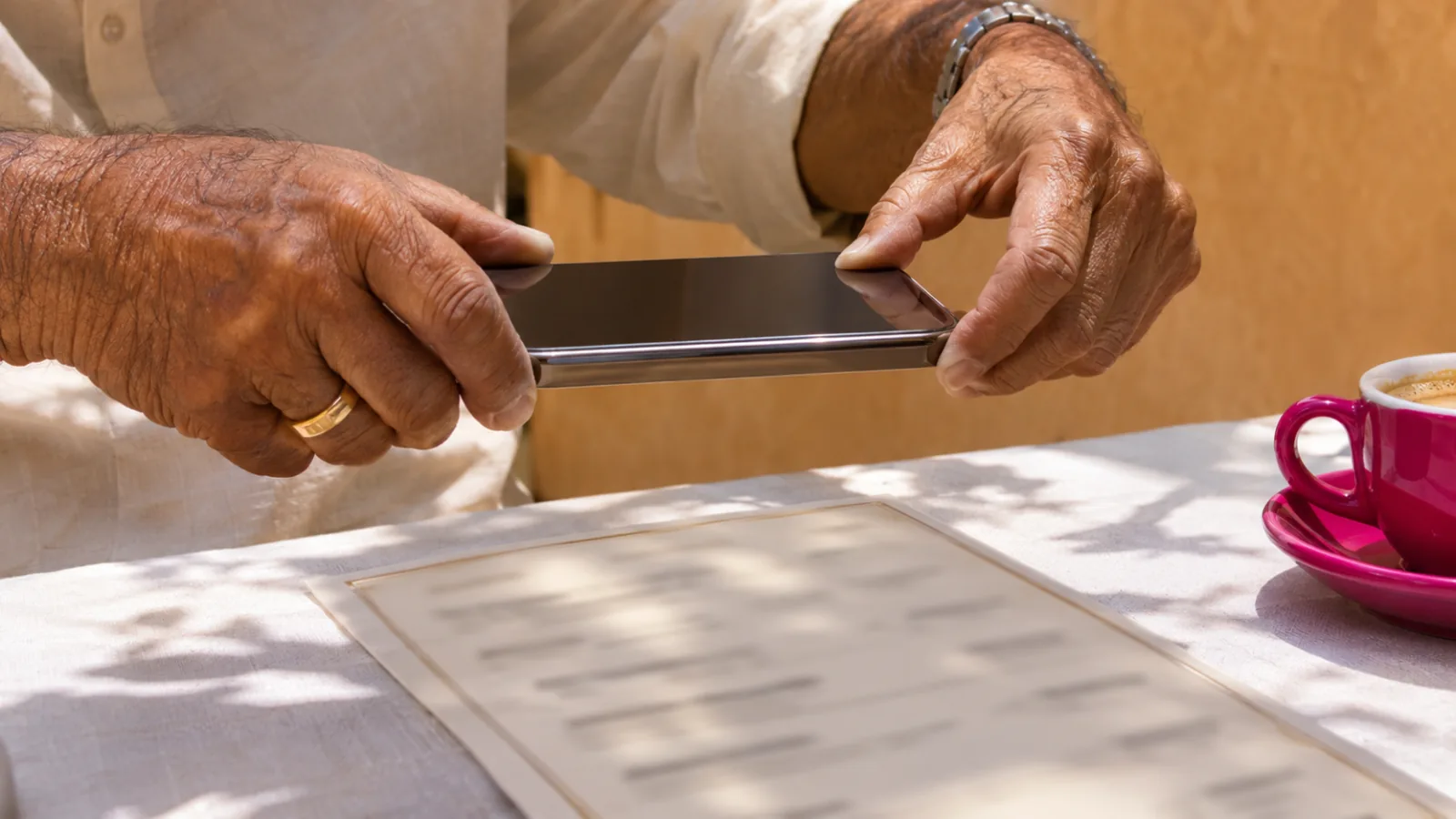
Best Apps That Read Text from Photos (2026)
The best apps that read text from photos aloud in 2026: free tools on iPhone and Android, accessibility apps, and AI readers for letters, menus and pages.
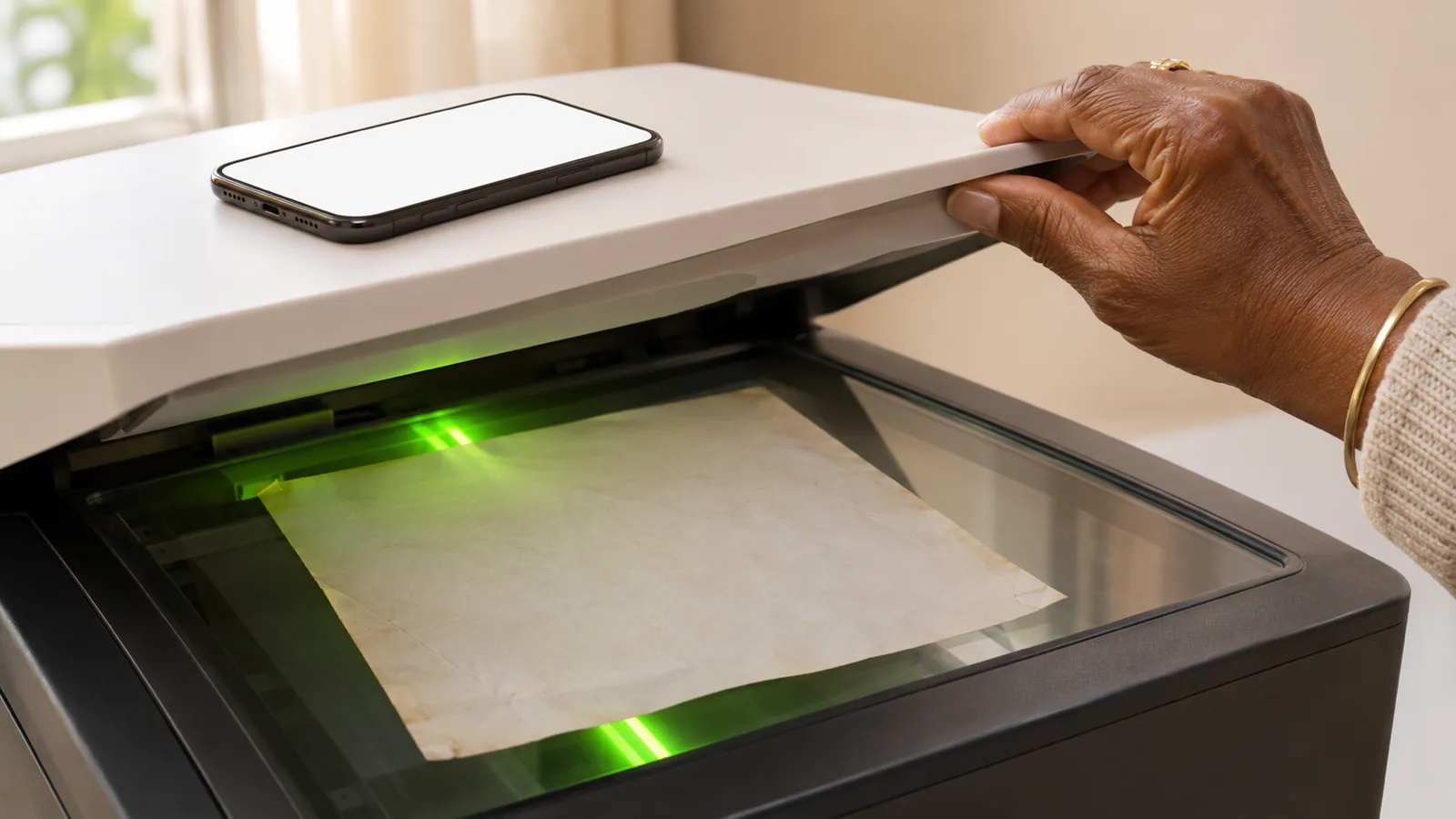
How to Listen to a Scanned PDF
Scanned PDF silent in Read Aloud? Here's how to listen to a scanned PDF: free OCR in Chrome, Google Drive or Adobe, then play it on any device.
Best Text-to-Speech Apps for Low Vision (2026)
The best text to speech apps for low vision in 2026, from free iPhone and Android readers to camera apps and AI voices, compared with prices checked.