


Reading Tips for Adults with Dyslexia: 15 Strategies That Help
15 reading tips for adults with dyslexia: free read-aloud tools you already have, text layouts that help, work reading tricks and what research says.

The most useful reading tips for adults with dyslexia are to listen to text read aloud while following the highlighted words, use bigger text with 1.5 line spacing and short lines, preview before reading, and read in short sessions. Dyslexia fonts and tinted lenses aren't proven fixes, and structured reading lessons still help in adulthood.
Reading along with text to speech that highlights each word is the biggest single change: you get the meaning from your ears and keep your place with your eyes.
Layout matters more than font: bigger text, 1.5 line spacing, short lines, left-aligned text and an off-white background make pages easier to read.
Dyslexia fonts and colored lenses have no good evidence behind them as fixes, though you can use any font or color you find comfortable.
Previewing, reading with one question in mind and short sessions cut the effort of work reading.
It's not too late: adults improve with structured reading instruction, and a formal assessment opens the door to workplace accommodations.
The best reading tips for adults with dyslexia share one goal: spend less effort decoding words so you have more left for understanding them. The 15 tips below come from published research and dyslexia organizations, and you can set up or try each one this week on your phone, your computer or paper.
Dyslexia is lifelong and has nothing to do with intelligence. Reading takes more work because recognizing each word takes more work, which can leave you tired and make it harder to remember what you read. If you're not sure dyslexia is what you're dealing with, start with the signs of dyslexia in adults.
15 reading tips for adults with dyslexia at a glance
| # | Tip | Why it helps |
|---|---|---|
| 1 | Listen while you follow highlighted words | Decoding stops slowing you down |
| 2 | Set the speed by how much you understand | Slower for dense text, faster for easy text |
| 3 | Use audiobooks and free accessible libraries | Whole books without the decoding load |
| 4 | Make text bigger and add line spacing | Less crowding on the page |
| 5 | Keep lines short | Fewer words to track on each line |
| 6 | Choose a plain font you like | Comfort matters; special fonts aren't a fix |
| 7 | Use an off-white background | Less glare than stark white |
| 8 | Use line focus or a reading guide | You don't lose your place |
| 9 | Preview before you read | You know where the text is going |
| 10 | Read with one question in mind | You read only what matters closely |
| 11 | Read in short sessions | Your focus stays high |
| 12 | Mark hard words and keep going | Meaning comes first |
| 13 | Say the main point out loud | It sticks |
| 14 | Get a formal assessment | It opens the door to accommodations |
| 15 | Take structured reading lessons | Adults can still improve |
How can text to speech help adults with dyslexia read?
The biggest change most adults with dyslexia can make is to stop reading by eye alone.
1. Listen while you follow the highlighted words
Use a read-aloud tool that highlights each word as it's spoken, and keep your eyes on the highlight. You get the meaning from the audio, see each word as you hear it, and keep your line.
The research backs this for comprehension. A 2017 meta-analysis in the Journal of Learning Disabilities pooled 22 studies and found that text-to-speech and read-aloud tools improved reading comprehension for people with reading disabilities, with a small-to-moderate average effect (d = 0.35). Most participants were school or college students, so treat it as a strong signal for adults, not a guarantee.
Free read-aloud tools you probably already have:
| Device | Free tool | How to open it |
|---|---|---|
| iPhone and iPad (iOS/iPadOS 26 or later) | Accessibility Reader | Turn it on in Settings > Accessibility > Read & Speak > Accessibility Reader, then open it from Control Center, the Share menu or the Accessibility Shortcut (triple-click the side button) |
| iPhone and iPad | Speak Screen | Turn it on in Settings > Accessibility > Read & Speak > Speak Screen, then swipe down with two fingers from the top of the screen |
| Chrome on a computer | Reading mode | Right-click a page and select Open in reading mode, or press Alt+Shift+R (Windows, ChromeOS, Linux) or ⌘+Option+R (Mac) |
| Microsoft Edge | Reading mode | Press F9 on a supported page, then select Read aloud |
| Word for Windows | Immersive Reader | View > Immersive Reader; Ctrl+Alt+Spacebar starts or stops Read Aloud |
| Android phones (Android 9 or later) | Reading mode app | Install Reading mode from Google Play, then tap the floating button and the play button |
To turn on highlighting that follows the voice:
- Chrome: in Reading mode settings, set Voice highlight to Word, as described in Google's Chrome help.
- Word: Read Aloud highlights each word automatically.
- iPhone and iPad: Accessibility Reader has a Highlighting switch under Playback, where you can also pick the highlight style and color.
Apple also offers Accessibility Reader on Mac. For a deeper look at why listening and looking together works, see how text to speech helps with dyslexia.
2. Set the speed by how much you understand
Start at normal speed (1×). Slow down for contracts, textbooks or anything with new vocabulary, and speed up only when following the highlight feels easy. Speed isn't a score; understanding is.
In Accessibility Reader, tap the speaking-rate button and choose a speed. In Chrome's Reading mode, use the playback speed control. In Edge, open Voice options while it reads.
3. Use audiobooks and free accessible libraries
Audiobooks are reading. You get the same story, ideas and vocabulary as print, without spending your energy on decoding. Following the ebook while you listen adds word practice; here's why reading while listening helps you remember.
Two US libraries are built for readers with dyslexia:
- NLS (National Library Service for the Blind and Print Disabled), run by the Library of Congress, is free for US residents and US citizens living abroad who have a reading disability. A "competent authority" has to certify you, and that includes doctors, educators, certified reading specialists, social workers and librarians.
- Bookshare has over 1.4 million titles for people with reading barriers, including dyslexia. It's free for qualified US students; adults who aren't students pay a yearly membership fee.
What text layout is easiest to read with dyslexia?
Bigger text, more space between lines and shorter lines help most. These settings take a minute and then work on every page you open.
4. Make text bigger and add line spacing
Dyslexia Scotland's formatting guidance recommends text of at least 12 point (many readers do better with larger), 1.5 line spacing, and left-aligned rather than justified text, because justified text leaves uneven gaps between words.
Where to change it:
- iPhone and iPad: in Accessibility Reader, tap More > Customize Reader, choose a theme and tap Edit. You can change Text Size, Font, Line Spacing, Word Spacing and Character Spacing.
- Chrome: Reading mode has font size buttons, plus Line height and Letter spacing in its settings.
- Word for Windows: Immersive Reader has Text Spacing.
- Android: the Reading mode app has Font size and Line space settings.
Extra letter spacing is worth testing, not assuming. A 2020 study in Annals of Dyslexia of 64 Italian 12-year-olds with dyslexia found that wider letter and word spacing made no practical difference to reading speed or accuracy. Keep whatever feels easier to you.
5. Keep lines short
Long lines make it easy to land on the wrong line when your eyes jump back to the start. Dyslexia Scotland gives 50 to 75 characters per line as good practice and notes that shorter lines can work better for dyslexic readers.
A 2013 study of 103 high school students with dyslexia backs this up. Reading on a small handheld screen with about three or four words per line helped some readers: those who struggled most with decoding read faster, and those with a narrow visual attention span understood more. Others did better on paper, so try both.
To shorten lines, read on your phone, narrow the browser window, or reduce the column width in Edge's Reading mode or Word's Immersive Reader.
6. Choose a plain font you like
Dyslexia fonts aren't a fix. In a small study of the OpenDyslexic font, 12 children with dyslexia read no faster or more accurately with it than with Arial or Times New Roman. Dyslexia Scotland agrees that specialized dyslexia fonts show no consistent advantage.
Choose a plain, evenly spaced font such as Arial, Verdana or Calibri, and avoid slanted or decorative fonts for long reading. If you like a dyslexia font, use it; comfort counts. Our guide to dyslexia-friendly fonts covers the research in more detail.
7. Use an off-white background with dark text
Dyslexia Scotland notes that black text on stark white can cause glare or visual stress for some readers, and suggests dark text on a cream or other tinted background. Pick a theme in your reading view, or set Background Color in Accessibility Reader.
Don't pay for tinted lenses expecting them to fix dyslexia. A joint statement from the American Academy of Pediatrics and the American Academy of Ophthalmology says vision problems don't cause dyslexia and that tinted filters, tinted lenses and vision therapy are not recommended as treatments. A regular eye exam is still smart, because an uncorrected vision problem makes any reading harder.
8. Use line focus or a reading guide
Line focus dims or marks everything except the line you're reading, so you don't skip or repeat lines.
- Chrome Reading mode: turn on Line focus in settings and pick an underline or a small, medium or large window. Alt+L (Windows, ChromeOS, Linux) or Option+L (Mac) toggles it.
- Word for Windows: Immersive Reader has Line Focus.
- On paper: slide an index card or ruler down the page under each line, or follow along with your finger.
Dyslexia reading strategies for work documents
These strategies need no tools. They cut how much you have to read closely, which matters most for long emails, reports and manuals.
9. Preview before you read
Spend one minute on the title, headings, bold words, the first sentence of each paragraph, and any summary, table or picture. Knowing where the text is going makes it much easier to guess a hard word from context.
10. Read with one question in mind
Decide what you need before you start. For an email: "What do they want, and by when?" For a report: "What's the decision?" Then read closely only the parts that answer it.
11. Read in short sessions
Decoding is tiring. Try 15 to 20 minutes in a quiet spot, then a short break, and save the hardest reading for the time of day when you're freshest.
12. Mark hard words and keep going
When a word won't come, highlight it, guess from the sentence and keep reading. Come back to it at the end, or have your read-aloud tool say it, so one word doesn't break the meaning of the paragraph.
13. Say the main point out loud
After each section, say what it said in one sentence, or record a quick voice memo. If you can't, listen to that section again instead of rereading the whole document.
How can adults with dyslexia get help with reading?
Two steps make the biggest long-term difference: an assessment and the right kind of lessons.
14. Get a formal assessment
Only a formal evaluation confirms dyslexia. Understood notes that neuropsychologists, educational psychologists and clinical psychologists can assess adults, and that adults usually pay for it themselves, although some insurance plans cover it.
A diagnosis makes it easier to ask for accommodations. In the US, the Job Accommodation Network gives free, confidential advice on workplace accommodations and the ADA. Its reading ideas include text readers, screen reading software, OCR (text recognition), on-screen rulers and recorded materials. Our guide to dyslexia at work covers how to ask.
15. Take structured reading lessons
It's not too late. In a 2004 study published in Neuron, adults with dyslexia who received intensive training in word sounds improved in word recognition and oral reading, and their brain activity changed. It was a small study (19 adults with dyslexia), but it shows the adult brain still responds to good instruction.
Look for a reading specialist or tutor trained in structured, phonics-based teaching who works with adults. Adult education programs are a good place to ask.
How to read emails, PDFs and letters with dyslexia
Most adult reading isn't books. Here's what to try in a normal week:
| What you're reading | Try this |
|---|---|
| Long emails | Read the first and last paragraph, then listen to the rest |
| Work PDFs and reports | Preview the headings, then listen with word highlighting |
| Printed letters, forms and handouts | Take a photo and have it read aloud |
| Menus and signs | On iPhone, open the Magnifier app, which has Accessibility Reader built in |
| Contracts and anything you sign | Slow the speed, go through it twice, and ask someone you trust to check the key terms |
| Novels and nonfiction | An audiobook, or the ebook with audio |
| Web articles | Chrome or Edge Reading mode |
How Speechly helps with everyday reading
The free tools above are good for a web page or a single document. If you read a lot of PDFs, work files and printed pages across your phone and computer, a dedicated app saves time. Speechly is a text-to-speech reader for iPhone, iPad, Android, Mac and Windows that reads PDFs, Word documents, EPUB books, web pages, emails and photos of printed text with 25+ natural AI voices, highlighting each word as it's read.
- Download Speechly free. The free plan includes two text-to-speech files with premium voices, and no card is needed.
- Add what you need to read: open a PDF or Word file, paste a link, or take a photo of a letter or handout.
- Press play and follow the highlighted words. Jump to any sentence to start there.
- Set the speed anywhere from 0.5× to 2×.
- On a Mac, select text in any app and press ⌘E. On Windows, press Alt+R. A small floating player reads it aloud.
Speechly saves your place, so you can start a report on your Mac and finish it on Speechly for iPhone. On iPhone and iPad it can skip repeating headers and footers in PDFs, and optional focus sounds can play under your reading. Premium is $14.99/month or $139/year for unlimited listening on every device. It has no browser extension or Chromebook app, so Chromebook users should start with Chrome's Reading mode.
The bottom line
Start with two changes today: turn on read-aloud with word highlighting, and set bigger text with 1.5 line spacing. Add previewing and short sessions for work reading. If reading still costs you too much, get assessed and ask about accommodations. To listen to your PDFs, documents and printed pages on every device, download Speechly free and try it on the next thing you need to read.
Frequently asked questions
Can adults with dyslexia learn to read better?
Yes. Dyslexia is lifelong, but adults can still build reading skills with structured, phonics-based instruction from a specialist who works with adults. In a 2004 brain-imaging study, adults with dyslexia who received intensive sound-based training improved their word recognition and oral reading.
Is listening to audiobooks cheating if you have dyslexia?
No. Audiobooks give you the same story, ideas and vocabulary as print, and recorded materials and text readers are standard workplace accommodations for reading disabilities. Following the ebook while you listen adds word recognition on top.
What is the best font for adults with dyslexia?
A plain, familiar font you find comfortable, such as Arial, Verdana or Calibri, at a larger size with 1.5 line spacing. Dyslexia fonts like OpenDyslexic haven't been shown to make reading faster or more accurate, but using one is fine if you like it.
Do colored overlays or tinted glasses help dyslexia?
There's no good evidence that they help dyslexia itself, and a joint statement from US pediatrics and ophthalmology groups says tinted filters and lenses are not recommended as treatments. A softer background color can still feel more comfortable on screen, and that costs nothing to try.
How do I get tested for dyslexia as an adult?
Ask a neuropsychologist, educational psychologist or clinical psychologist for a formal evaluation. Adults usually pay for it themselves, though some insurance plans cover it; university-affiliated clinics and your state's vocational rehabilitation agency are good places to look.
How can I read faster with dyslexia?
Read along with text to speech and raise the speed in small steps once following the highlighted words feels easy. Previewing headings first and reading for one specific question also cut the time a document takes, because you stop giving every word equal care.
Is there an app that reads text aloud for people with dyslexia?
Yes, and you likely have one already: Accessibility Reader and Speak Screen on iPhone and iPad, Reading mode in Chrome and Edge, and Immersive Reader in Word. For PDFs, documents and photos of printed pages on every device, a dedicated reader like Speechly highlights each word as it reads.
Listen with Speechly
Natural AI voices on iPhone, iPad, Android, Mac and Windows, with word highlighting and your place saved on every device. Free to download.
Prices and features of other products were checked on November 17, 2026 and can change. Speechly is not affiliated with the other companies named here.
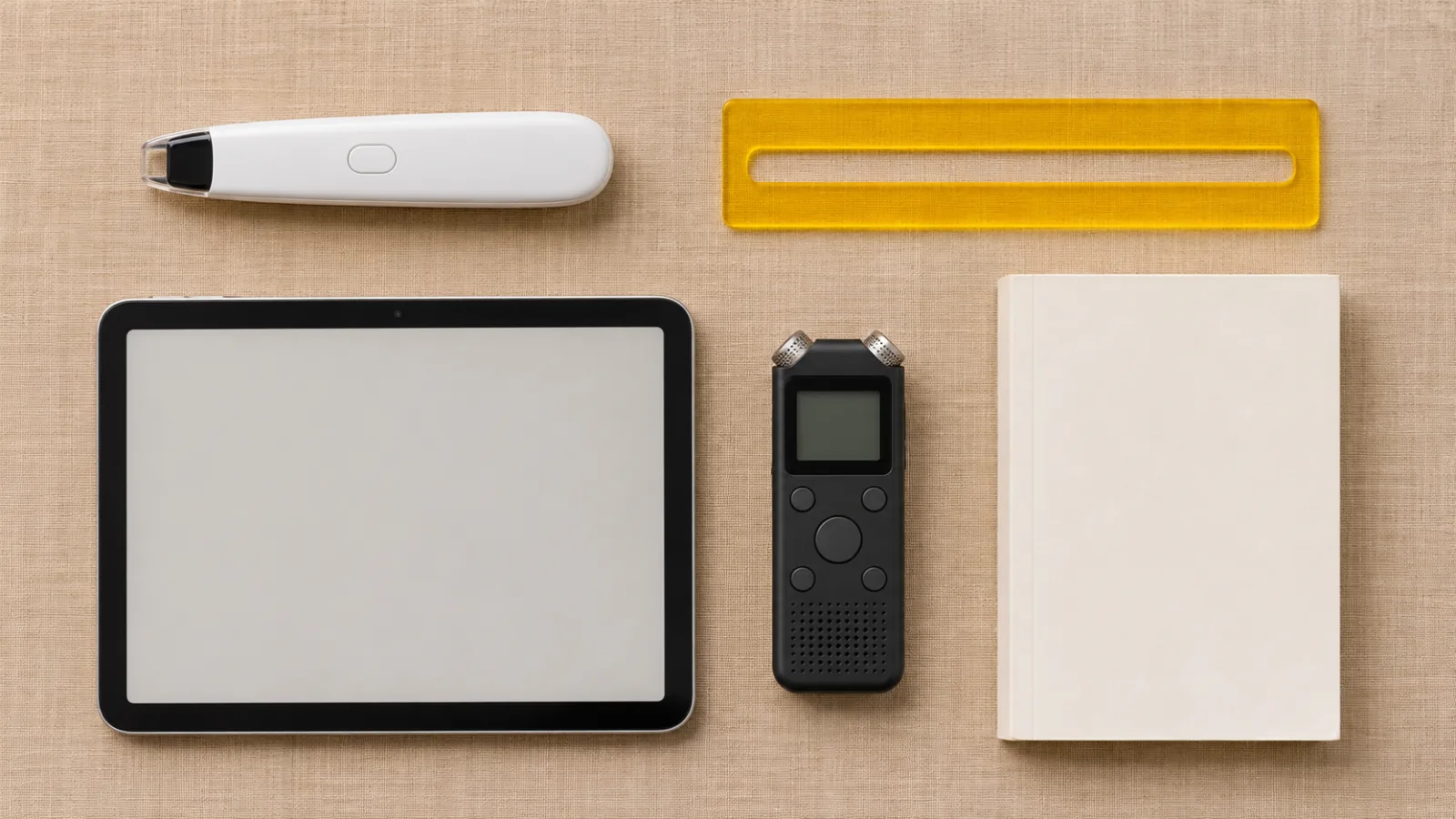
Assistive Technology for Dyslexia: A Complete Guide
Assistive technology for dyslexia by task: text to speech, dictation, reading pens and audiobooks, the free tools on your devices, and who pays for more.

Best Text-to-Speech Apps for Dyslexia (2026)
The best text-to-speech apps for dyslexia in 2026, compared on word highlighting, photo reading, fonts and price. Three top picks are free and built in.

Signs of Dyslexia in Adults: A 20-Point Checklist
20 signs of dyslexia in adults, from slow reading and erratic spelling to forgetting names, plus a free screener and how to get tested as an adult.