


Text to Speech for Homeschooling: A Practical Guide for Parents
Text to speech for homeschooling: how to use it at each age, free tools on devices you own, free books, curriculum PDFs and a sample weekly plan.
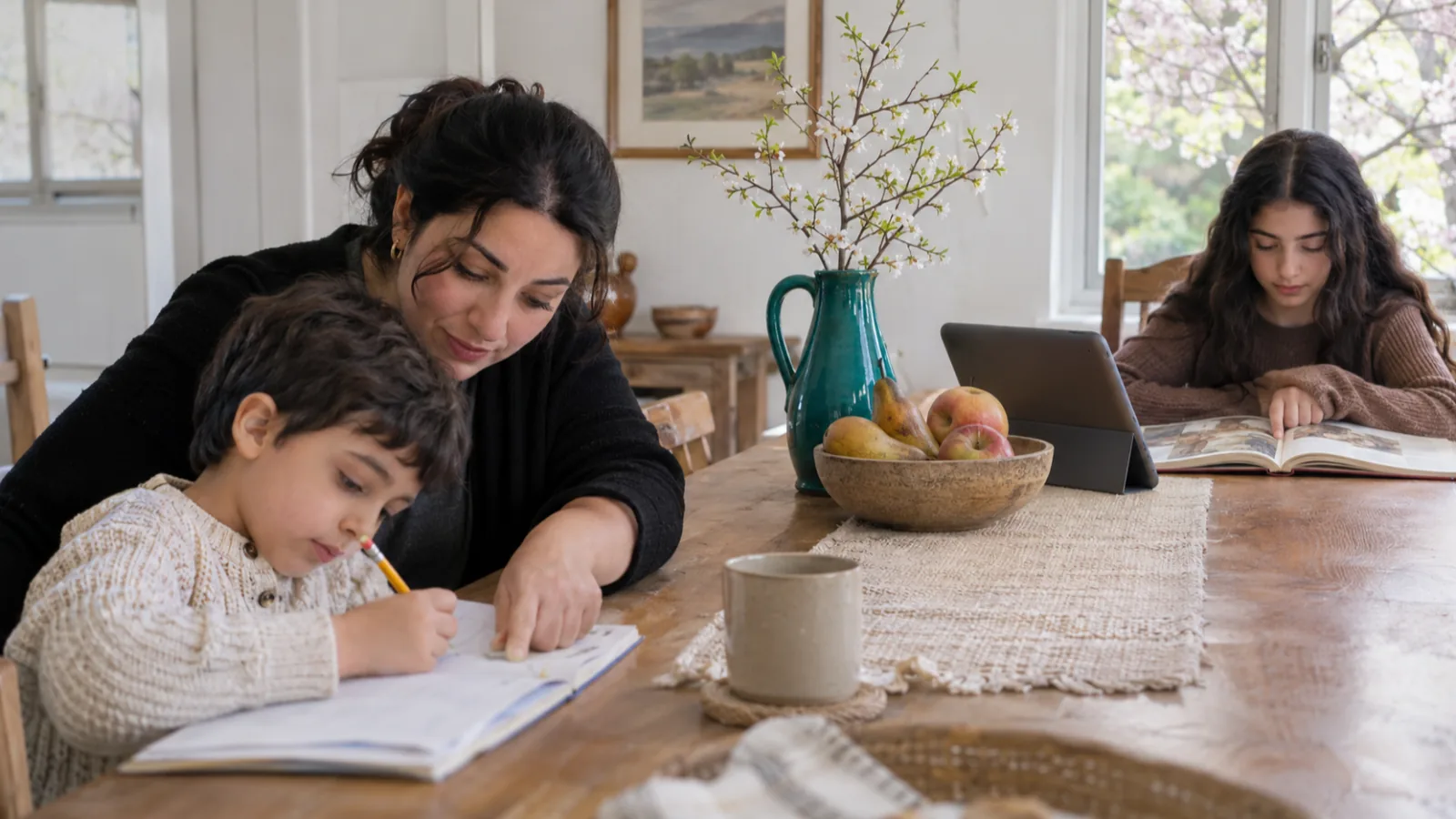
Text to speech for homeschooling lets your kids listen to curriculum PDFs, living books and history readings while following the highlighted words, so one parent can teach several ages at once. Use it for content subjects and independent work, keep phonics lessons on the page, and start with the free read-aloud tools on your iPad, Chromebook or computer.
Use text to speech for content: history, science, literature and older students' independent reading. Keep phonics and fluency practice as reading lessons with you.
It frees you to teach one child while another listens to their assigned reading with highlighting on.
Most homeschool curricula come as PDFs. Text-based PDFs read aloud well; scanned pages need text recognition first.
Public-domain classics are free to read and listen to, from Project Gutenberg eBooks to LibriVox's volunteer-read audiobooks.
If your child's reading is far behind, get an evaluation from a qualified professional. Text to speech helps them keep learning, but it isn't a reading intervention.
Text to speech for homeschooling does one big job: it lets each child work through their own reading while you teach someone else. Your ten-year-old listens to today's history chapter with the words highlighted while you sit with your six-year-old for phonics. Below: what to use it for at each age, the free tools on devices you already own, where to find free books, and a sample week.
It's also a way to cover more of the books you want your kids to know. Read-aloud time is one of the best parts of homeschooling, but one parent's voice has limits. Text to speech handles the extra reading, so your own read-alouds can go to the books you most want to share.
What text to speech does in a homeschool
Use it wherever the goal is understanding content, not learning to decode.
| Job | How text to speech helps | Example |
|---|---|---|
| Teaching several ages at once | One child listens to their reading while you work with another | Fourth grader listens to a science chapter during your kindergarten phonics lesson |
| Literature above reading level | Kids hear books they understand but can't yet read alone | A nine-year-old listening to a classic novel |
| Curriculum PDFs | Turns the day's assigned pages into audio with highlighting | History spine, science text, unit study guide |
| Independent work for teens | Older students get through more reading on their own | High school literature, primary sources |
| Writing and revision | Kids hear their own drafts and catch missing words | Narration written down, essays |
| Your own prep | You listen to teacher guides and next week's reading | Commutes, chores, walks |
Text to speech for homeschooling by age
Match how you use it to your child's stage of reading.
| Age | Use text to speech for | Keep on the page |
|---|---|---|
| 5–7 | Listening together to stories and picture-book texts; hearing a word they ask about | Phonics, sounding out words, early reader books |
| 8–10 | Read-alongs of history and science; chapter books slightly above their level | Daily independent reading at their level |
| 11–13 | Independent listening to assigned reading with highlighting; hearing their own writing | Close reading of short passages, annotation |
| 14–18 | Literature, primary sources and textbook chapters; speed up to 1.5× or more once comfortable | Texts they need to quote or analyze closely |
The IES practice guide on foundational reading skills rates explicit teaching of letter-sound links and decoding as backed by strong evidence. That's the work text to speech can't do for your child. Treat it as a way into content, while your phonics curriculum builds reading skill.
Free text to speech tools on devices you already own
You don't need to buy anything to start. Every major device has a free read-aloud tool.
| Device | Tool | How to start it |
|---|---|---|
| iPad or iPhone | Speak Screen | Settings > Accessibility > Read & Speak, turn on Speak Screen, then swipe down with two fingers from the top |
| Chromebook | Select-to-speak | Turn on in Settings > Accessibility, then highlight text and press Search + S |
| Android | Select to Speak | Settings > Accessibility > Select to Speak, turn on the shortcut |
| Windows or Mac computer | Read Aloud in Microsoft Edge | Open a web page or PDF in Edge, press Ctrl+Shift+U (Command+Shift+U on a Mac) |
| Any computer with Chrome | Reading mode | Alt+Shift+R (Cmd+Option+R on a Mac), then Play |
Turn on word highlighting wherever you can. On an iPad, the highlight style and color are in the same Read & Speak settings, per Apple's guide. On a Chromebook, open Select-to-speak settings and turn on Highlight each word as it is spoken, per Google. Highlighting keeps your child's eyes on the words, which turns listening into reading along.
For a child who reads aloud to practice fluency, Microsoft's free Reading Coach works the other way around: your child reads a passage aloud, and it picks out the words they found hard and gives practice on them. Sign in with a personal Microsoft account. Microsoft says reading is currently in US English only and should be supervised by a parent or educator.
How to listen to homeschool curriculum PDFs and printed books
Most homeschool curricula arrive as PDFs, and many families still teach from printed books and workbooks.
- Test the PDF. Try to select a sentence. If it highlights, the PDF has real text and will read aloud.
- If it won't select, it's a scan. Run it through text recognition (OCR) first, or use an app that reads photos of printed pages. Our guide to listening to a scanned PDF walks through both.
- Assign by page range. "Listen to pages 41–48 with highlighting" is clearer than "do the history reading."
- Strip the clutter. Page numbers, headers and footers read aloud on every page are distracting. Some apps can skip them.
- For printed books, take a photo of the page with an app that reads photos of text, or look for a free digital edition.
Free books to listen to for homeschool
Older classics are often in the public domain in the US, which means they're free to read and to listen to.
- Project Gutenberg offers free eBooks of public-domain classics, including EPUB and plain-text versions that text-to-speech apps read well.
- LibriVox has free public-domain audiobooks read by volunteers, more than 21,000 completed projects according to the site.
- Bookshare is free for US students with a qualifying reading barrier, such as dyslexia or a visual impairment, certified by a professional. It says homeschooled students may qualify, and no IEP is required. Its ebooks read aloud while highlighting each word.
- Learning Ally offers human-read audiobooks for students with a documented learning, visual or physical disability. It costs $135 a year, sold as an annual membership.
For a starting list, see our guide to classic children's books in the public domain.
A sample homeschool week with text to speech
Here's one way to fit it into a week with two children, a seven-year-old and an eleven-year-old.
| Time | Seven-year-old | Eleven-year-old |
|---|---|---|
| 9:00–9:30 | Phonics lesson with you | Listens to the day's history reading with highlighting, writes three facts |
| 9:30–10:00 | Independent early-reader practice | Math with you |
| 10:00–10:30 | Listens to a picture book or nature story with you nearby | Reads a novel chapter independently, listening for harder pages |
| After lunch | Family read-aloud (you read) | Family read-aloud (you read) |
| Friday | Narrates a story back to you | Listens to their own week's writing and fixes three things |
The eleven-year-old's morning reading frees you for the phonics lesson the younger child can't do alone. The family read-aloud stays yours.
Homeschooling a child with dyslexia or ADHD
Text to speech can keep a child with dyslexia learning history, science and literature at their thinking level while their reading catches up. It doesn't teach reading. A child who is well behind needs systematic, explicit reading instruction, and a proper evaluation tells you what kind.
- Get an evaluation. A psychologist or other qualified specialist can assess reading. In the US, whether your public school district will evaluate a homeschooled child under IDEA's Child Find duty depends on your state, so ask your district's special education office. The Department of Education's Q&A on parentally placed children covers home-schooled children too.
- Watch for signs. The NHS lists signs of dyslexia such as reading below age expectations, slow, hesitant reading aloud, and messy writing with many spelling errors.
- For attention, shorter listening sessions, word highlighting and a clear task ("find two causes") help a child stay with the text. Our page on reading with ADHD covers read-along listening in more detail.
Our guide to dyslexia for parents explains what it is and how it's identified.
How Speechly fits a homeschool
Speechly is a text-to-speech reader app for iPhone, iPad, Android, Mac and Windows. It's useful for homeschooling because it reads the formats homeschool families actually have.
- Curriculum PDFs: open a PDF, Word document or EPUB and listen with word-by-word highlighting. On iPhone and iPad, it can skip repeating headers and footers so page numbers don't interrupt.
- Printed books and worksheets: take a photo of a book page or handout and listen to it.
- Free classics: a built-in catalog of 75,000+ free public-domain books.
- Car-schooling: it keeps reading with the phone locked, and it saves your place so you can pick up at home on another device.
- Planning: it estimates how long each document will take to listen to, which helps when you're planning the day.
- Speed and voices: 25+ natural AI voices in eight languages, at speeds from 0.5× to 2×.
Speechly has no offline listening, Chromebook app or browser extension. The free plan includes two text-to-speech files with premium voices; Premium is $14.99/month or $139/year for unlimited listening. See how older kids use it on our students page.
The bottom line
Use text to speech for homeschooling where it pays off most: content reading, independent work and teaching several ages at once. Keep phonics and the family read-aloud on the page and in your voice. Start with the free tools on your devices, add free public-domain books, and download Speechly free when you want natural voices for your curriculum PDFs and printed pages.
Frequently asked questions
Is listening to books OK for homeschool reading?
For literature, history and science, yes: your child takes in the same story, ideas and vocabulary. Most children still need daily practice reading on their own, so keep phonics and independent reading time alongside listening.
What age can kids start using text to speech?
Children can listen with you from the start of formal schooling, about age five. Independent use, where a child starts and pauses it themselves, works from about seven or eight, once they can follow highlighted words.
Can text to speech read my homeschool curriculum PDFs?
Yes, if the PDF contains real text. Try selecting a sentence: if it highlights, it will read aloud. Scanned pages are images and need text recognition (OCR) first, or an app that reads photos of printed text.
Is there free text to speech for homeschoolers?
Yes. iPads have Speak Screen, Chromebooks have Select-to-speak, Android phones have Select to Speak, and the Edge and Chrome browsers read web pages and PDFs aloud. All are free and need no accounts.
Do homeschooled students qualify for Bookshare?
They can. Bookshare says homeschooled students may qualify and that membership is free for US students with a qualifying reading barrier such as dyslexia, certified by a professional. No IEP is required.
Does text to speech help with homeschooling a child with dyslexia?
It helps them keep up with content while they build reading skills. It doesn't teach decoding. Pair it with structured, systematic reading instruction, ideally guided by an evaluation from a qualified professional.
Listen with Speechly
Natural AI voices on iPhone, iPad, Android, Mac and Windows, with word highlighting and your place saved on every device. Free to download.
Prices and features of other products were checked on November 18, 2026 and can change. Speechly is not affiliated with the other companies named here.
How Parents Can Use Text to Speech to Help Kids Read
How parents can use text to speech to help kids read: 7 routines by age, free setup on iPad, Chromebook and Android, and when to talk to the school.
Classic Children's Books in the Public Domain
Classic children's books in the public domain, from Peter Rabbit to Winnie-the-Pooh, sorted by age, with free audiobook links and listening times.
Does Listening to Audiobooks Count as Reading?
Does listening to audiobooks count as reading? Usually yes. What 46 studies and brain scans show, the 4 exceptions, and how it counts for goals and school.