


Text to Speech for Small Business Owners: Read Less, Get More Done
Text to speech for small business owners: proofread quotes and emails by ear, get through contracts on the road and keep customer data safe. Free tools.

Text to speech for small business owners does two useful jobs: it reads your quotes, emails and website copy back before customers see them, and it turns contracts, supplier terms and industry reading into audio you can get through between jobs. Word, Outlook, Edge, Chrome, Macs and phones do it free.
The highest-value use is a listening pass on anything a customer will read: quotes, proposals, website pages, policies and important emails.
Listening is a good first read for contracts, leases and supplier terms. Check numbers, dates and obligations by eye, and get professional advice before you sign anything that matters.
You probably already own a reader: Word, Outlook, Edge, Chrome's Reading mode, every Mac, iPhone and Android phone can read text aloud.
Reading tools are different from voice generators. If you need a voiceover for an ad or a phone menu, that is a separate kind of product.
Before you put customer or employee information into any app, check its privacy policy and keep only what you need, as the FTC advises.
Text to speech for small business owners turns the reading that piles up around running a business into audio. It reads your quote or proposal back to you before a customer sees it, so the wrong price or the missing word stands out, and it turns contracts, supplier terms and industry newsletters into something you can get through in the van, at the counter or on a walk.
You probably already have the tools. Word, Outlook, Edge, Chrome, every Mac, iPhone and Android phone can read text aloud for free. If you want natural voices and one reader for PDFs, Word files and web pages on every device, Speechly runs on Mac, Windows, iPhone, iPad and Android.
What can text to speech do for a small business owner?
It does two jobs: checking what you write and getting through what other people send you.
| Task | Why listening helps | Free tool to start with |
|---|---|---|
| Quotes, estimates and proposals | You hear a wrong figure or a doubled word you'd read past | Word's Read Aloud |
| Important emails to customers | Tone: whether it sounds the way you meant | Outlook's Read Aloud |
| Website pages and product descriptions | Clunky sentences and typos before they go live | Edge's Read Aloud |
| Contracts, leases and supplier terms | A first read away from the desk | Acrobat Reader's Read Out Loud |
| Policies, handbooks and safety rules you write for staff | Whether a new hire will follow it | Word's Read Aloud |
| Industry newsletters and trade articles | Keeping up between jobs | Chrome's Reading mode, Speak Screen on iPhone |
| Government guidance and tax letters | Getting the gist before you call your accountant | Select to Speak on Android |
It's also an accessibility tool. If dyslexia, low vision, a long day on a screen or English as a second language makes dense text slow going, hearing it while you follow along can make a 20-page lease manageable.
Reading tools vs. voice generators: which do you need?
Many results for this search are voiceover products, and they solve a different problem. Decide which job you have before you pay for anything.
| Reading tools | Voice generators | |
|---|---|---|
| What they do | Read text aloud to you | Produce audio files for other people to hear |
| Typical business use | Proofreading, contracts, email, research | Ads, explainer videos, on-hold messages, phone menus |
| Examples | Word's Read Aloud, Speak selection on a Mac, reader apps | AI voiceover studios and cloud voice APIs |
| What to check | Voices, file types, devices, privacy | Commercial-use license, voice rights, file formats |
This guide covers reading tools. If you need audio for customers to hear, look for a voice generator and read its license terms for commercial use.
Free text to speech tools you already have
The best free option is the one built into the program the document is already in. We checked each against the vendor's documentation on November 18, 2026.
| Where | How to start it | Best for |
|---|---|---|
| Word for Windows | Review > Read Aloud, or Ctrl+Alt+Space | Quotes, proposals, policies |
| Word for Mac | Review > Read Aloud, or Ctrl+Option+Space | Quotes, proposals, policies |
| Classic Outlook for Windows | Home > Read Aloud, or Ctrl+Alt+Space | Customer emails |
| New Outlook | Open the email, then View > Immersive Reader > Play | Customer emails |
| Microsoft Edge | Ctrl+Shift+U (Windows), Command+Shift+U (Mac) | Web pages and PDFs |
| Chrome on a computer | Right-click > Open in reading mode, then Play | Articles and web pages |
| Any app on a Mac | Turn on Speak selection, then Option-Esc | Anything you can select |
| iPhone and iPad | Speak Screen: two-finger swipe down from the top | Reading on the go |
| Android | Select to Speak: two-finger swipe up | Reading on the go |
A few setup notes from the official guides:
- Word: Read Aloud needs Office 2019, Office 2021 or Microsoft 365, per Microsoft's Read Aloud guide. The gear icon changes speed and voice.
- Outlook: in classic Outlook, if you don't see the button, turn on File > Options > Accessibility > Show Read Aloud. Microsoft's Outlook guide covers both versions. Gmail users can follow our guide to having Gmail read your emails.
- Chrome: Reading mode's read aloud works in Chrome on a computer, with word or sentence highlighting under Settings > Voice highlight, per Google's Chrome help.
- Mac: go to System Settings > Accessibility > Read & Speak and turn on Speak selection, per Apple's Mac guide.
- iPhone: go to Settings > Accessibility > Read & Speak and turn on Speak Screen, per Apple's iPhone guide.
- Android: go to Settings > Accessibility > Select to Speak and turn on the shortcut, per Google's Android help.
How to proofread quotes, proposals and emails by ear
A listening pass is the cheapest proofreader a small business can get. A voice reads exactly what's on the page, so it doesn't skip the word you meant to type.
- Finish your edits first. Listen to the version you're about to send.
- Start at the top with your read-aloud tool.
- Keep it at normal speed. You're listening for single words.
- Follow along on screen so you can stop exactly where something sounds off.
- Stop when the voice stumbles. A sentence that sounds wrong usually is.
- Check prices, dates and names by eye. Listening is weak on numbers and on homophones like "their" and "there".
What listening is good and bad at:
| Listening catches | Check by eye instead |
|---|---|
| Missing and doubled words | Prices, totals, quantities and tax |
| Sentences too long to follow | Dates, deadlines and payment terms |
| A tone that sounds curt or pushy | Customer names and spellings |
| Repeated phrases in website copy | Homophones ("your" and "you're") |
| Leftovers from a copied old quote | Links, phone numbers and addresses |
That last row matters for anyone who reuses templates. Hearing another customer's project name read aloud in a new quote is hard to miss. Our guide to proofreading by listening covers the routine in more depth.
How to get through contracts, leases and paperwork
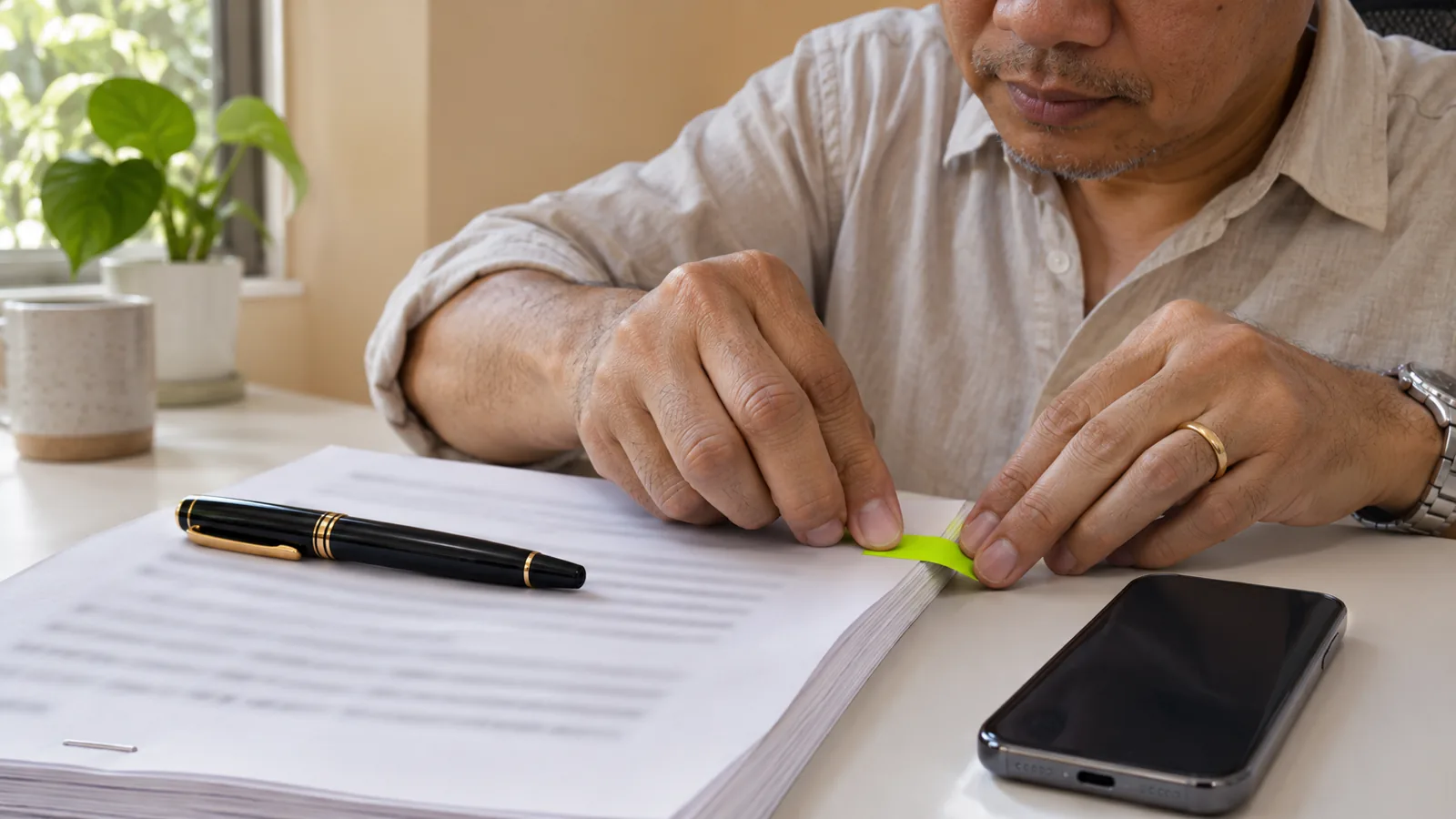
Listening is a good way to do the first read of a long document you've been putting off. It gives you the shape of the deal and the clauses you want to ask about. It isn't a substitute for reading the parts that cost money.
- Listen once for the big picture: who does what, for how long, and for how much.
- Note the sections to reread, such as renewal, termination, payment, liability and exclusivity.
- Read those sections yourself, with the numbers and dates in front of you.
- Ask a professional about anything with real money or risk attached. A lawyer for contracts and leases, an accountant for tax letters.
Scanned PDFs often have no text layer, so a reader has nothing to read. Our guides on listening to legal documents and contracts and listening to a scanned PDF cover the fixes.
Turn drive time and downtime into reading time
Many owners spend hours a week driving between jobs, waiting on suppliers or standing at a counter between customers. That time works well for reading by ear.
- Queue it before you go. Open the newsletter, report or contract and start playback while you're parked.
- Pick the right material for the moment. Trade articles and long emails suit the road. Anything with tables, numbers or fine print can wait for the desk.
- Keep your eyes on the road. Don't look at the screen to follow along while driving. Our guide to listening to text while driving safely has a full routine.
For a broader setup across phone and laptop, see how to listen to work documents on the go.
Keep customer and employee data safe
Small businesses handle more sensitive information than they often realize: customer addresses, invoices, employee records and bank details. Before you upload any of it to a new app, do three checks.
- Read the privacy policy. It should say how uploaded content is handled. If it doesn't, don't upload.
- Upload only what you need to hear. A supplier contract is low risk. A spreadsheet of customer card details doesn't need to be read aloud at all.
- Use built-in tools for the most sensitive files. Read Aloud inside Word or Outlook adds no new vendor.
The FTC's free guide, Protecting Personal Information: A Guide for Business, sums up the habit in five principles: take stock, scale down, lock it, pitch it and plan ahead. It applies to businesses of any size. Our checklist on whether text to speech is private covers what to look for in an app.
How small business owners can use Speechly
Built-in tools each work in one program, with their own voices and controls. Speechly is one reader on Mac, Windows, iPhone, iPad and Android, with 25+ natural AI voices and word-by-word highlighting.
- Proofread in any app on a Mac. Select the quote, the email or the website draft and press ⌘E. A small floating, always-on-top mini player reads it aloud while your document stays open for edits.
- Proofread in any app on Windows. Select the text and press Alt+R. A floating player reads it, and recent readings are saved.
- Listen to contracts and reports. Open the PDF, Word document or EPUB in Speechly's PDF reader, or paste a link to a web page.
- Listen to paper. Take a photo of a printed letter, handout or invoice and listen to it.
- Use the drive. Listening continues with your phone locked, and Speechly saves your place so you can start on your laptop and finish on your phone when you sign in with the same account.
You can set the speed from 0.5× to 2× and see how long each document will take to listen to. Content is processed securely and is not shared.
Speechly reads documents to you; it doesn't make voiceovers or export audio files, and it has no offline listening or browser extension. The free plan includes two text-to-speech files with premium voices, no card required. Premium is $14.99/month or $139/year for unlimited listening on every device.
The bottom line
Text to speech earns its place in a small business by catching mistakes before customers do and by moving your reading backlog off the desk. Start with Read Aloud in Word and Outlook for your next quote, listen to the next contract once before you read its key clauses, and keep customer data out of any app you haven't checked. When you want natural voices on every device, download Speechly free.
Frequently asked questions
What is the best text to speech for a small business?
For reading documents, start with what you already own: Read Aloud in Word and Outlook, Edge or Chrome for web pages, and the built-in readers on your phone and Mac. Move to a dedicated reader app when you want natural voices and one place for PDFs, Word files and web pages on every device.
Is text to speech free?
The built-in tools are. Windows, macOS, iOS and Android all include text to speech, and Word, Outlook, Edge and Chrome add read-aloud buttons. Paid apps mainly add more natural voices, more file types and syncing across devices.
Can text to speech make a voiceover for my business video or phone menu?
Reading tools like Word's Read Aloud are made for listening, not for producing audio files. For ads, videos or phone menus, look at voice generation tools and check their commercial-use license before you publish anything.
Can I listen to a contract instead of reading it?
For a first read, yes. Listening helps you get the overall deal and spot clauses to question. Read the numbers, dates, renewal terms and termination clauses yourself, and ask a lawyer about anything with real money or risk attached.
Is it safe to put customer information into a text-to-speech app?
Only if you've checked the app's privacy policy and you're comfortable with how it handles uploaded content. For the most sensitive files, the read-aloud built into software you already use adds no new vendor.
Can text to speech help if I have dyslexia?
Many people with dyslexia find listening while following the text on screen makes long documents easier. It's a reading tool, not a treatment, and an educational psychologist or other qualified professional can assess reading difficulties if you've never been evaluated.
Listen with Speechly
Natural AI voices on iPhone, iPad, Android, Mac and Windows, with word highlighting and your place saved on every device. Free to download.
Prices and features of other products were checked on November 18, 2026 and can change. Speechly is not affiliated with the other companies named here.

How to Proofread by Listening
How to proofread by listening with the read-aloud tools already in Word, Google Docs, Mac, Windows and your phone, plus what your ears will miss.
How to Listen to Legal Documents and Contracts
How to listen to legal documents and contracts in Word, Acrobat, Edge or on your phone, plus the clauses to listen for and what text to speech misreads.
How to Listen to Work Documents on the Go
How to listen to work documents on the go: exact steps for Word, PDFs and Google Docs on iPhone and Android, and how to keep audio playing when locked.