


What Is Assistive Technology? Examples for Reading
What is assistive technology? Examples for reading, from line guides to text to speech, who uses them, and how to get them free at school, work or home.
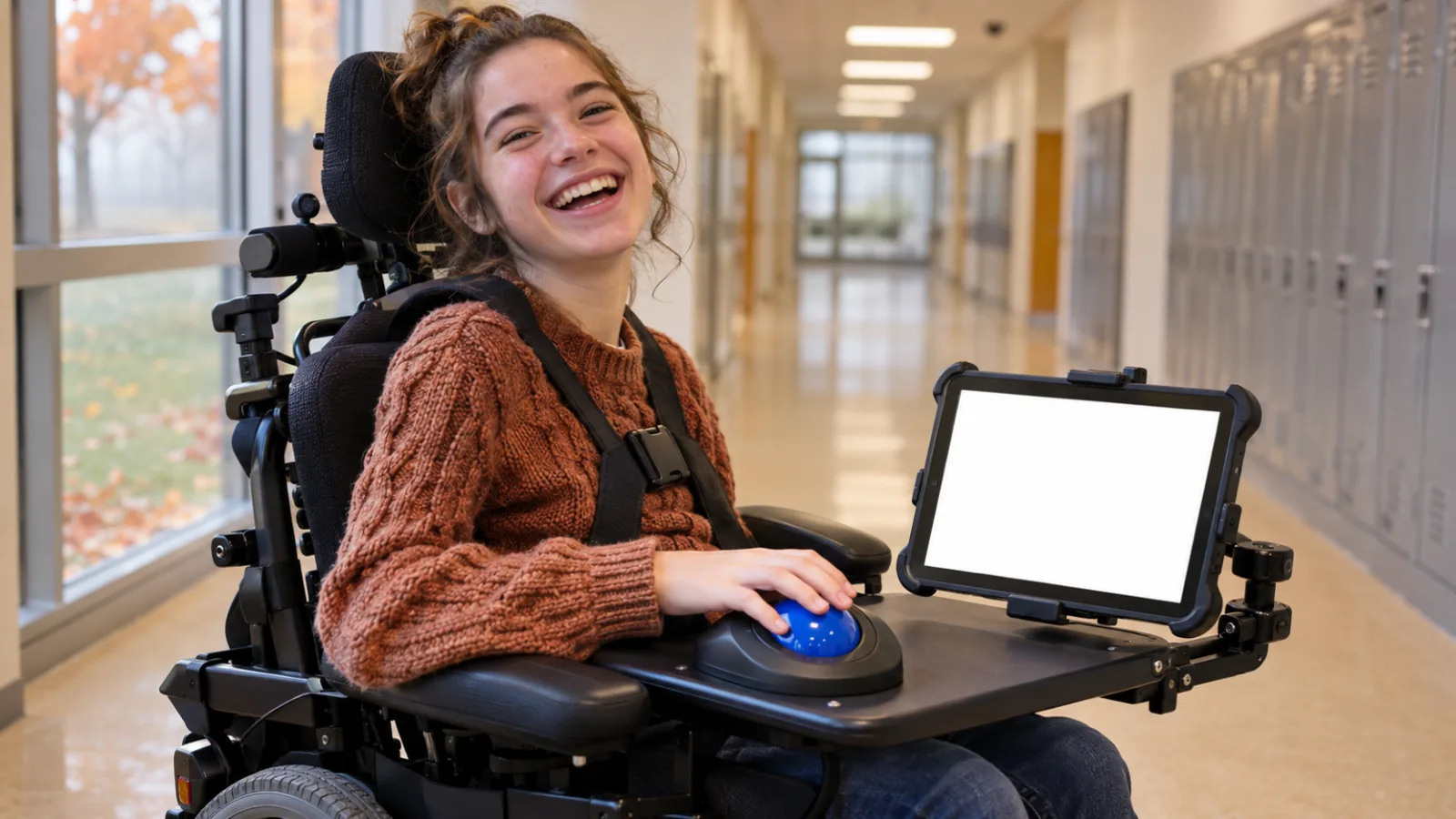
Assistive technology is any device, software or tool that helps a person with a disability do something they'd otherwise find hard or impossible. Examples for reading include line guides, magnifiers, large print, audiobooks, text to speech, screen readers, braille displays, scanning apps and reading pens. Many are already built into phones and computers for free.
US law defines an assistive technology device as any item, equipment or product system, off the shelf or customized, that improves the abilities of a person with a disability.
Assistive technology for reading works in three ways: it changes the format (audio, braille), changes the display (bigger, clearer), or converts print into digital text.
It ranges from low tech, such as a reading ruler, to high tech, such as text to speech or a refreshable braille display.
A regular phone app counts as assistive technology when it's used to get around a disability.
US schools must consider assistive technology for every student with an IEP, and every state has an AT Act program for trying devices.
What is assistive technology? Examples for reading make it concrete: a line guide, a magnifier, text to speech, a screen reader, a braille display or an app that reads a photo of a printed page aloud. Assistive technology is any device, software or tool that helps a person with a disability do something that would otherwise be hard or impossible.
The term sounds technical, but much of it is ordinary. Glasses are assistive technology. So is the read-aloud button already on your phone. This explainer covers the definition, how reading technology works, 15 examples, and how to get it for free at school, work or home.
What is assistive technology?
Assistive technology is the tool plus the support to use it. US special education law defines an assistive technology device as any item, piece of equipment or product system, "whether acquired commercially off the shelf, modified, or customized," used to increase, maintain or improve the abilities of a child with a disability. An assistive technology service is any help choosing, getting or using that device, such as an evaluation or training.
The World Health Organization calls assistive technology "an umbrella term for assistive products and their related systems and services." Its fact sheet estimates that more than 2.5 billion people worldwide need at least one assistive product, a number expected to reach 3.5 billion by 2050 as populations age.
Two points follow from these definitions:
- It doesn't have to be specialized. A standard phone app counts when it's used to work around a disability.
- The tool alone isn't enough. Training and setup are part of assistive technology, which is why schools and employers are expected to provide both.
How assistive technology for reading works
Reading has several steps where a disability can get in the way: seeing the print, decoding the words, holding attention and holding the book. Reading technology works around a barrier in one of three ways.
| Approach | What it does | Examples |
|---|---|---|
| Change the format | Turns print into another sense | Audiobooks, text to speech, screen readers, braille |
| Change the display | Makes print easier to see or track | Magnifiers, large print, reading view, line focus |
| Convert print to digital | Turns paper into text other tools can read | Scanning apps (OCR), reading pens |
Converting comes first for anything on paper. Once a worksheet or book page is digital text, it can be enlarged, read aloud or sent to a braille display.
15 examples of assistive technology for reading
From lowest tech to highest:
| # | Tool | What it does | Often used by people with |
|---|---|---|---|
| 1 | Reading ruler or line guide | Shows one line at a time | Dyslexia, ADHD, visual tracking difficulties |
| 2 | Bookstand or page holder | Holds the book at the right angle | Physical disabilities, fatigue |
| 3 | Large-print books | Bigger text on paper | Low vision, older readers |
| 4 | Handheld magnifier | Enlarges a small area of print | Low vision |
| 5 | Video magnifier | Camera shows enlarged print on a screen | Low vision |
| 6 | Screen magnification | Zooms part or all of the screen | Low vision |
| 7 | Reading view and display settings | Larger text, spacing, contrast, fewer distractions | Dyslexia, low vision, ADHD |
| 8 | Immersive reading tools | Line focus, syllable breaks, picture dictionary | Dyslexia, early readers |
| 9 | Audiobooks | Recorded human or AI narration | Dyslexia, blindness, physical disabilities |
| 10 | Accessible libraries | Free books in audio, braille and digital formats | Any print disability |
| 11 | Text to speech | Reads digital text aloud, often with highlighting | Dyslexia, ADHD, low vision, aphasia |
| 12 | Screen readers | Read and navigate everything on screen by voice | Blindness, severe low vision |
| 13 | Scanning apps (OCR) | Turn a photo of print into digital text | Anyone who needs paper read aloud |
| 14 | Reading pens | Scan a line of print and read it aloud | Dyslexia, students in exams |
| 15 | Refreshable braille displays | Show screen text as raised braille pins | Braille readers |
Low-tech tools: 1 to 5
Low-tech tools need no power or setup, which makes them quick to try and easy to use anywhere. A reading ruler, a bookstand or a handheld magnifier can solve a specific problem for very little money. They're often the first step before trying something digital.
Display tools: 6 to 8
Every major device can make text bigger and clearer. Phones and computers have zoom and magnifier features, browsers have reading views that strip out ads and menus, and tools like Microsoft's Immersive Reader add line focus and syllable breaks. Our guides to reading accessibility features on iPhone and on Windows list where each setting lives.
Audio tools: 9 to 12
Audio removes print as the barrier. Audiobooks suit long books with a narrator. Free accessible libraries widen the choice: Bookshare is free for qualifying US students with a print disability, and the National Library Service for the Blind and Print Disabled lends free audio and braille books to eligible US residents, including people with a certified reading disability.
Text to speech reads any digital text aloud, from a web page to a PDF, and screen readers go further by reading and navigating the whole device. They're often confused; see screen readers vs text to speech for the difference.
Conversion and braille: 13 to 15
Scanning apps use optical character recognition (OCR) to turn a photo of a page into text you can enlarge or listen to. Reading pens do the same one line at a time, and some models are designed to be used in exams. Refreshable braille displays raise and lower small pins to show a line of text as braille, so braille readers can read anything on a screen.
Who uses assistive technology for reading?
Anyone for whom standard print is a barrier, including people with:
- Dyslexia and other learning disabilities: text to speech, audiobooks, reading pens and display tools. Our complete guide to assistive technology for dyslexia goes task by task.
- ADHD: line guides, reading views, and listening while following the text.
- Low vision and blindness: magnifiers, large print, screen readers, braille and audio.
- Physical disabilities: bookstands, digital books that don't need page turning, and audio.
- Brain injury, stroke or aphasia: text to speech and simplified layouts, often chosen with a speech-language pathologist or occupational therapist.
- Older adults: larger text, magnification and audio as eyesight changes.
How do you get assistive technology?
Much of it is free and already on your devices. For the rest, there are established routes in the US:
- School: IEP teams must consider whether a student needs assistive technology, and the school provides what the plan requires at no cost to the family. Students with a 504 plan can also receive it. Our guide to IEP and 504 plan accommodations for reading shows how to ask.
- College: the disability services office approves tools and often provides software or exam technology.
- Work: assistive technology can be a reasonable accommodation under the ADA. The Job Accommodation Network offers free guidance for employees and employers.
- Try before you buy: every US state has an Assistive Technology Act program that offers device demonstrations and short-term loans. Find yours through the AT3 Center.
How to choose
Start with the task, not the tool. Write down what's hard (reading worksheets, long novels, small print on medicine labels), where it happens, and what the person already uses. Try the free built-in option first, then a low-cost tool, and move to specialized devices only if those don't work. An assistive technology specialist, occupational therapist or teacher of the visually impaired can run a formal assessment.
Where Speechly fits
Speechly is a text-to-speech app, one of the audio tools on the list above. It runs on iPhone, iPad, Android, Mac and Windows and reads PDFs, Word documents, EPUB books, web pages and photos of printed pages aloud with 25+ natural AI voices and word-by-word highlighting. See how it supports readers with dyslexia and readers with ADHD.
- Take a photo of a book page, handout or letter and listen to it.
- Set the speed from 0.5× to 2× and jump to any sentence.
- On a Mac, select text in any app and press ⌘E; on Windows, press Alt+R.
- Start on the iPhone app and pick up where you left off on another device.
Speechly is free to download, and the free plan includes two text-to-speech files with premium voices. Premium is $14.99/month or $139/year for unlimited listening. It's a reading tool, so it works alongside, not instead of, instruction, therapy or a professional assessment.
The bottom line
Assistive technology is any tool that gets a disability out of the way of a task, and for reading that means changing the format, the display or turning print into digital text. Start with what's built in, borrow before you buy, and use school and workplace rights to get the rest. To hear your own documents and printed pages read aloud, download Speechly free and try it on something you've been putting off reading.
Frequently asked questions
What are 3 examples of assistive technology for reading?
Text to speech, which reads digital text aloud; magnifiers, from handheld lenses to screen zoom; and audiobooks, including free accessible libraries such as Bookshare and the National Library Service for the Blind and Print Disabled.
What is low-tech assistive technology for reading?
Simple tools with no power or software: reading rulers and line guides, large-print books, handheld magnifiers, bookstands, highlighters and pencil grips. They're cheap, quick to try and often a good first step.
Is text to speech assistive technology?
Yes. Text to speech is one of the most widely used reading technologies for people with dyslexia, ADHD, low vision and other print disabilities. It's built into iPhone, Android, Windows and Mac, and available in dedicated apps.
Is assistive technology only for people with disabilities?
It's defined by its use for a disability, but many of the same tools help everyone. Glasses are assistive products, and plenty of people use text to speech to read on a commute or rest their eyes.
Who pays for assistive technology?
For US students with an IEP or 504 plan, the school provides what the plan requires at no cost. Employers provide reasonable accommodations at work, and state AT Act programs lend devices so you can try them first. Many tools are free and built in.
Listen with Speechly
Natural AI voices on iPhone, iPad, Android, Mac and Windows, with word highlighting and your place saved on every device. Free to download.
Prices and features of other products were checked on November 18, 2026 and can change. Speechly is not affiliated with the other companies named here.
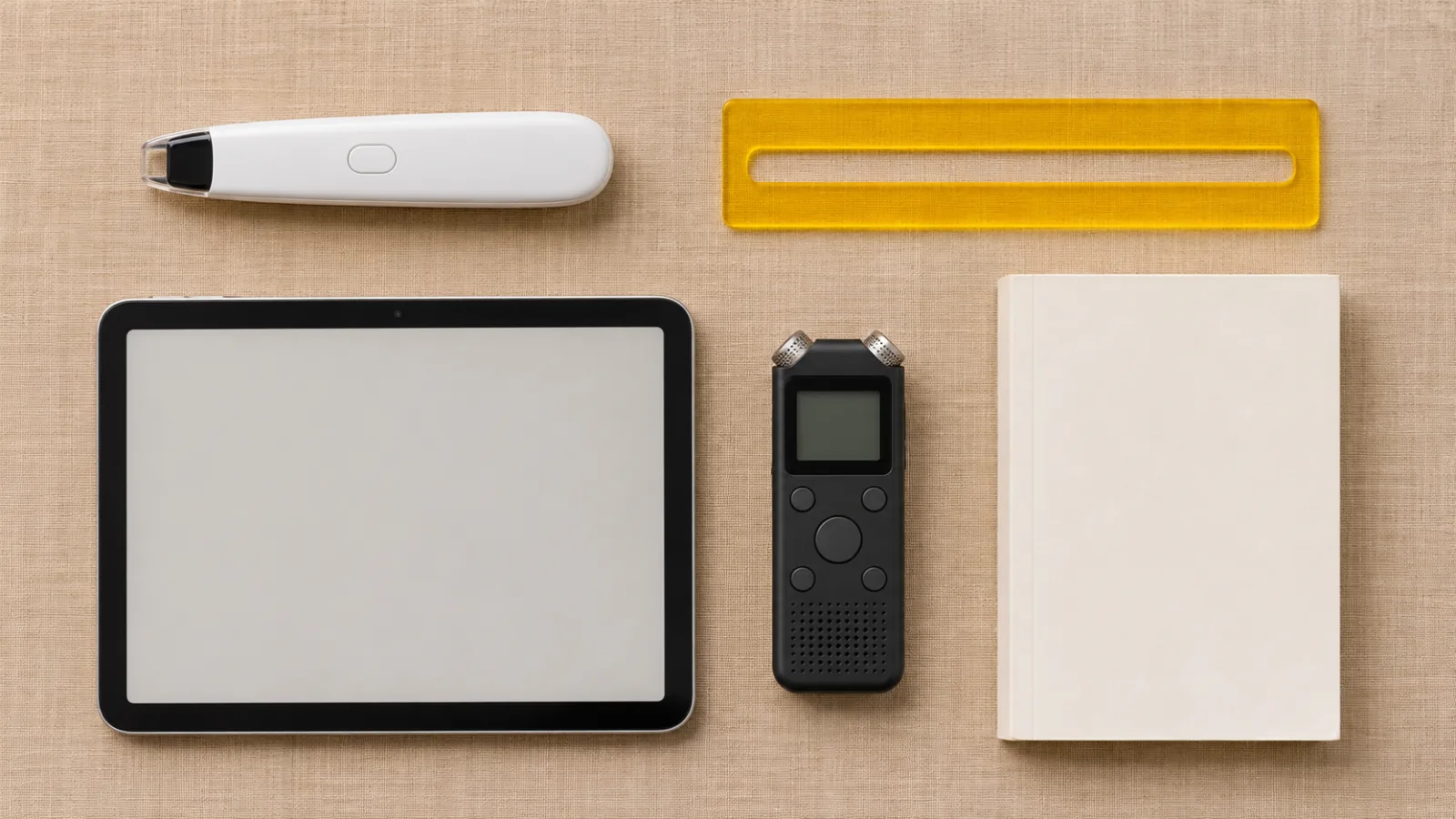
Assistive Technology for Dyslexia: A Complete Guide
Assistive technology for dyslexia by task: text to speech, dictation, reading pens and audiobooks, the free tools on your devices, and who pays for more.
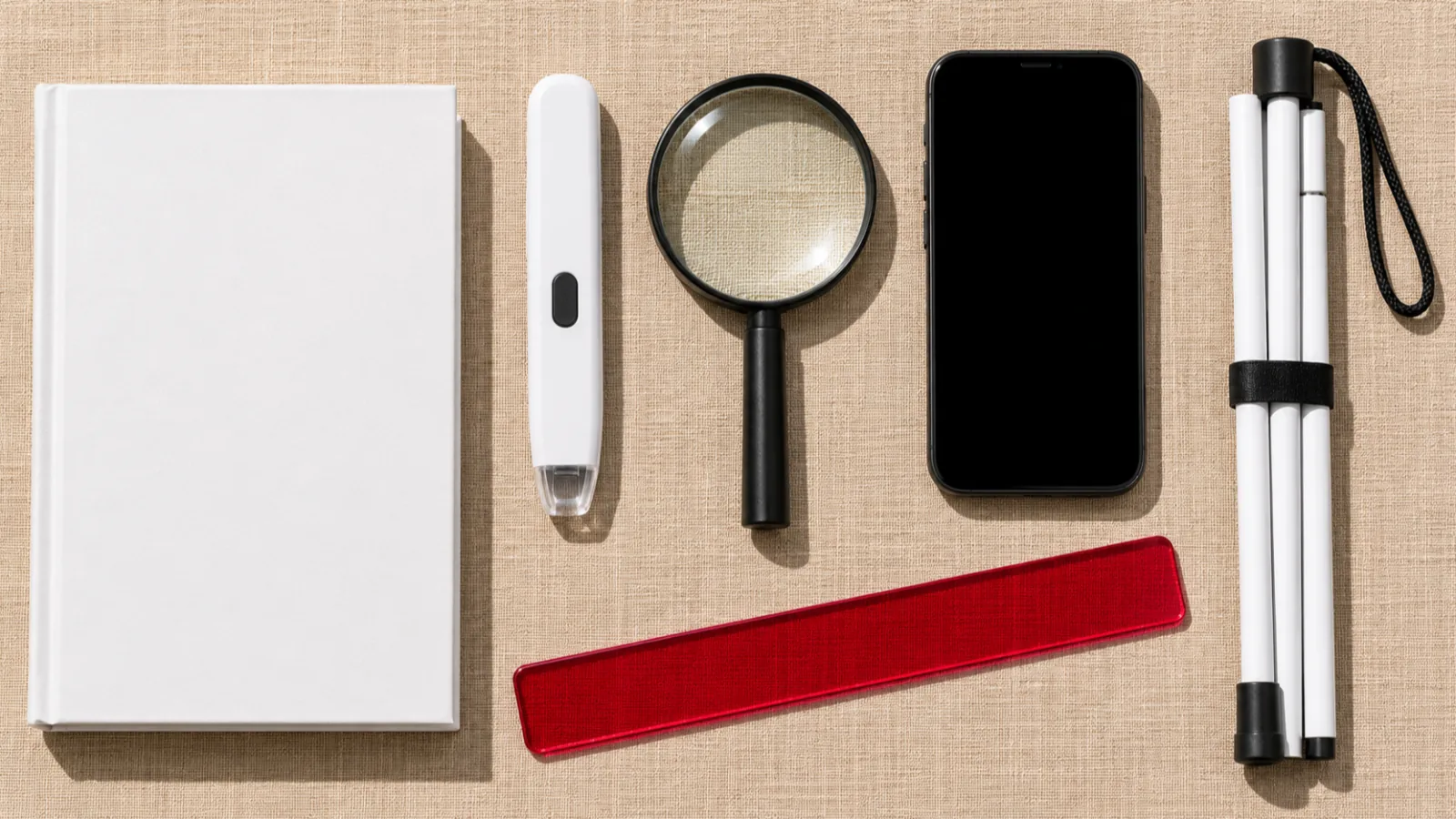
Best Assistive Technology for Reading (2026)
The best assistive technology for reading in 2026: apps, scanning pens, camera readers, literacy software and free libraries, compared with prices.
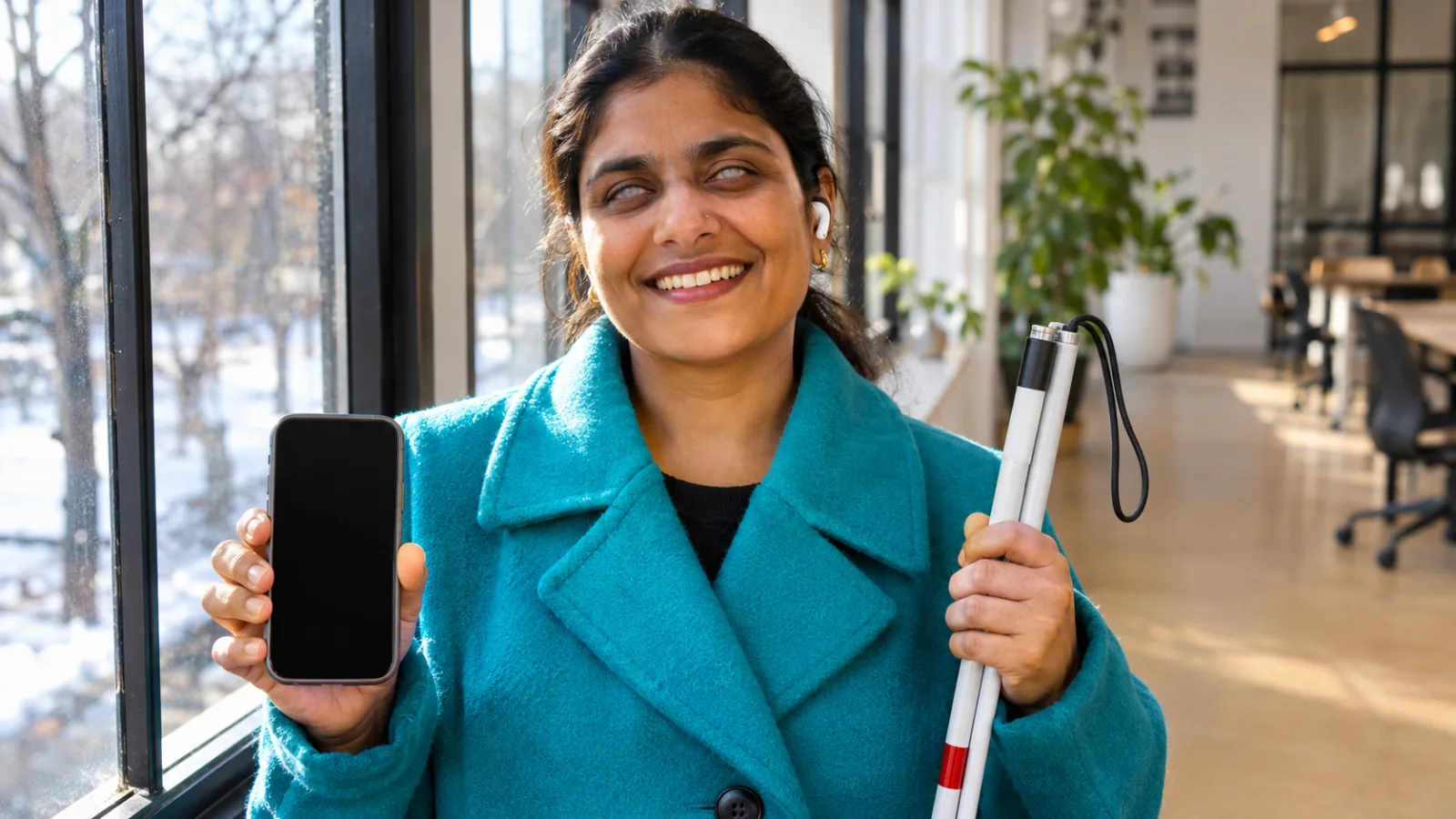
Screen Readers vs Text to Speech: What's the Difference?
Screen readers vs text to speech: how each works, who each is for, the free tools on iPhone, Android, Mac and Windows, and how to pick the right one.