


Text to Speech on iPhone, Android, Mac and Windows
How to make every device read to you: the built-in features on iPhone, iPad, Android, Mac, Windows and Chromebook, the settings that matter, and when an app does it better.

How to Make a Chromebook Read PDFs Aloud
How to make a Chromebook read PDFs aloud for free: Select-to-speak, ChromeVox, text extraction for scans, and the Read Aloud extension, step by step.

How to Use Text to Speech on a Kindle Fire Tablet
How to use text to speech on a Kindle Fire tablet: steps for Assistive Reader, Speak Selection and VoiceView, plus changing the voice and fixing silence.

How to Get Siri to Read Your Notes and Documents
How to get Siri to read your notes and documents aloud on iPhone, iPad and Mac: the Speak Screen command, a clipboard shortcut and what iOS 27 Siri can do.

How to Turn Off Text to Speech on Any Device
How to turn off text to speech on any device: the exact shortcut or setting on iPhone, Android, Windows, Mac, Chromebook, Kindle, smart TVs and Discord.

Text-to-Speech Keyboard Shortcuts for Every Platform
Text-to-speech keyboard shortcuts for every platform: Windows, Mac, Chromebook and Android, plus Edge, Word, Acrobat and Kindle, in one tested cheat sheet.

How to Speed Up Text-to-Speech Playback on Any Device
How to speed up text-to-speech playback on any device: the exact speed slider or shortcut on iPhone, Android, Windows, Mac, Chromebook, Edge and Word.

How to Make Your Phone Read Emails Aloud
How to make your phone read emails aloud for free on iPhone and Android, in Gmail, Outlook or Mail, plus AirPods announcements and quick fixes.
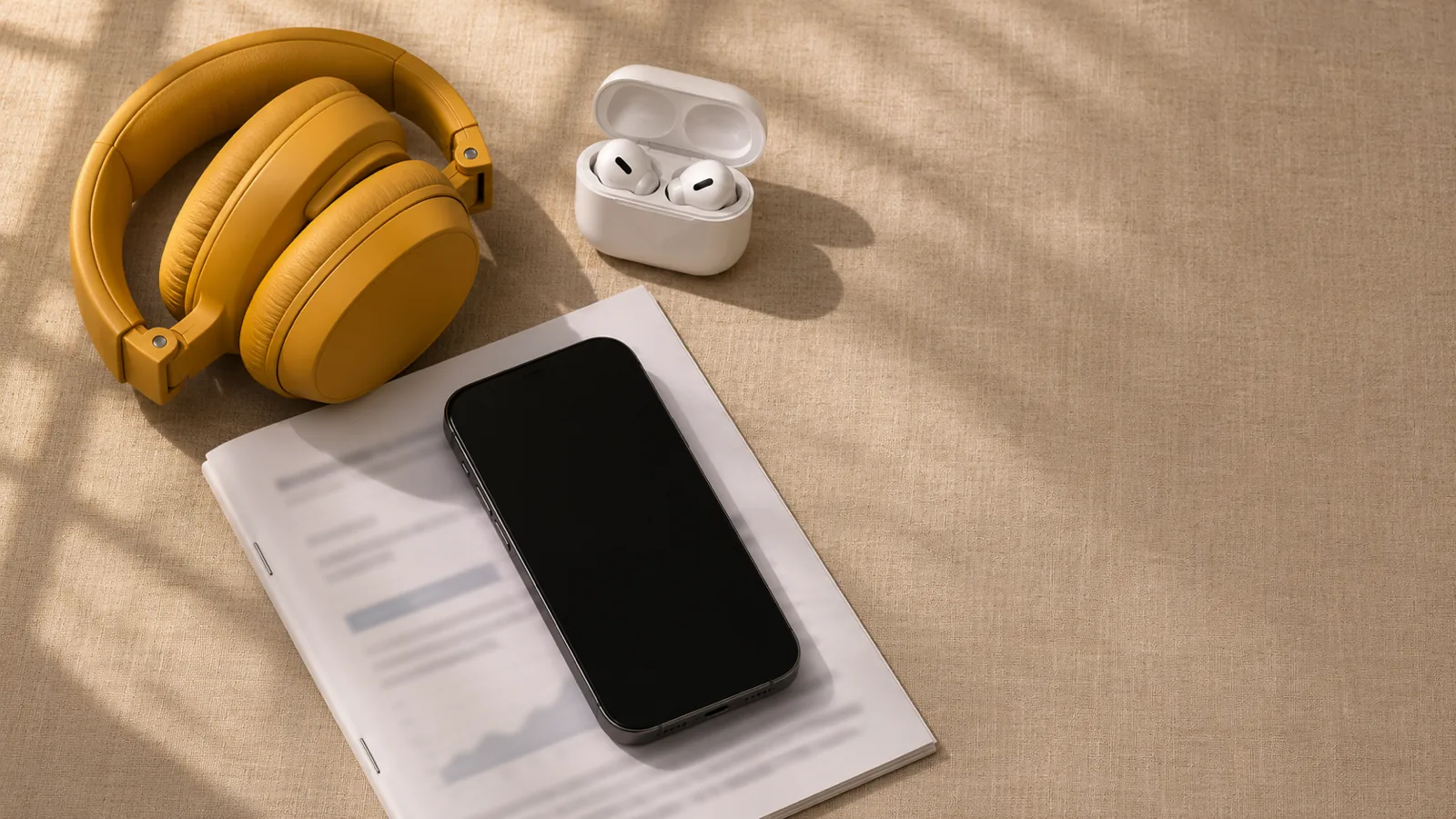
How to Listen to Documents on AirPods and Headphones
How to listen to documents on AirPods and headphones: free steps for PDFs and Word files on iPhone, Android, Mac and Windows, controls and quick fixes.

How to Listen to Text While Driving Safely
How to listen to text while driving safely: set up messages, articles and documents before you go, use CarPlay or Android Auto, and keep your eyes up.

How to Make Your iPhone Read Text Aloud
How to make your iPhone read text aloud for free: exact iOS 26 and 27 steps for Speak Selection, Speak Screen, Safari, better voices and quick fixes.

How to Use Select to Speak on Android
How to use Select to Speak on Android, step by step: turn it on (Pixel and Samsung), every shortcut, read photos aloud, change the voice and fix problems.